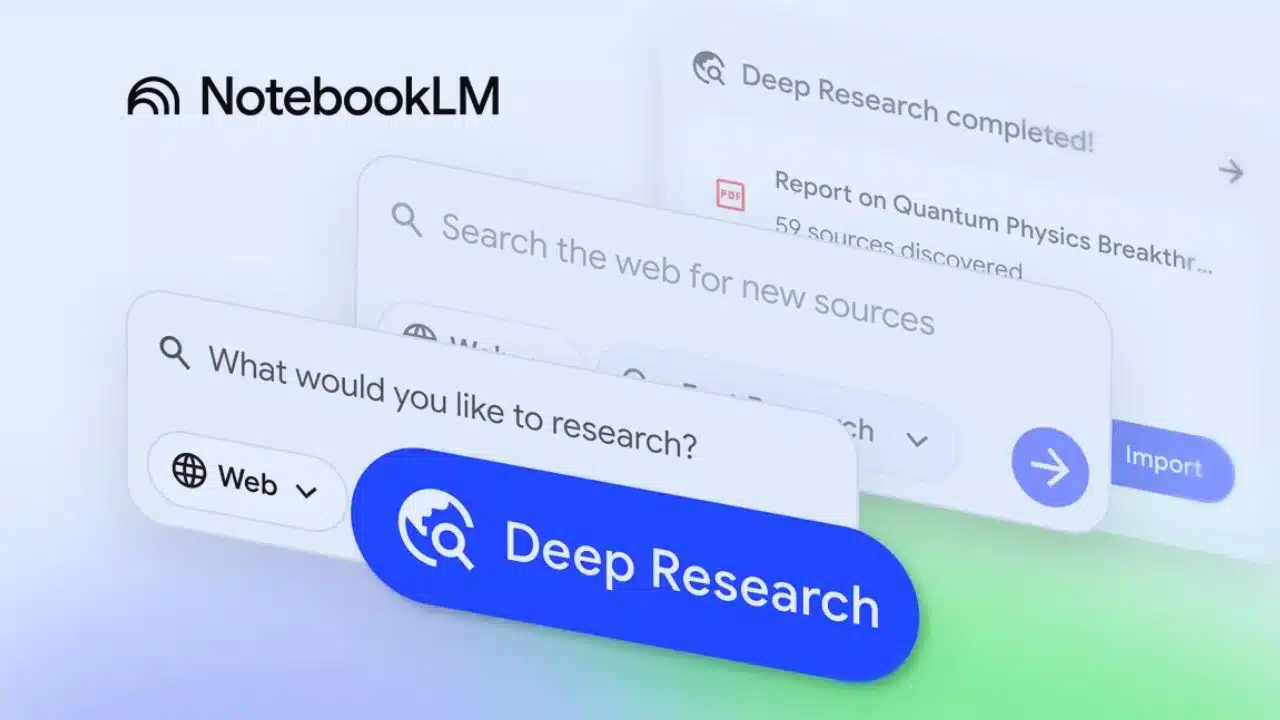
Google has announced a major update to NotebookLM, its AI-powered research assistant, bringing a mix of deeper automation, better document compatibility, and a more flexible workflow for users who rely on AI for large and complex information tasks. The highlight of this update is Deep Research, a feature designed to perform long-form, multi-step online investigations on behalf of the user. With this release, NotebookLM is shifting further toward becoming a full knowledge-workflow partner—something capable of not only answering questions but also independently gathering, analyzing, and organizing information across a wide range of sources.
Deep Research is not just an upgraded search function. It is built to mimic the work style of a human researcher who plans a task, checks multiple resources, validates sources, expands the search based on new findings, and finally compiles all the information into a coherent report. According to Google, the system can browse hundreds of websites in a single research cycle. Instead of returning a list of links or short snippets, it produces structured, readable reports that users can open inside NotebookLM, review, and edit. The goal is to reduce the amount of manual digging, tab-switching, and note-taking that typically slows down professional or academic research.
Along with this, Google is adding broader file-format support—most notably for Microsoft Word documents and Google Sheets. This makes it easier for users to bring their own materials into NotebookLM without converting files or breaking their workflow. The update also improves integration with Google Drive, allowing users to paste Drive URLs directly and even load multiple links at once. PDFs stored in Drive can now be added directly without requiring local re-uploads. Google says that image support—allowing users to upload photographs, handwritten notes, or scanned papers—will roll out in the coming weeks, further expanding the system’s ability to read and analyze diverse sources.
The new capabilities build on a series of rapid enhancements Google has made throughout 2025. Earlier in the year, NotebookLM received mobile apps, giving users a way to access the tool on both Android and iOS. Google also expanded the chat context window to an impressive million tokens and introduced a significantly longer conversational memory, which helps the system retain long-term understanding across extended workflows. Video Overviews, another feature launched previously, added a visual layer by enabling NotebookLM to generate short informational videos summarizing complex topics. Together, these improvements position NotebookLM among the most adaptive research-support tools currently available.
The introduction of Deep Research places Google directly into competition with other AI-driven research and analysis platforms. However, Google is distinguishing NotebookLM through its ability to continue operating in the background while users keep adding new documents or sources. The underlying model powering the upgrade, Gemini 2.5 Flash, is optimized for multi-step reasoning—allowing the AI to handle more complicated questions, cross-reference findings, and resolve conflicting information more effectively than earlier versions. Google expects all the newly announced features to be available to users within a week, with images following shortly after.
Deep Research Offers Multi-Step Automated Investigations
Deep Research is the biggest update NotebookLM has received since launch, and it fundamentally changes how users interact with information. Instead of giving quick answers based on limited sources, it performs a complete research cycle on its own. That cycle includes planning what to investigate, identifying relevant websites, reading through them, comparing claims, removing low-quality or irrelevant data, and finally compiling everything into a single document that presents the findings in an organized and easily understandable format. The entire process happens automatically, and users do not need to supervise or guide the system once the research begins.
One major advantage is that Deep Research does not simply summarize popular pages the way typical search engines or lightweight AI assistants do. It performs multiple steps of reasoning and expands its investigation if it detects gaps or missing context. This enables it to build detailed briefings on complex topics—such as emerging technologies, policy debates, scientific questions, investment trends, or historical events. Google describes it as designed for users who need more than quick answers; it’s for researchers, analysts, journalists, students, or professionals who work with large, interconnected bodies of knowledge.
NotebookLM now gives users two modes to choose from. Fast Research is for quick, top-level scans of information—ideal when someone needs a short overview within seconds. Deep Research, on the other hand, can take several minutes, because it processes a larger amount of material and cross-checks information across numerous sources. Importantly, once Deep Research begins, it continues to run in the background. Users are free to open other documents, carry out other tasks, or continue adding new sources to NotebookLM while the system is still investigating the initial query.
When the research is complete, NotebookLM generates a structured report. This isn’t just a written answer—it includes the reasoning chain, cited information, source references, and categorized insights. The report functions as a starting point. Users can insert it into their notebook, add extra notes, combine it with their own research, or run follow-up queries that focus on specific parts of the report. Because NotebookLM can keep incorporating new documents, the research environment becomes a dynamic space where users can refine, challenge, or expand the findings over time.
This new capability reflects Google’s broader strategy of making notebooks more than simple storage spaces. NotebookLM is being positioned as an intelligent workspace where the AI actively collaborates with the user, reducing the time spent on repetitive tasks while improving the reliability and completeness of research results.
NotebookLM Gains Broader File Support and Stronger Integration
Alongside the Deep Research upgrade, Google has introduced significant improvements in file compatibility. The system now supports Microsoft Word (.docx) files natively, which means users can upload Word documents without needing to convert them to another format. This is especially helpful for offices, universities, and journalists who rely heavily on Word for drafts, research papers, reports, and proposals.
Support for Google Sheets is another major addition. Users can import a spreadsheet and ask NotebookLM to interpret statistics, summarize large tables, compare data ranges, or explain trends. This turns the AI into a powerful tool not just for text-based research but also for analyzing structured data. Rather than manually scanning rows and columns, users can request explanations, summaries, or insights directly from the spreadsheet.
Google has also enhanced NotebookLM’s integration with Google Drive. Users can paste Drive URLs directly into a notebook, and the system can process multiple links at once if they are separated by commas. PDF documents stored in Drive can now be added without downloading them first, streamlining workflows for researchers, students, and professionals who store their reference materials online.
A final feature coming soon is support for image uploads. Once rolled out, NotebookLM will be able to read handwritten notes, scanned pages, printed brochures, or photographed documents. This expands the system’s usefulness for students taking handwritten lecture notes, journalists working with field documents, or professionals collecting information from physical forms or whiteboards.
Together, these updates show Google’s intention to make NotebookLM the central hub for all research materials, no matter the format. By minimizing the friction between different document types and the AI, Google is making it easier for users to build a cohesive system where data, notes, research findings, and external sources live side by side.