In today’s digital age, websites are a cornerstone of businesses, blogs, and personal projects. But with the rise of cyber threats, the importance of website security cannot be overstated. Virtual Private Server (VPS) hosting is a popular solution that offers enhanced performance, flexibility, and cost-effectiveness.
However, not all VPS hosting providers are created equal when it comes to security. Choosing a provider with robust security features can make all the difference between a thriving online presence and a vulnerable one.
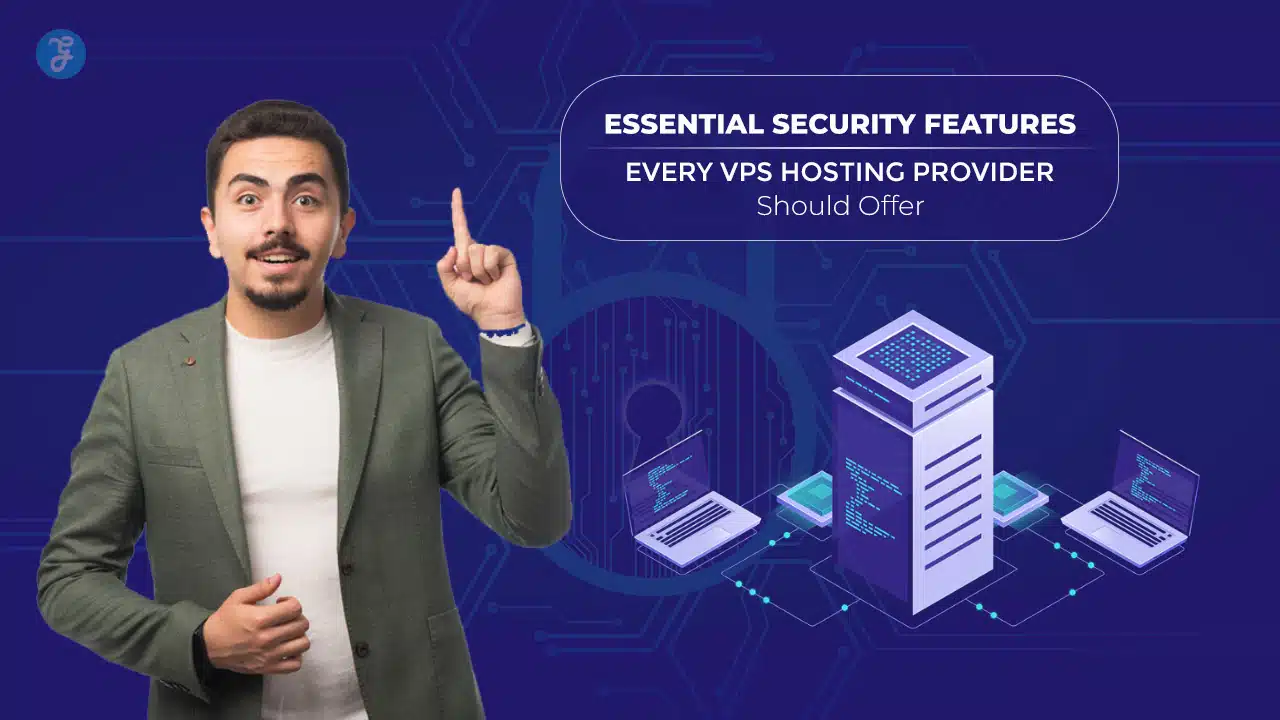
This article highlights the 10 essential security features every VPS hosting provider should offer. Whether you’re running a small business or managing a large e-commerce store, understanding these features will help you make an informed decision. Let’s explore what makes a VPS hosting provider truly secure.
Why Security Matters in VPS Hosting?
When you choose VPS hosting , you gain dedicated resources and better control over your website. However, these advantages come with responsibilities. A poorly secured VPS server can expose your website to hacking, data breaches , and malware attacks. These threats not only disrupt your operations but can also compromise customer trust and damage your brand.
Here are some key reasons why security is critical in VPS hosting:
- Data Protection : Safeguarding sensitive information such as customer details, financial records, and login credentials.
- Uptime and Reliability : Preventing disruptions caused by malicious attacks ensures your website remains operational.
- Compliance Requirements : Meeting data protection regulations, such as GDPR, requires secure hosting environments.
- SEO and Reputation : Search engines prioritize secure websites, and customers are more likely to trust a secure site.
A secure VPS hosting provider ensures that your website is protected against common vulnerabilities, giving you peace of mind and allowing you to focus on growth.
10 Essential Security Features for VPS Hosting

Below are the ten must-have security features you should look for when choosing a VPS hosting provider. Each feature plays a crucial role in protecting your website and its data.
1. Data Encryption (SSL/TLS)
Data encryption ensures that information transmitted between your website and its users is secure. This is achieved through Secure Sockets Layer (SSL) or Transport Layer Security (TLS) protocols. Without encryption, sensitive data like login credentials and payment information can be intercepted by cybercriminals.
What to Look For:
- Providers offering free SSL certificates or integration with Let’s Encrypt.
- Support for TLS 1.3, the latest and most secure protocol.
| Feature | Importance | Recommendation |
| SSL Certificates | Encrypts data in transit | Free SSL or Let’s Encrypt |
| TLS Protocol | Protects against modern threats | Use TLS 1.3 |
2. Firewall Protection
Firewalls act as the first line of defense by filtering incoming and outgoing traffic. They block unauthorized access and malicious activity while allowing legitimate traffic.
What to Look For:
- Web Application Firewalls (WAF) for application-layer protection.
- Configurable firewall rules for customized security.
| Feature | Importance | Recommendation |
| Basic Firewall | Blocks unauthorized traffic | Included in VPS plan |
| Web Application Firewall (WAF) | Protects against advanced threats | Optional but recommended |
3. DDoS Attack Mitigation
Distributed Denial of Service (DDoS) attacks flood your server with traffic, causing it to crash. DDoS mitigation tools detect and neutralize such attacks, ensuring your website remains accessible.
What to Look For:
- Real-time DDoS protection included in hosting plans.
- Advanced filtering for large-scale attacks.
| Feature | Importance | Recommendation |
| DDoS Detection | Identifies attack patterns | Included in plans |
| Traffic Filtering | Prevents overload | Advanced protection |
4. Regular Security Updates and Patching

Outdated software is one of the biggest vulnerabilities. Security updates and patch management are crucial to close potential loopholes exploited by hackers.
What to Look For:
- Automatic updates for operating systems and software.
- Regular security patches from the hosting provider.
| Feature | Importance | Recommendation |
| Automatic Updates | Reduces manual effort | Enabled by default |
| Patch Management | Fixes known vulnerabilities | Regular patches provided |
5. Two-Factor Authentication (2FA)
Two-factor authentication adds an extra layer of security to your VPS account. Even if your password is compromised, a second verification step ensures that unauthorized access is prevented.
What to Look For:
- Easy integration of 2FA with control panels.
- Support for authenticator apps or SMS verification.
| Feature | Importance | Recommendation |
| 2FA Support | Prevents unauthorized access | Must-have |
| Authentication Options | Apps, SMS | Wide support preferred |
6. Malware Scanning and Removal Tools
Malware can infect your server, steal data, and damage your reputation. A reliable VPS hosting provider should offer tools for regular malware scanning and removal.
What to Look For:
- Automated malware detection and removal.
- Alerts and reports for suspicious activity.
| Feature | Importance | Recommendation |
| Malware Scanning | Detects threats | Included in plans |
| Automated Removal | Reduces manual intervention | Available toolset |
7. Secure Backup Solutions
Backups are your safety net. In case of a cyberattack or system failure, backups allow you to restore your website quickly.
What to Look For:
- Regular, automated backups with multiple restore points.
- Off-site storage for added protection.
| Feature | Importance | Recommendation |
| Regular Backups | Ensures data recovery | Daily or weekly backups |
| Off-site Storage | Protects against server failures | Preferred option |
8. Isolation of VPS Environments
VPS isolation ensures that your server environment is independent of others on the same physical machine. This prevents resource and security overlaps.
What to Look For:
- Hypervisors that ensure strict isolation.
- Protection against “noisy neighbor” issues.
| Feature | Importance | Recommendation |
| Environment Isolation | Prevents cross-contamination | Essential |
| Resource Allocation | Ensures fair usage | Guaranteed resources |
9. Intrusion Detection Systems (IDS)
Intrusion Detection Systems (IDS) monitor network traffic and server logs for suspicious activities. Early detection helps in mitigating risks before they escalate.
What to Look For:
- Real-time alerts for abnormal behavior.
- Comprehensive log analysis.
| Feature | Importance | Recommendation |
| Traffic Monitoring | Detects unusual patterns | Included in plans |
| Log Analysis | Tracks suspicious activity | Regular reviews |
10. 24/7 Server Monitoring and Support
Round-the-clock monitoring ensures that issues are detected and resolved immediately. Expert support adds an additional layer of reassurance.
What to Look For:
- Real-time monitoring tools.
- Access to experienced support staff.
| Feature | Importance | Recommendation |
| Real-Time Monitoring | Reduces downtime | Essential |
| 24/7 Support | Solves issues quickly | Must-have |
How to Choose a VPS Hosting Provider?
When evaluating VPS hosting providers, focus on the security features they offer. Start by reviewing their documentation, customer reviews, and industry reputation. Ask these key questions:
- Do they provide all 10 essential security features?
- Are additional security options available for advanced needs?
- How quickly do they respond to security incidents?
Compare providers based on their ability to meet your specific security requirements.
Benefits of Prioritizing Security in VPS Hosting
Investing in a secure VPS hosting provider offers numerous benefits:
- Peace of Mind : Knowing your website is protected from threats .
- Improved Uptime : Reliable security minimizes downtime.
- Enhanced SEO : Secure websites rank better on search engines.
- Customer Trust : Visitors are more likely to trust a secure site.
By prioritizing security, you protect your business, data, and reputation.
Takeaways
Choosing the right VPS hosting provider is not just about performance or price—security should be a top priority. By ensuring your provider offers the 10 essential security features outlined in this article, you can safeguard your website against cyber threats and build a foundation for long-term success.
Take action today: review your current hosting provider or explore secure VPS options to protect your online presence.