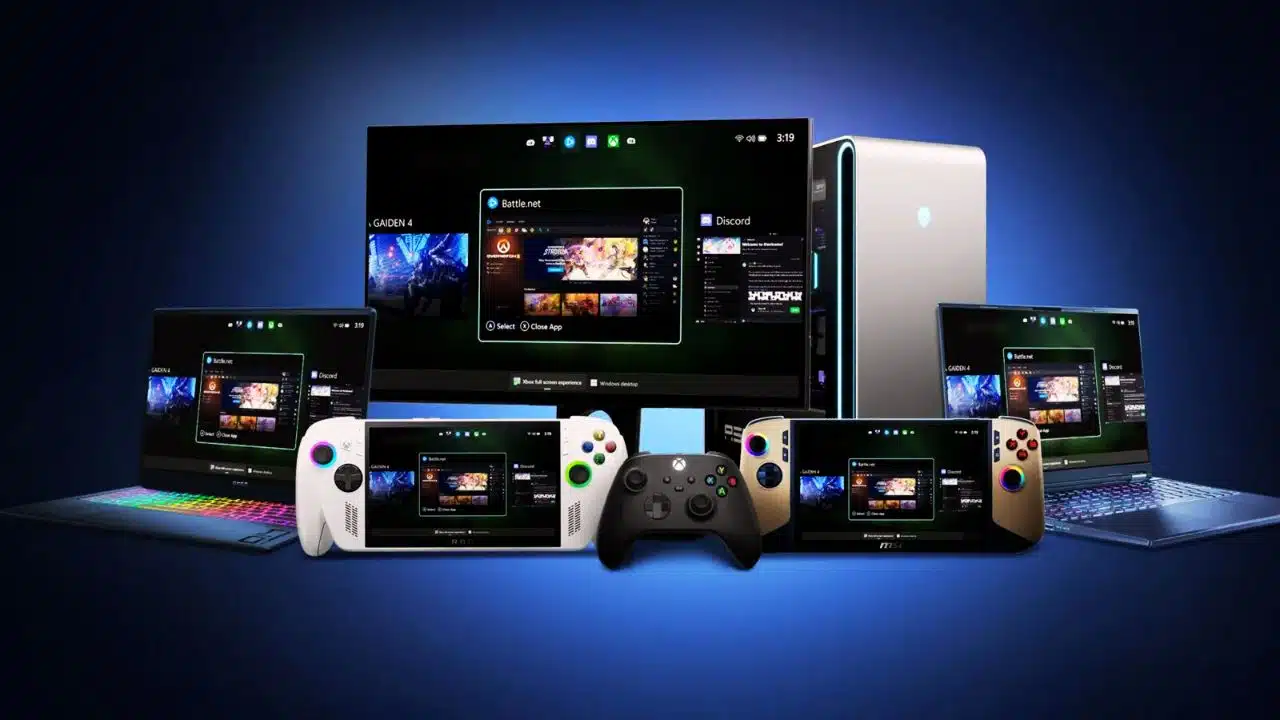
Microsoft has extended its Xbox Full Screen Experience to all Windows 11 handheld devices, moving beyond its initial exclusivity to the Asus ROG Xbox Ally. This update introduces a console-like interface optimized for handheld gaming PCs running Windows 11, delivering a streamlined, controller-friendly UI designed to enhance portable gaming.
Console-Style Interface for Handhelds
The Xbox Full Screen Experience replaces the traditional Windows desktop shell on handheld devices, providing a distraction-free, immersive gaming environment. It is designed specifically for controller navigation, allowing users to interact with the system similarly to a gaming console. This new UI acts as a central hub for games across multiple storefronts, making game management simpler and more unified. Users can access Xbox Game Pass, Xbox Play Anywhere titles, and other installed games seamlessly from this new interface.
Performance Enhancements
One key benefit of this experience is that it bypasses loading the full Windows Explorer shell, which frees up approximately 2GB of RAM for games and performance. This is particularly significant for handheld devices that often have limited memory resources, as the memory savings can translate directly into smoother gameplay and better frame rates. Additionally, this system helps reduce unnecessary background activities, contributing to overall efficiency and potentially improving battery life on portable devices.
Availability and Activation
Beginning November 21, 2025, the Full Screen Experience became available across all Windows-based handhelds, not just the Asus ROG Ally series. Users can enable this mode through the Windows 11 settings under the gaming section or toggle it directly with a shortcut (Win + F11). Once activated, devices boot directly into the Xbox Full Screen Experience, allowing a quick and seamless transition into gaming mode without encountering the usual desktop environment.
User Interaction and Features
The interface includes an Xbox guide accessible via the Xbox button on controllers, which enables quick switching between games and apps. This experience supports gamepad-optimized features, including a task switcher designed specifically for handheld gaming PCs. While mouse and keyboard support remain intact, the interface prioritizes controller inputs for ease of navigation on portable devices.
Microsoft’s move to unify the Xbox UI across all Windows 11 handhelds signals a push toward making portable PC gaming as intuitive and efficient as console gaming. This integration could reshape how gamers use Windows handhelds, promising a more focused and resource-optimized gaming experience on the go.