

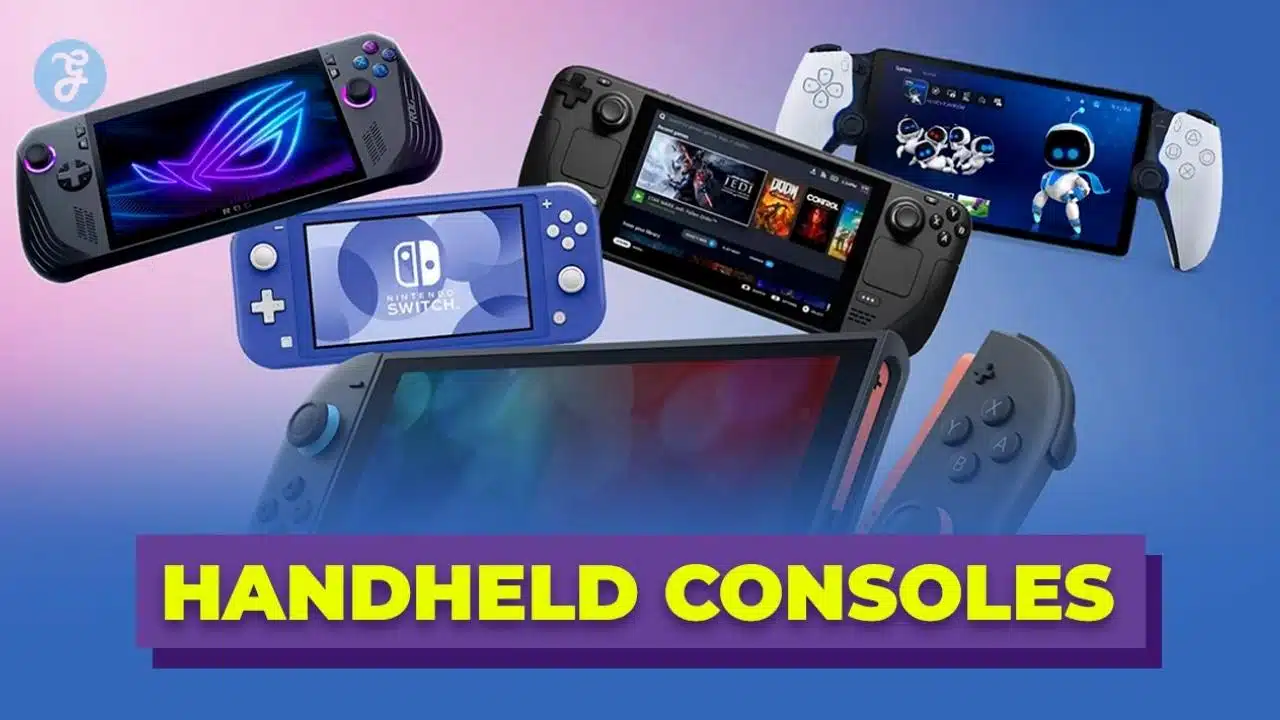
Handheld gaming is no longer a niche in 2026. It is a full market with different styles of devices built for different kinds of players. Some handhelds act like consoles, some behave like mini PCs, and some rely on streaming for long battery life and lighter weight. That variety is great, but it also makes choosing harder.
This guide focuses on steam deck alternatives in 2026 for readers who want the best handheld experience without buying the Steam Deck. The goal is simple: help you pick the right device based on what you actually play, where you play, and how much setup work you can tolerate. You will also see what each handheld does not do well, so you can avoid spending money on the wrong type.
Why This List Works For 2026 Buyers?
In 2026, handheld buyers are more informed than before. Many people already own a console, a PC, or both, so a handheld is often a second device that must fit into a real routine. That is why this list is built around practical ownership, not hype. It prioritizes game access, ease of use, comfort, and value over time.
This guide also treats handheld categories as different tools. A hybrid console is best for exclusive games and quick play. A Windows handheld is best for broad compatibility across PC stores. A SteamOS handheld is best for a console-like PC flow with fewer desktop headaches. A cloud handheld is best for long sessions when the network is stable.
Most importantly, every pick here has a clear “best for” reason. You will not see a single device forced as the best for everyone. That approach keeps the advice honest, especially when prices and models shift quickly.
What “Best” Means In This Guide?
| What You Care About | What To Check | Why It Matters |
| Game library access | Stores, subscriptions, exclusives | Your library decides whether the handheld feels worth it |
| Daily ease | Sleep-resume, controller UI, updates | The easier it is, the more you will use it |
| Battery reality | Battery size and your play style | High-end games drain any handheld fast |
| Comfort | Weight, grip, stick placement | Comfort beats small spec differences |
| Total cost | Accessories, storage, subscriptions | The real price is often more than the box |
What Specs Actually Matter On A Handheld?
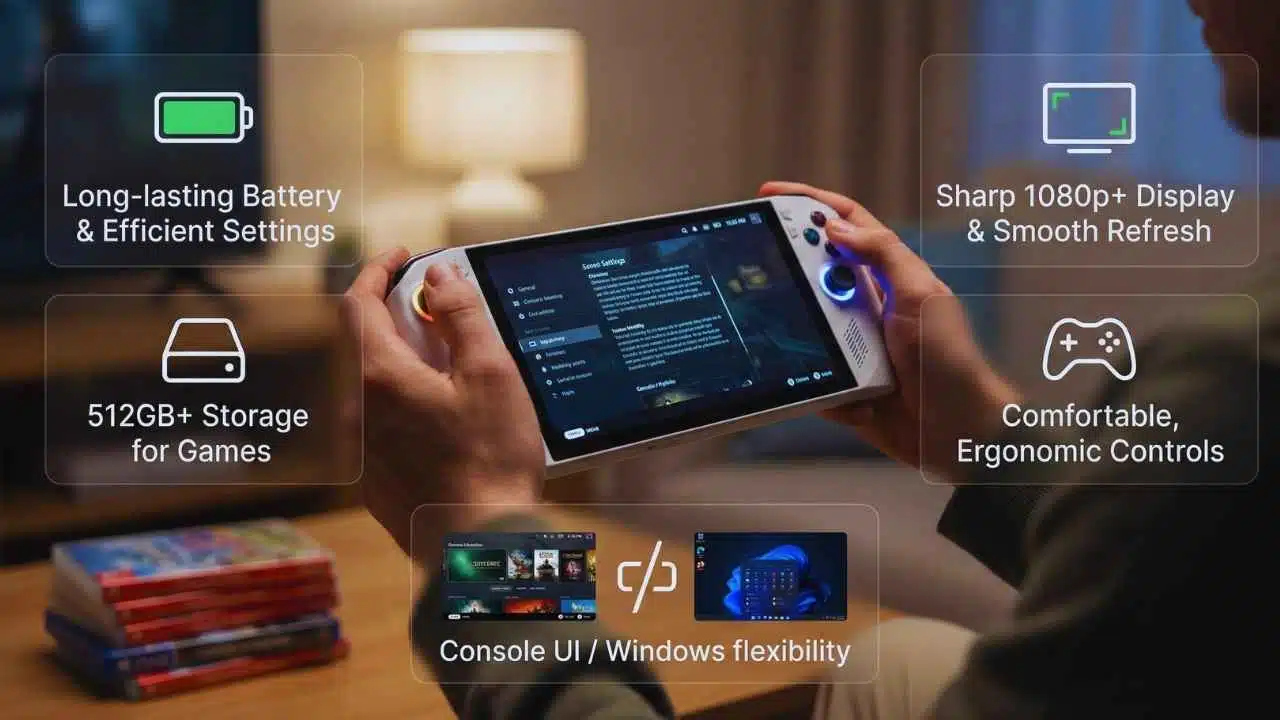
Specs can help, but handheld gaming is different from desktop gaming. Your screen is smaller, your battery is limited, and your hands are holding the device for long sessions. That means a smooth, stable experience often beats raw performance. It also means the “right” screen and controls can matter more than a faster chip.
In 2026, screen clarity is a big deal. A sharp 1080p-class display makes text-heavy games easier to read. Refresh rate matters too, but only if the device can hold stable performance. Storage is another make-or-break factor, because modern games are huge and frequent reinstalling gets annoying fast.
Also consider the operating system experience. Some people love tweaking settings and running multiple launchers. Others want a console-style experience that boots straight into games. That preference should guide your purchase more than benchmark charts.
The Short Spec Checklist That Predicts Real Satisfaction
| Spec Area | Best Practical Target | Common Mistake |
| Screen | Clear resolution, good brightness, comfortable size | Buying bigger without thinking about weight |
| Battery | Larger capacity helps, but settings matter more | Expecting one fixed battery number for every game |
| OS | Console-like UI for simplicity, Windows for flexibility | Underestimating setup time on PC handhelds |
| Storage | 512GB+ feels comfortable for modern installs | Buying minimum storage and regretting it later |
| Controls | Ergonomic grips, good sticks and triggers | Ignoring comfort until hand fatigue starts |
Quick Comparison Of The Top Picks
These five handhelds cover the most common buyer needs in 2026. One is built around exclusives and simplicity. Two are built around local PC gaming with different operating system styles. One is built for a larger screen experience. One is built around cloud play and long battery life.
Use this comparison as a shortcut. If you already know your ecosystem, you can jump directly to the matching handheld. If you are unsure, this table helps you narrow down the category first, then the model.
Even if you love one device, remember that trade-offs are real. The most flexible handheld may require the most setup. The easiest handheld may have the most limited library. The right choice is the one that matches your daily habits.
The Five Best Picks At A Glance
| Device | Best For | Style | Main Strength | Main Trade-Off |
| Nintendo Switch 2 | Exclusives-first gamers | Hybrid console | Simple ownership and quick play | Limited to its ecosystem |
| ASUS ROG Ally X | Power users | Windows handheld | Broad PC compatibility | More setup and tuning |
| Lenovo Legion Go S SteamOS | Steam-first players | SteamOS handheld | Console-like PC flow | Some game compatibility limits |
| MSI Claw 8 AI+ | Big-screen buyers | Windows handheld | Readability and larger display | Premium pricing for many configs |
| Logitech G Cloud | Streaming fans | Cloud handheld | Long battery life feel | Needs stable internet |
Steam Deck Alternatives In 2026 (Top 5 Picks)
Choosing a handheld in 2026 is about matching the device to your life. Do you play mostly at home or on the move? Do you want exclusives, PC storefront freedom, or streaming convenience? Do you enjoy settings and updates, or do you want a simple console-like experience?
The picks below are designed to answer those questions. Each handheld has a clear audience. You will also get buying tips so you know what to prioritize when comparing storage, accessories, and performance modes. If you pick based on your habits, these devices can feel like a perfect fit.
Best Pick By Player Type
| Player Type | Best Match | Why It Fits |
| Exclusives-first | Nintendo Switch 2 | Easy, fast, and built around exclusive games |
| PC library across stores | ASUS ROG Ally X | Windows supports more launchers and tools |
| Steam-first and hates desktop hassle | Legion Go S SteamOS | Console-like interface focused on Steam |
| Wants a larger screen | MSI Claw 8 AI+ | Better readability for text-heavy games |
| Wants long sessions with streaming | Logitech G Cloud | Battery-friendly design for cloud play |
1) Nintendo Switch 2 (Best For Exclusive-First Handheld Play)
Switch 2 is the most straightforward handheld on this list. It is built to feel like a console in your hands, with fast sleep-resume behavior and a game library designed around portable play. If you want a device you can pick up, play, and put down without thinking about updates and launchers, it fits that lifestyle well.
This is also the best option for local multiplayer in many homes. It works well as a shared device because the experience is consistent and easy to understand. For travel, it is simple to pack and simple to use, which matters more than people admit.
Battery life varies based on the game, so it rewards smart habits like lowering brightness or carrying a compact charger for long trips. If your priority is a wide PC library, you should look at Windows or SteamOS handhelds instead. But for exclusives and comfort, it is the cleanest choice.
2) ASUS ROG Ally X (Best Premium Windows Handheld)
ROG Ally X is built for players who want their PC library in handheld form. If you buy games across different PC storefronts, use mods, or play titles that benefit from Windows compatibility, this category is usually the safest bet. You get flexibility that feels closer to a laptop, but with gamepad controls.
The main advantage is freedom. You can install different launchers, use different stores, and set up the device the way you like. That makes it a strong choice for advanced users who want control over performance profiles, resolution, and frame limits.
The downside is the same thing: Windows adds friction. You may spend time updating, adjusting settings, and cleaning up a handheld interface. If you enjoy that process, Ally X can feel amazing. If you hate it, you may prefer SteamOS or a console-style device.
3) Lenovo Legion Go S SteamOS (Best Console-Like PC Experience)
This is the best pick for people who want PC gaming but dislike the feel of Windows on a small screen. SteamOS-style handhelds are designed around a controller-first interface, and that reduces friction. The flow feels more like a console: boot in, browse your library, launch a game, and play.
This is ideal if your library is mostly Steam-based and you value a clean interface. It also fits players who want fewer background tasks and fewer desktop-style interruptions while gaming.
The main caution is game compatibility. Many games run well, but a few competitive multiplayer titles can be tricky depending on their support choices. If you mostly play single-player, co-op, indie, and popular Steam-friendly titles, this device can be a great fit.
4) MSI Claw 8 AI+ (Best Big-Screen Windows Option)
If you struggle with small UI text or you play games where readability matters, a larger screen can change everything. The Claw 8 AI+ aims at that experience, and it is best for people who want Windows flexibility without squinting at a smaller display. For many players, that comfort is worth paying extra for.
The larger screen helps with strategy games, RPG menus, inventory-heavy titles, and even basic launcher navigation. It also feels more relaxing for long sessions where you are reading dialogue and managing gear.
The trade-off is size and cost. Bigger screens can mean heavier handhelds, which can fatigue your hands. Pricing can also run high depending on configuration. If you want Windows plus readability, though, it is one of the clearest options.
5) Logitech G Cloud (Best Battery Life For Cloud Gaming)
Logitech G Cloud is best when your gaming life is built around streaming. That can mean cloud services, remote play from a console, or streaming from your own PC at home. Because it is not trying to run heavy games locally, it can feel lighter and last longer.
It is a great choice for people who play on Wi-Fi most of the time. When the network is stable, cloud gaming feels smooth and convenient. You can jump into high-end games without carrying a powerful local-play handheld.
The downside is clear: internet quality becomes part of the “hardware.” If your Wi-Fi is unreliable, the experience drops fast. This is not the right pick for offline gaming, but it can be excellent for streaming-first routines.
Buying Guide For 2026 (Choose The Right Handheld Fast)
The best way to avoid regret is to choose your ecosystem first. Your game library is the real center of your handheld experience. If you want exclusives and low maintenance, a hybrid console is usually best. If you want maximum compatibility across PC storefronts and tools, Windows is usually best. If you want a console-like PC interface and you mostly use one store, SteamOS is usually best.
Next, match the device to your life. If you commute, weight and battery habits matter more than peak performance. If you mostly play at home, comfort and docking convenience matter more. If you stream often, Wi-Fi stability matters more than local specs.
Finally, think about total cost. Many people forget that storage, a case, and a better charger add real money. When you plan that upfront, the purchase feels smarter and the experience is smoother.
Fast Decision Map
| Your Main Priority | Best Handheld Type | Best Match From This List |
| Exclusives and simplicity | Hybrid console | Nintendo Switch 2 |
| PC games across stores | Windows handheld | ASUS ROG Ally X |
| Steam-first with console flow | SteamOS handheld | Legion Go S SteamOS |
| Readability and bigger display | Larger Windows handheld | MSI Claw 8 AI+ |
| Streaming and long sessions | Cloud handheld | Logitech G Cloud |
Setup And Accessories That Improve The Experience
A handheld becomes better when you remove friction. The first upgrade is protection, because handhelds travel and drops happen. A basic case and screen protector prevent the most common damage. After that, focus on charging and comfort, because those decide how often you actually use the device.
For local-play handhelds, a good charging plan matters. A reliable compact charger and cable reduces stress. A small power bank can help on long trips. For docking, a solid USB hub makes the handheld feel like a living-room device without messy setup.
For Windows handhelds, do a proper first-day setup. Update the system, update drivers, then set up your launchers in a clean way. For SteamOS handhelds, organize your library and test your top games early. For cloud handhelds, improve Wi-Fi placement and reduce network congestion when possible.
Accessories That Provide Real Value
| Item | Why It Helps | Best For |
| Protective case | Prevents travel damage and scratches | Everyone |
| Screen protector | Saves the screen from micro-scratches | Everyone |
| Compact charger | Makes travel charging easier | Everyone |
| USB hub or dock | Easy monitor and TV play | Windows and SteamOS handhelds |
| Comfort grips | Reduces hand fatigue | Larger or heavier handhelds |
| Better Wi-Fi setup | Improves streaming stability | Cloud and remote play users |
Honorable Mentions (Great Choices With Narrower Use Cases)
Not every good handheld belongs in a top five list. Some devices are excellent, but only if you fit their exact routine. These are often best as second devices rather than your only handheld.
A remote-play handheld can be great if you already own the matching console and play at home. It can feel like the easiest way to keep gaming while the TV is busy. However, it does not replace a true standalone handheld for travel or offline play.
There are also niche handhelds that target very specific audiences, such as retro-first players or buyers who want a controller screen for one ecosystem. These can be fun, but they require clear expectations. If you want one device that covers many types of gaming, stick with the main list.
When Honorable Mentions Make Sense
| Type | Best For | Not Ideal For |
| Remote-play handheld | Home play with an existing console | Offline gaming and travel without strong Wi-Fi |
| Retro handheld | Older games and classic libraries | Modern AAA and current multiplayer ecosystems |
| Ecosystem companion device | One-store or one-platform fans | People who want broad compatibility |
Final Thoughts
The smartest way to shop is to be honest about your routine. If you want exclusives and a simple console feel, choose the hybrid console lane. If you want broad PC compatibility, choose a premium Windows handheld. If you want a Steam-focused experience that feels more like a console, choose a SteamOS handheld. If you want long sessions and you mostly play on stable Wi-Fi, a cloud handheld can be the most relaxing option.
Most of all, remember this: the best handheld is the one you will actually use. Comfort, battery habits, and game access will matter more than small benchmark differences. If you match the handheld to your life, steam deck alternatives in 2026 can be more fun than you expect, and far easier to live with than older handheld generations.
































