

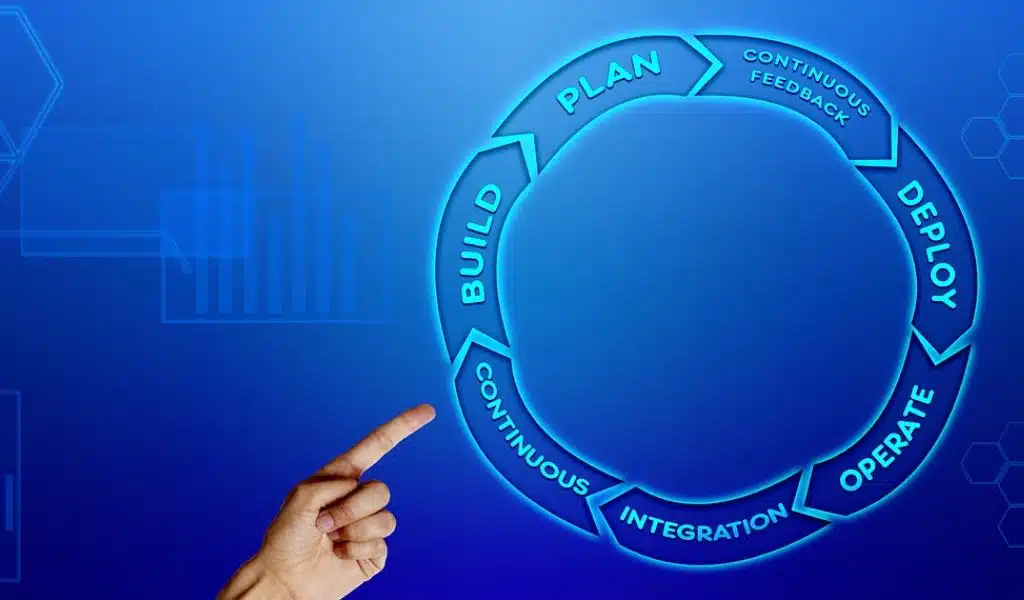
Seamless software deployment is crucial for uninterrupted user experience, minimal downtime, and low operational costs. Whether you roll out bug fixes, deliver security patches, gradually update your software, or replace it with a new version, you must deploy the upgrades without compromising the UX.
That comes down to using the best software deployment strategy for your needs. Here are the methods DevOps engineers use to accelerate the process throughout the SDLC (Software Development Life Cycle) while ensuring security for all end users.
-
Rolling Deployment
Rolling or ramped deployment involves replacing an existing app’s features and architecture with its new version one instance at a time.
This gradual strategy may be slow, but an uninterrupted user experience is its strong suit. It eliminates downtime because the current version controls the production traffic until the new one is ready.
It also offers excellent flexibility for rollbacks if necessary. Whether you use JFrog or another software distribution platform, you can monitor the performance across all environments to roll back if an unexpected issue arises. However, that’s also slow because it requires incremental downgrades.
-
Canary Deployment
Canary software deployment also involves a gradual rollout but only to some end users before redirecting the entire traffic to the new app version.
It makes the new software version available to a subset of users (e.g., 10%) in increments while others keep using the old app. Every new release increment increases the new app’s production traffic until it hosts 100%.
Like rolling deployment, this strategy is slow, but there’s no downtime, and you can roll back quickly if necessary. It requires continuous performance monitoring, but you can seamlessly assess how the new software works. Testing live updates across environments is a breeze with this low-risk strategy.
-
Blue/green Deployment
The blue/green deployment strategy includes deploying the new software version alongside the current one. The stable, old version (blue) continues to run and host the traffic, while the new one (green) runs in a separate environment until its testing completes.
Once the new version is ready for deployment, you can use a load balancer to automatically shift the traffic from the older software, which you can terminate or keep for potential rollbacks.
Isolating these two environments can be expensive because you run both simultaneously. However, you can eliminate potential bugs during testing, ensure no downtime, and roll back instantly if necessary. That’s perfect for regular software updates, primarily for mobile apps.
-
Shadow Deployment
Shadow deployment is similar to the blue/green strategy, deploying the new software version alongside the current one to assess its functionality before rolling it out. However, the DevOps team forks the older app’s incoming requests to the shadow version to test its performance and stability.
That provides accurate tests, allowing DevOps engineers to ensure a seamless production load with uninterrupted traffic. They often use it with canary deployment for flawless release increments.
Running two parallel app versions in shadow mode isn’t without risks. Duplicate live requests can occur, causing problems for developers and end users, which is why continuous system monitoring is critical.
This strategy can be costly because it requires high expertise, a complex setup, and running two environments simultaneously.
-
Recreate Deployment
A recreate deployment strategy involves terminating an existing app before rolling out its new version. That requires a reboot to deploy the latest software and automatically switch the traffic without a load balancer.
Few developers use this method because the downtime from terminating the old app and booting the system negatively affects end users, who must wait for the software to go live again.
However, it’s an inexpensive deployment strategy that makes sense when you want to start from scratch and have no other option.
-
A/B testing Deployment
A/B testing deployment is similar to canary deployment because it involves releasing a new app version to a subset of users. However, it doesn’t focus on reducing risk before the rollout but on assessing functionality.
It considers specific conditions like device type, operating system, web browser, user interface, and location to test new features and collect insightful data (e.g., user behavior and engagement) for better business decisions.
This testing approach doesn’t limit you to two parallel app versions. You can test multiple environments to determine which features convert the most.
However, A/B testing deployment has a complex setup and can be expensive due to a load balancer and when running multiple experiments. Observability across multiple tests can also be challenging, and you may generate inaccurate results.
Conclusion
The best part about software deployment strategies is you don’t have to use only one; you can combine them for the best results. For instance, use the blue/green method alongside canary deployment while measuring the new features’ effectiveness with A/B testing.
This progressive delivery will streamline your CI/CD (Continuous Integration/Continuous Delivery) pipeline, accelerating your rollouts, mitigating risk, and ensuring a seamless user experience.
























