Creating a great presentation used to mean hours of research, formatting slides, writing and rewriting your text, and carefully moving your visuals to the place you want.
Today, presentation makers have changed that completely. They don’t just give you a basic template and call it a day. Instead, they give you tailored ones that come with generated text and visuals that suit your topic, to help you communicate ideas more clearly with less effort.
But here’s the catch: the “best” presentation tool depends on who you are and what you need. A startup founder, a sales team, and a data analyst all have very different workflows and different presentation makers that will work best for them.
So instead of ranking tools arbitrarily, let’s break them down by who they suit best—starting with the one that stands out across nearly every use case.
For Businesses That Want Fast, Branded Presentations: Design.com (Best Overall)
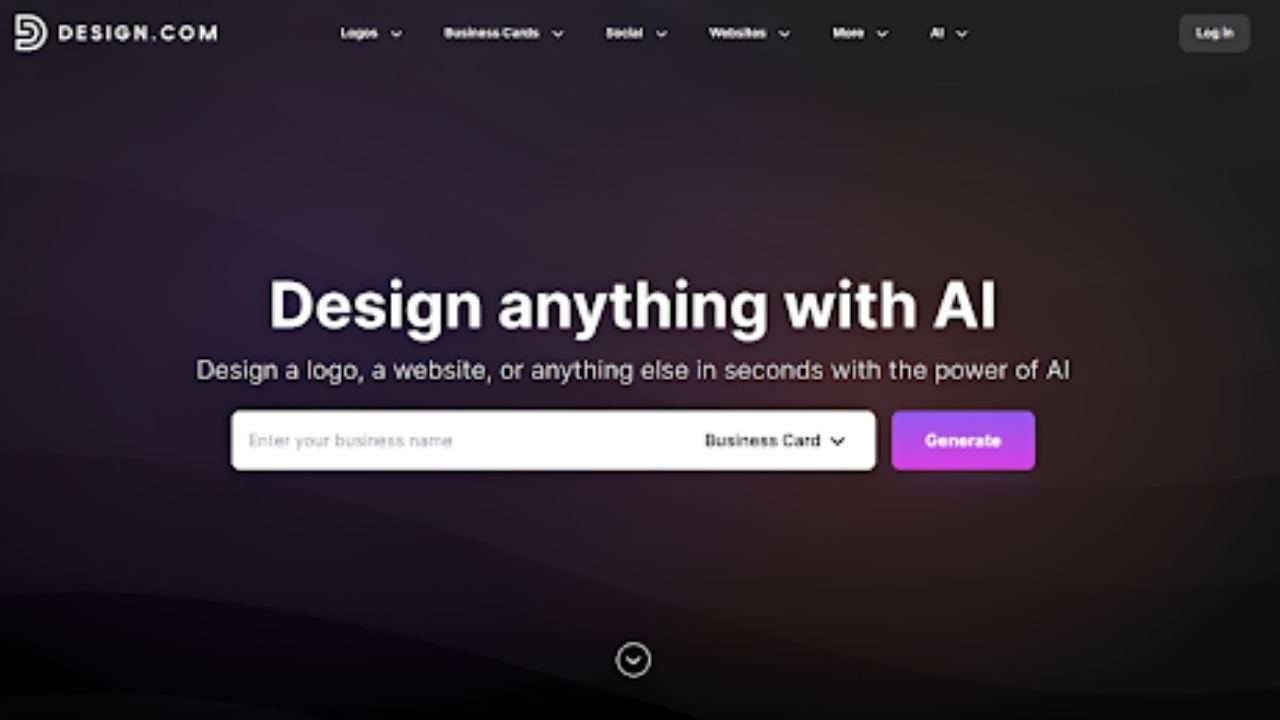
Design.com is the strongest all-around option and the closest thing to a “set it and forget it” presentation builder.
Here’s how their AI presentation maker works: Instead of starting from a blank slide, you enter your business name and a few keywords. From there, the platform generates multiple branded presentation options in seconds complete with text and visuals.
Their AI is smart so what you get are actual tailored results and not generic or bland templates. The text, visuals, and layout are all appropriate for your industry and keywords. Since the quality is so great, you won’t really need to edit much.
Whether you need data-driven slides, beautiful visuals for your portfolio showcase, or fun About Me for your friends, Design.com has it all. If you only pick one tool from this list, this is it.
Why it’s the best overall
- The AI driven generation makes it easy to get a complete, high-quality template.
- They also generate super fast unlike other AI tools.
- The AI draws from your keywords plus thousands of professional templates, so outputs feel polished and relevant not generic.
- You can tweak everything from the fonts, colors, layouts, shapes, or animation to match your exact vision. Though the presentations are all already great and suitable so you won’t really need to edit much.
- Once you upload your logo or create on Design.com, your slides automatically follow your brand colors, making it easy to get a cohesive branded look.
- You can download in PNG, JPG, PDF, SVG, or EPS or export slides for PowerPoint or Google Slides.
- Everything you download is cleared for commercial use.
- Aside from presentations, you can create matching social media graphics, banners, business cards, posters, or websites without leaving the platform.
Best for
- Startups and small businesses
- Agencies creating branded decks
- Entrepreneurs pitching ideas
- Anyone who wants professional results in seconds, not hours
For Entrepreneurs Who Want Beautiful Slides: BrandCrowd
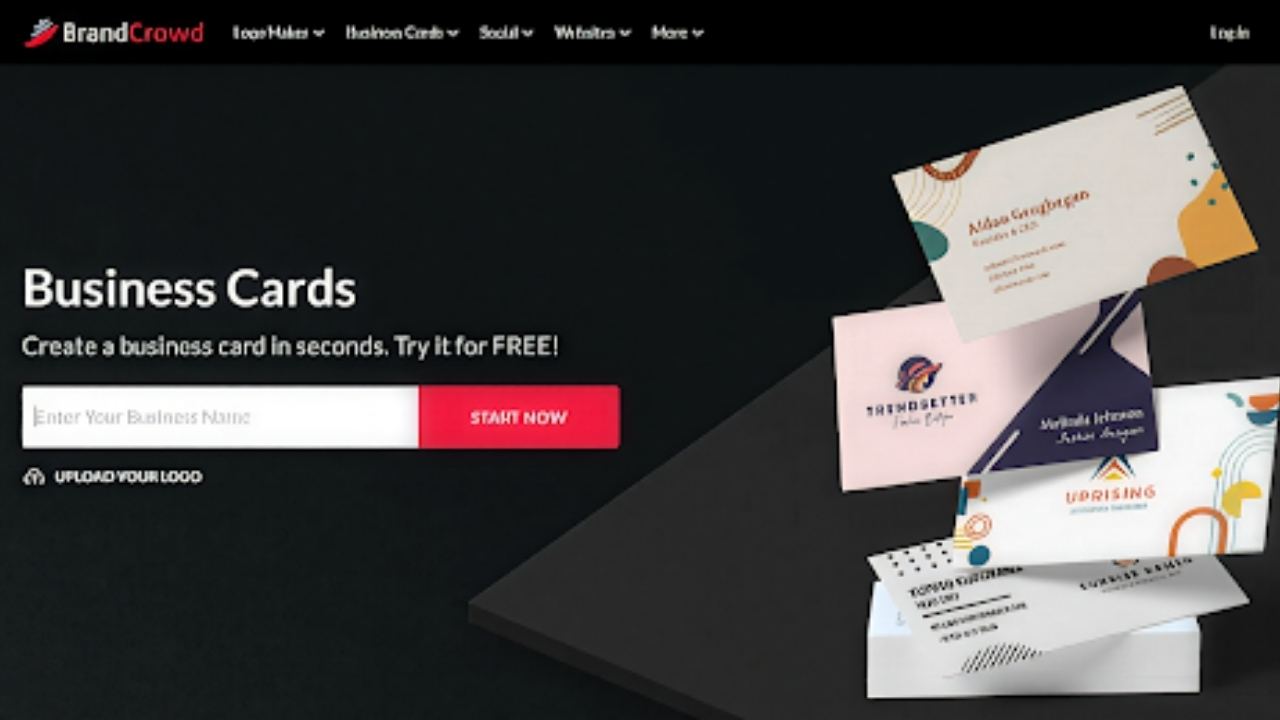
If you care deeply about how your presentation looks, then BrandCrowd’s presentation maker is a strong choice. It’s built for users who want creative layouts and rich design elements, without needing advanced design skills to make it happen.
BrandCrowd gives you a fast starting point through templates, but leaves plenty of room to shape the final result. You can edit every element on the slides to help you shape it according to how you want it. It’s a great balance between automation and creative control.
Why BrandCrowd stands out
- Presentation templates have a great range, from corporate and minimal to luxury and quirky.
- Users can adjust colors, fonts, layouts, and slide elements using an intuitive editor. You’re not locked into rigid templates so you can make the design truly yours.
- The drag and drop editor makes it easy to move elements around effortlessly.
- You can enhance slides with a huge library of photos, icons, charts, and graphics to create more engaging and visually appealing presentations.
- Download in high-resolution formats or vector files (SVG, EPS, PDF), making your designs suitable for both digital use and print.
Best for
- Entrepreneurs and small businesses focused on visual branding
- Users who want more hands-on design flexibility
- Creators building presentations that need to look polished and distinctive
For Structured Storytelling: Storyd
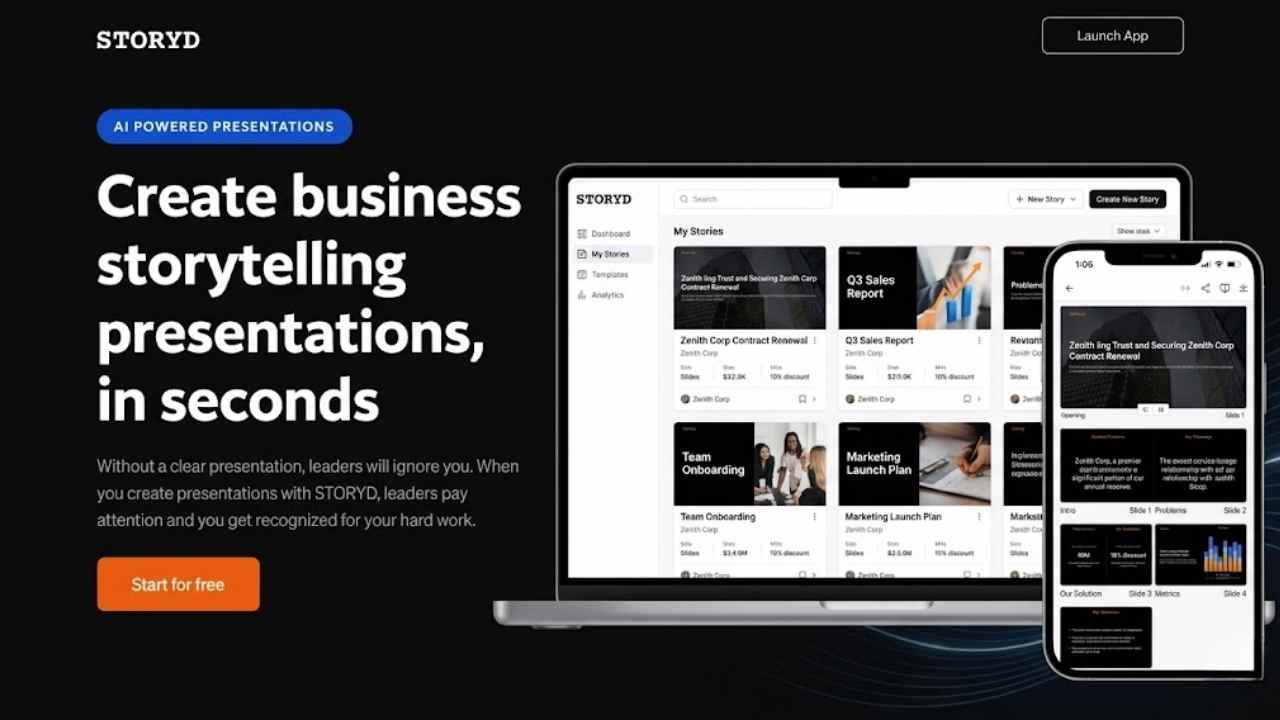
Have strong ideas, but don’t know how to turn them into a clear story or presentation? Storyd is built exactly for that.
Storyd is designed as a “narrative-first” presentation builder. After you input your topic or use an AI prompt, you will get a presentation that is organized into a clear beginning, middle, and end. This makes it easy for your presentation to flow logically instead of feeling scattered.
Why it’s on the list
- Makes you create a great overall presentation, rather than just slides.
- Templates focus on insights, data, and clear concepts, which makes it ideal for business presentations.
- Templates for business proposals, reports, and pitches are also available.
Best for
- Managers, consultants, and professionals presenting to leadership
- Anyone who struggles with structuring ideas clearly
- Users who want help turning raw thoughts into a compelling narrative
For Startup Teams & Collaboration: Pitch
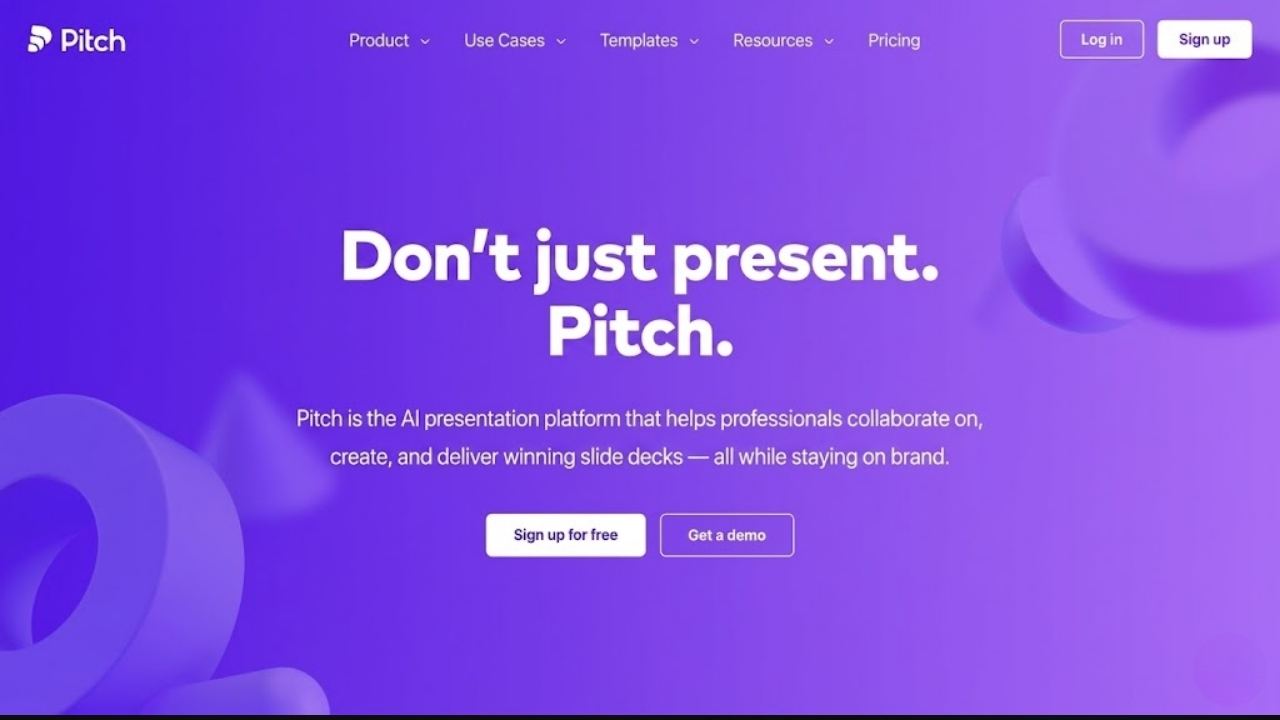
Pitch is built for teams that collaborate frequently on presentations. Think of it as a modern, collaborative slide tool with a clean interface and strong real-time editing features.
Why it’s on the list
- Real-time collaboration (like Google Docs for slides)
- Clean, modern design system
- Built for team alignment and fast changes, since you can work on one space
Best for
- Startup teams
- Remote teams working together on decks
- Product, sales, and marketing teams
For Non-Linear Presentations: Prezi
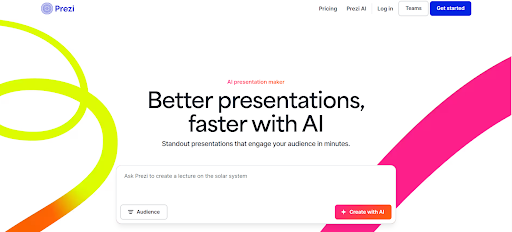
If you want to break away from traditional slide-by-slide presentations, Prezi offers a more dynamic, zoomable canvas. It’s especially useful when you want to tell a story visually rather than follow a strict linear flow.
Why it’s on the list
- Non-linear presentation style makes it useful for more creative and memorable pitches
- Format is engaging and dynamic, great to use if you want to spice up your presentations
- Zooming interface lends more opportunity for visual storytelling
Best for
- Educators and trainers
- Creative presenters
- Anyone who wants to stand out visually
For Automated Design: Beautiful.ai
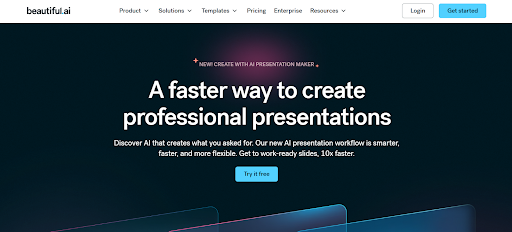
Beautiful.ai focuses on making slides look good automatically. You choose a layout, and the tool adjusts spacing, alignment, and design elements for you.
It’s less flexible than some tools (though that is kind of the point). But if you want more creative control, you may want to try out Design.com or BrandCrowd instead.
Why it’s on the list
- Smart templates that auto-adjust design
- Minimal effort required for clean slides
- Consistent, professional output
Best for
- Busy professionals
- Teams that want consistency without design work
- Users who prefer structure over customization
Final Thoughts
So how do you choose the “best” presentation tool for you? It all depends on your workflow and needs:
- Want high-quality and on-brand presentations → Design.com
- For stylish and beautiful slides → BrandCrowd
- Presenting insights clearly → Storyd
- Working in a collaborative team → Pitch
- Creating new visual experiences → Prezi
- Need simple, polished slides fast → Beautiful.ai
That said, if your goal is to save the most time while still getting high-quality, brand-consistent results, Design.com clearly leads the pack. It removes the biggest bottleneck of starting from scratch and replaces it with relevant text, visuals, and layouts in a snap.
And in a world where time is your most valuable resource, that’s a great advantage!