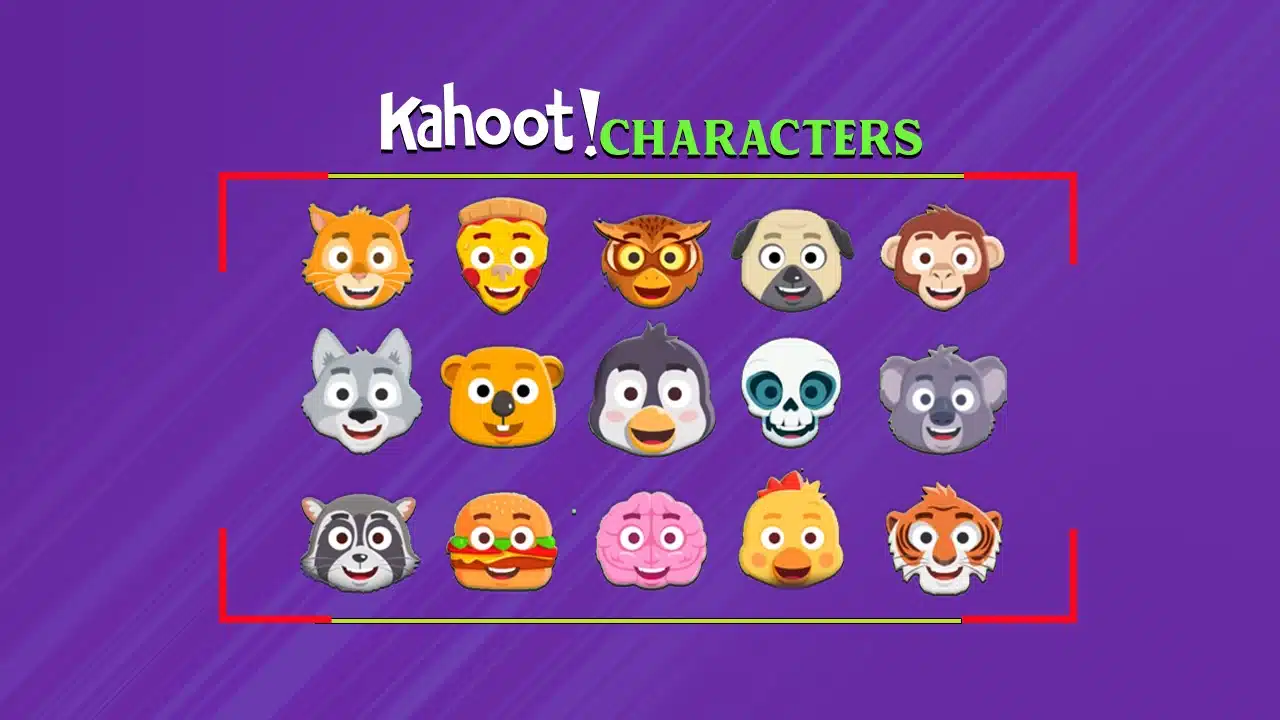
Kahoot just got a whole lot more fun and personal!
With over 700 different combinations of illustrated characters and accessories to choose from, you can let your creativity run wild. The possibilities are virtually endless for crafting a totally unique avatar that represents your personality.
The best part? Kahoot has released special edition holiday-themed characters too, like an adorable gingerbread cookie and a festive red-nosed reindeer. Talk about getting into the spirit of the season!
So, what are you waiting for? It’s time to embrace your inner creativity and make your Kahoot! Games are more unique and memorable than ever before.
Let’s get straight into it!
How do you come up with Kahoot Names?
Coming up with creative and funny Kahoot names is part of the fun when playing this popular quiz game.
Keep it Appropriate: While creativity is encouraged, ensure your Kahoot name adheres to community guidelines and doesn’t contain any offensive or inappropriate content. The name should be suitable for all audiences.
Get Punny: Puns are your best friend when crafting a witty Kahoot name. Play on words, rhymes, and double meanings to create something clever and humorous. For example, “Quizzie McQuizFace” or “Riddler’s Delight.”
Use Pop Culture References: Draw inspiration from movies, TV shows, books, or memes that are popular and recognizable. Names like “Khaleesi of Quizzes” or “Quizgarden of Eden” can be both funny and relatable.
Describe Your Personality: Let your Kahoot name reflect your quirky traits or competitive spirit. “Trivia Tornado” or “Brain Ninja” could work well for those aiming to dominate the leaderboard.
Get Creative with Wordplay: Combine words in unexpected ways, use alliteration (words starting with the same sound), or create portmanteaus (blending two words together) for a unique Kahoot name. “Quizosaurus Rex” or “Brainiactic” are fun examples.
Embrace the Silly: Don’t be afraid to get a little silly or nonsensical with your Kahoot name. Randomness can often lead to hilarious results, like “Funky Monkey Chunky” or “Zigzag Quizmaster.”
Use Emojis: Emojis can add an extra touch of personality to your Kahoot name. Just be mindful of using appropriate symbols that complement your chosen name.
Best Kahoot Characters in 2024
With over 700 different combinations of illustrated characters and accessories, the possibilities for unique creations are virtually endless. Want to be an astro-pup? A scholarly panda? Or maybe a football-playing hamburger? You can let your imagination run wild!
To make things even more festive, Kahoot has released special edition holiday characters like a red-nosed reindeer, a cozy polar bear, and an adorable gingerbread cookie. These seasonal options are perfect for adding some holiday cheer to your games during this time of year.
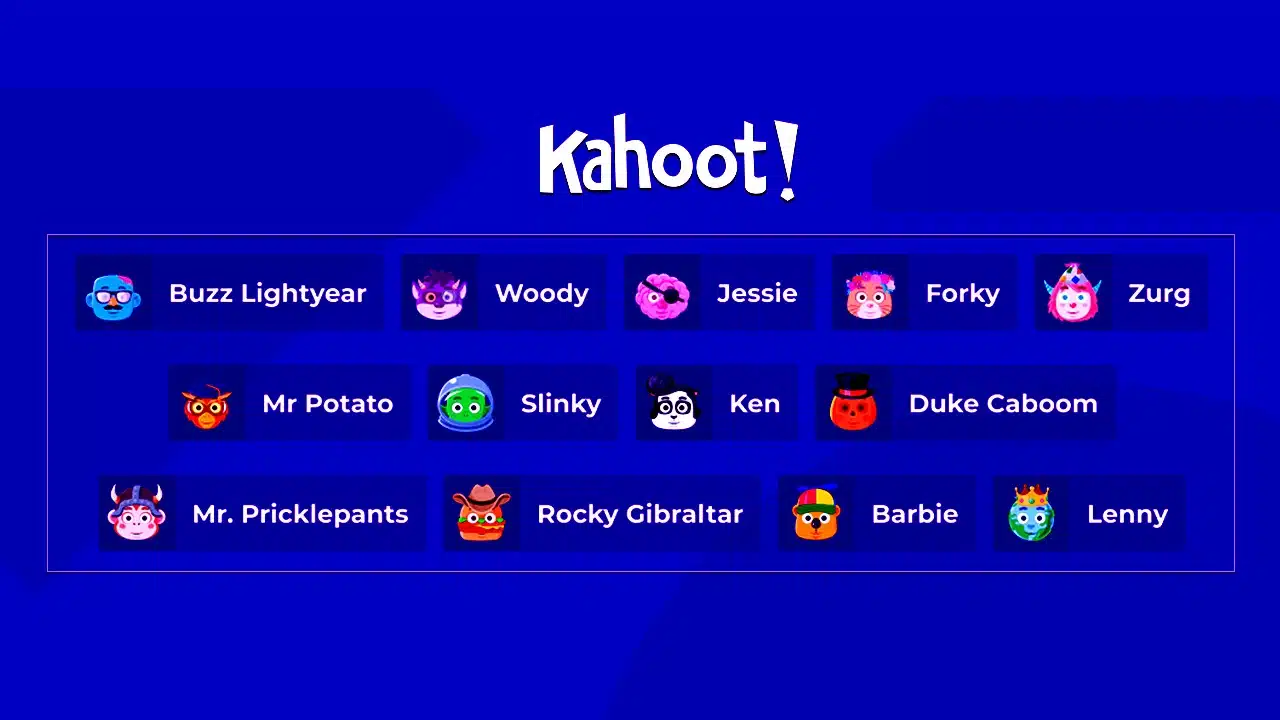
Character customization is currently available for free to all Kahoot users for a limited time. So take advantage of this fun feature while you can!
Here are some of the best Kahoot character names that you can refer to:
Best Kahoot Character Names
- ThunderStrike
- BlazeRunner
- MysticShadow
- FrostFire
- PhoenixFury
- StormChaser
- NovaKnight
- CrimsonBlade
- LunaLight
- StarShine
- EmberFlame
- SapphireSoul
- AuroraBreeze
- TitanThunder
- DragonSlayer
- IceWarden
- SolarEclipse
- QuantumQuest
- ShadowStalker
- BlazeBlitz
- FrostNova
- PhoenixRider
- StormSpecter
- MysticMoon
- ThunderBolt
- NovaNinja
- CrimsonCrown
- LunaLuster
- StarStrider
- EmberEcho
- SapphireStorm
- AuroraArrow
- TitanTempest
- DragonHeart
- IceFrost
- SolarFlare
- QuantumQuake
- ShadowBlaze
- BlazeBlast
- FrostFang
- PhoenixForce
- StormSeeker
- MysticMist
- ThunderSpirit
- NovaNebula
- CrimsonComet
- LunaLovely
- StarSprinter
- EmberEdge
- SapphireSaber
- AuroraAegis
- TitanTide
- DragonDreamer
- IceCrystal
- SolarSail
- QuantumQuiver
- ShadowSage
- BlazeBane
- FrostFlame
- PhoenixPulse
- StormSentry
- MysticMight
- ThunderTwist
- NovaNimbus
- CrimsonCrest
- LunaLuminary
- StarStellar
- EmberEmbrace
- SapphireSpark
- AuroraAura
- TitanTrance
- DragonDynamo
- IceChill
- SolarSpectacle
- QuantumQuick
- ShadowSpecter
- BlazeBolt
- FrostFury
- PhoenixFrenzy
- StormSonic
- MysticMarvel
- ThunderThrill
- NovaNectar
- CrimsonCove
- LunaLavish
- StarSplendor
- EmberEternal
- SapphireShade
- AuroraAblaze
- TitanTerra
- DragonDancer
- IceCascade
- SolarSurge
- QuantumQuench
- ShadowShroud
- BlazeBlast
- FrostFlare
- PhoenixProwl
- StormSurge
- MysticMaelstrom
Kahoot Character names for boys
- MaxPower
- ThunderBolt
- BlazeKnight
- TurboCharge
- PhoenixFire
- ShadowStalker
- CrimsonFang
- FrostByte
- SteelSpecter
- NovaStorm
- RogueRider
- TitanCrusher
- IronHeart
- MysticBlade
- BlazeRunner
- DarkDragon
- IceShard
- SolarFlare
- StarStriker
- AlphaWolf
- NeonNinja
- QuantumQuake
- Avalanche
- VenomViper
- GalaxyGazer
- ThunderFox
- SilverSword
- EmberEdge
- BlizzardBlast
- AtomicArrow
- CycloneChaser
- MeteorMan
- ShadowScythe
- FrostFury
- CaptainCrash
- LightningLancer
- NovaNinja
- StormStriker
- InfernoKnight
- BlazeBlitzer
- CyberCommander
- MysticMage
- TitanTamer
- DragonSlayer
- Iceberg
- SolarSprinter
- StarShooter
- AlphaAegis
- NeonNight
- QuantumQuest
Kahoot Character names for girls
- LunaLove
- StarDust
- MysticMoon
- RoseRaven
- SkySinger
- EmberEcho
- SapphireSiren
- VioletVixen
- AuroraArrow
- WillowWisp
- CrystalCove
- PearlPetal
- NovaNymph
- IvyInferno
- OceanOrchid
- LilyLuster
- RubyRain
- JasmineJade
- DawnDancer
- CelesteCharm
- LunaLuxe
- StarrySky
- MysticMist
- RoseRipple
- SkySong
- EmberEclipse
- SapphireSprite
- VioletVerve
- AuroraAmber
- WillowWhisper
- CrystalCascade
- PearlPride
- NovaNebula
- IvyIsle
- OceanOpal
- LilyLavender
- RubyRibbon
- JasmineJewel
- DawnDove
- CelesteCrescent
- LunaLilac
- StarlightSerenade
- MysticMystery
- RoseRadiance
- SkySpirit
- EmberEnchantment
- SapphireShimmer
- VioletViolet
- AuroraAria
- WillowWonder
How to Change Your Name on Kahoot?
Changing your name on Kahoot is a simple process that allows you to update your display name for future games. Here’s a detailed overview of how to do it:
Step 1: Log into Your Kahoot Account
First things first, you’ll need to log into your Kahoot account. If you don’t have one yet, no worries! You can easily create a free account by visiting the Kahoot website or downloading the mobile app.
Step 2: Access Your Profile Settings
Once you’re logged in, look for the profile icon, or your current display name, at the top of the screen. Click on it, and you should see an option to access your profile settings or account information.
Step 3: Locate the “Edit Profile” Section
Within your profile settings, you should find a section labeled something like “Edit Profile” or “Update Profile.” This is where you can modify your personal details, including your display name.
Step 4: Change Your Display Name
Look for the field or text box that displays your current name or username. Click on it, and you should be able to delete or modify the existing text. Type in your new desired display name, being mindful of any character limits or guidelines provided by Kahoot.
Step 5: Save Your Changes
Once you’ve entered your new display name, don’t forget to save or confirm the changes. There should be a “Save” or “Update” button nearby that you’ll need to click to finalize the name change.
And that’s it! Your new display name should now be visible across all Kahoot games and activities you participate in moving forward.
A Few Extra Tips
- Keep it appropriate: Avoid using offensive or inappropriate language in your display name.
- Get creative: Have fun with puns, wordplay, or references that reflect your personality.
- Update regularly: You can change your display name as often as you’d like, so feel free to mix it up!
Final Thoughts
Don’t be afraid to get creative and craft a character that truly represents your unique style. With over 700 different combinations, you can let your imagination run wild—from a scholarly panda to a football-playing hamburger, the possibilities are endless!
And let’s not forget about those special holiday characters. Who wouldn’t want to play as an adorable gingerbread cookie or a festive reindeer during the upcoming season? It’s the perfect way to spread some extra cheer.
The best part? Customizing your character is completely free for all Kahoot users for a limited time. So take advantage of this fun feature while you can!
What are your thoughts on this? Let us know in the comments section below.