Are you curious about how many Super Reactions do you get on Discord? This powerful feature, currently in beta and limited to specific servers, can add a fun twist to your interactions.
In this blog post, we’re going to unravel everything there is to know about these reactions, from their definition and functionality to the latest updates related to them. Let’s dive in for an exciting exploration of all things ‘Super Reactions’!
- Reactions on Discord allow users to express their feelings using emojis without typing words.
- Super Reactions are a more exciting version of reactions that bring emojis to life with animations and special effects.
- Super Reactions are currently in the Beta stage and only available on specific Discord servers.
- The number of Super Reactions you can use depends on your subscription plan, with non-subscribers limited to 2 per week and Nitro subscribers able to use up to 5 per week.
What are Reactions and Super Reactions?
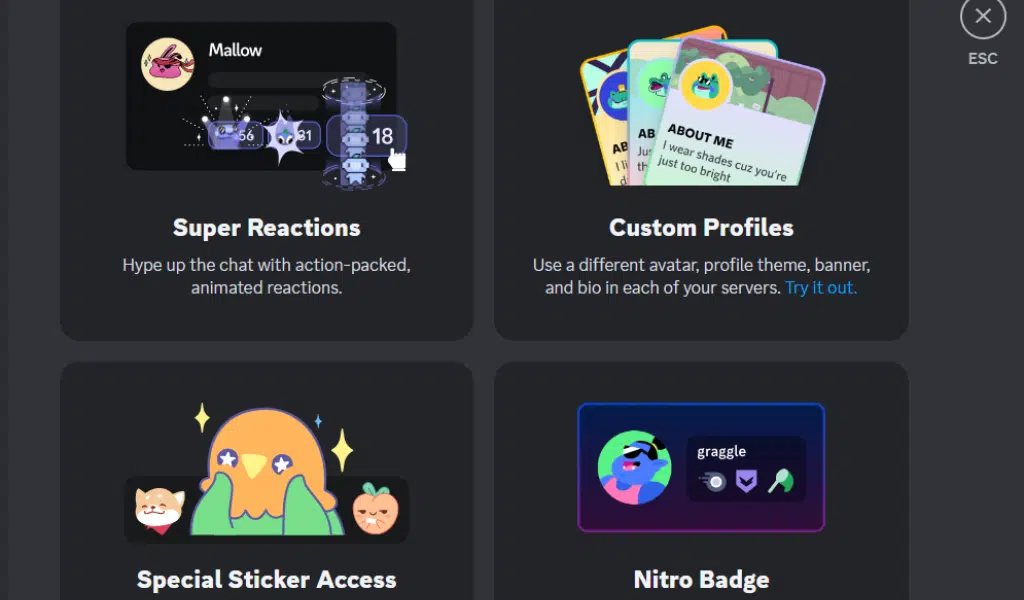
Reactions are a feature on Discord that allows users to express their emotions and thoughts on messages using emojis. Super Reactions, on the other hand, take reactions to the next level by offering more diverse and customizable options for users to engage with content.
Definition and Functionality of Reactions
Reactions are fun tools on Discord. They use emojis that show how you feel about a message. You pick an emoji from the list and add it to a message. This way, you can express your feelings without typing words.
For example, if someone shares good news, you can add a happy face emoji as your reaction to their message. It is simple and quick!
Definition and Functionality of Super Reactions
Super Reactions work like magic on Discord. They make your chat more fun and exciting. You pick an emoji and it comes to life in a bold way. It lights up the screen with a little show of its own.
Users can add Super Reactions by clicking “Add Super Reaction”. This lets you choose from many fun options. The app shows how many super reactions you have left at the top right of the emoji pop-up box.
So, always know how many you can use next! They are not just emojis, they bring joy to every message.
How Many Super Reactions Do You Geton Discord: Availability and Limiation

Super Reactions are currently in the Beta stage and only available on certain Discord servers.
Super Reactions in Beta Stage
Right now, Super Reactions is in the test phase. That’s what we call the Beta stage. It isn’t on all Discord servers yet, just some of them. Some users don’t like where the new button for Super Reactions sits.
But this could change because it’s still being tested and worked on.
Limited Availability to Certain Discord Servers
Super Reactions on Discord are still in the testing phase, so they are not available to all Discord servers. Only a specific group of servers has access to this feature. So, if you don’t see Super Reactions on your server, it’s because it hasn’t been rolled out to your server yet.
Keep an eye out for any updates or announcements from Discord about when Super Reactions will become more widely available. If you want to know how to play music on Discord then read this.
Super Reaction Limits Based on Nitro and Nitro Basic Subscriptions
The number of Super Reactions available on Discord depends heavily on your subscription plan. If you have a Nitro subscription, you can use up to five Super Reactions per week. Non-subscribers and those with a Nitro Basic or Classic subscription are limited to two Super Reactions per week. This is a summary of what you can expect:
| Subscription Type | Number of Super Reactions Per Week |
|---|---|
| Non-subscribers | 2 |
| Nitro Basic or Classic | 2 |
| Nitro | 5 |
Remember that Discord Nitro also offers other extra features, such as a soundboard and themes, which can be used across different servers.
How to Use Reactions and Super Reactions
To use Reactions and Super Reactions on Discord, simply follow these instructions:
Instructions for Using Reactions and Super Reactions on Discord
To use Reactions and Super Reactions on Discord, follow these steps:
- Select a message you want to react to.
- Click on the smiley face icon underneath the message.
- Choose the emoji you want to use as a Reaction or Super Reaction.
- If you want to add a Super Reaction, click on “Add Super Reaction.”
- The number of remaining Super Reactions can be seen in the counter at the top right of the emoji pop-up.
- To remove a Reaction or Super Reaction, click on the emoji again.
Checking the Remaining Super Reactions
You can easily check how many Super Reactions you have left. Just go to your Discord account and look for the number of Super Reactions available under your account. Ordinary users get two Super Reactions per week, while Nitro users get five per week.
This way, you’ll know how many more reactions you can use before reaching the limit.
Registering and Removing Reactions
To register and remove reactions on Discord, follow these steps:
- To add a reaction to a message, click on the “Add Reaction” button.
- Choose an emoji from the emoji pop-up menu.
- The reaction will be registered and displayed next to the message.
- To remove a reaction that you have added, click on the “Remove Reaction” button.
- Select the emoji that corresponds to the reaction you want to remove.
- The reaction will be successfully removed from the message.
Read also: How to Create Roles on Discords
How to Disable Super Reaction Animations
Learn how to disable Super Reaction animations as a server admin or moderator and take control of your Discord experience. Read on to find out more!
Steps to Disable Super Reaction Animations as a Server Admin or Moderator
To disable Super Reaction animations as a server admin or moderator, follow these steps:
- Go to your User Settings.
- Navigate to the Accessibility page.
- Scroll down to find the “Play Animated Emoji” option.
- Use the toggle to enable or disable Super Reactions.
Limitations of Disabling Super Reactions on the Mobile App
Disabling Super Reactions on the Discord mobile app has some limitations. While you can turn off Super Reaction animations as a server admin or moderator, it’s important to note that this feature is not available for use on mobile devices.
So even if you disable Super Reactions, users will still be able to see them on their posts. This limitation means that users who primarily use the mobile app won’t be able to fully disable Super Reactions and may still see them in their chats.
Managing Reactions and Super Reactions
You can easily see who reacted with what emojis to a message and remove Super Reactions if needed. Discover more tips for managing reactions and super reactions on Discord.
Ability to See Who Reacted with What Emojis to a Message
You can now see who reacted to a message and with what emojis. This feature allows you to know how people are responding to your messages or posts. Whether it’s on Messenger, Google Meet, Teams, or Discord, you have the ability to see which emojis others have selected as their reactions.
It’s a great way to gauge the engagement and sentiment of your audience without having to ask them directly. So next time you receive reactions to a message or post, take advantage of this feature and get insights into how people are feeling about what you’ve shared.
Removing Super Reactions and Potential Impact on Available Balance
If you decide to remove Super Reactions, it could affect the available balance for managing Reactions and Super Reactions. The article does not provide specific details on how this impact will be felt or what exactly happens to the available balance.
However, removing Super Reactions may have some consequences that are not made clear in the information given.
Using Reactions and Super Reactions on Mobile
Learn how to utilize Reactions and Super Reactions on your mobile device, as well as remove them if needed. Discover the convenience of engaging with messages and expressing yourself even while on the go.
Steps for Using Reactions and Super Reactions on Mobile Devices
Here is how you can use Reactions and Super Reactions on your mobile devices:
- Open the Discord app on your mobile device.
- Navigate to the message that you want to react to or add a Super Reaction.
- Tap and hold on the message until a menu appears.
- Select the “Add Reaction” option from the menu.
- Choose the emoji or Super Reaction that you want to use by tapping on it.
- If you want to remove a reaction, tap and hold on it, then select “Remove Reaction” from the menu.
- To see who reacted with what emojis to a message, tap and hold on the reaction and select “View Users”.
- You can also check how many Super Reactions you have left by tapping and holding on a reaction and selecting “View Remaining”.
- Remember that some users have criticized the new button location for Super Reactions, so make sure to familiarize yourself with its placement.
Removing Reactions and Super Reactions on Mobile
To remove Reactions and Super Reactions on mobile, follow these steps:
- Tap and hold the message that has the Reaction or Super Reaction you want to remove.
- A menu will appear with options.
- Select “Remove Reaction” or “Remove Super Reaction” from the menu.
- The Reaction or Super Reaction will be successfully removed from the message.
Reasons for Super React Not Working
Super Reactions may not work for users who are not subscribed to Nitro or Nitro Basic.
- Your Discord server does not have Super Reactions enabled.
- The Super Reaction feature is still in the Beta stage and may have some bugs or issues.
- You have reached the limit of available Super Reactions based on your Nitro or Nitro Basic subscription.
- There might be a temporary glitch with the Discord app or server that is preventing Super Reactions from working properly.
- Make sure you are using the latest version of the Discord app, as older versions may not support Super Reactions.
- If you are experiencing issues on mobile, try updating the app or checking for any device-specific restrictions.
- Double-check your internet connection to ensure it is stable and not causing any disruption in Super React functionality.
Latest Updates and New Features
Discover the exciting new emoji options and features that have been added to Reactions and Super Reactions – you won’t want to miss out on these game-changing updates. Read more now!
Updates and Improvements to Reactions and Super Reactions
Discord has made some updates and improvements to Reactions and Super Reactions. These changes aim to enhance the overall user experience when expressing reactions to messages on the platform.
Users can expect new emoji options and features, providing more ways to express themselves effectively. Discord is continuously working on improving these features based on user feedback, so keep an eye out for any further updates in the future.
New Emoji Options and Features
Discord, YouTube, Google Meet, and Instagram have recently introduced new emoji options and features to enhance user interactions. These updates aim to provide more ways for users to express themselves and engage with content.
For example, Discord’s Super Reactions feature is being tested in Beta, allowing users to react with a wider range of emojis. YouTube now offers viewers the option to react with five different emoji options during live streams, while Google Meet enables users to share in-meeting reactions using emojis on various platforms.
However, it’s important to note that there may be some limitations or known issues associated with these new features on different platforms. Additionally, you can also check on Integrating ChatGPT on Discord
Frequently Asked Questions (FAQs)
Below we’ll be adding some common querieson this topic.
1. What are super reactions and how many do you get?
Super reactions are special responses on social media platforms, but the exact number of super reactions you get depends on the specific platform and its features.
2. Can I customize the super reactions I receive?
Yes, some platforms allow customization of super reactions based on user preferences and available options.
3. Are there any updates or changes to super reactions recently?
Updates or changes to super reactions are possible as social media platforms constantly evolve to enhance user experience. It’s best to stay updated with the latest news from your preferred platform.
4. How do I know if someone has given me a super reaction?
Typically, you will receive notifications or see visual indicators on your social media account when someone gives you a super reaction, depending on the platform and its settings.
Wrapping Up
In conclusion, Super Reactions on Discord are an exciting feature that allows users to express themselves in a fun and interactive way. However, it’s important to note that they are still in the Beta stage and only available to select servers.
The number of Super Reactions you can get may also be limited based on your subscription level. Keep an eye out for the latest updates and new features as Discord continues to improve this feature for its users.