How can You play the best roblox?

roblox

As we all know Roblox is an online amazing game platform and game creation system which is developed by Roblox Corporation. It allows all its users to program games and ultimately play games created by other users on multiple devices.

Best Games in Roblox

There are a lot of games that can be played on Roblox. You can play games such as puzzles, strategy, physics games, and more. To find the best games for you, we’ve put together a list of the best games in Roblox.

What device should you use to play the games?

There are a few different devices you can use to play the games. One is the computer, which is great for playing the games that are designed specifically for Roblox. However, other devices like phones and tablets can also be used to play games on Roblox. So, it really depends on what you want to do with your game. You can also play roblox on laptops these days as there are many out there in order to help you playing smoothly roblox.

Is it good to play Roblox on Phone?

It is good to play Roblox on phone as it has a lot of advantages over traditional desktop or laptop gaming.

First, on phone you have the ability to control the game environment in a much more direct way than on a desktop or laptop. This means that you can move and resize objects in your games, making them more realistic. Additionally, due to the way that games are designed on phones, it’s often easier to make mistakes and learn from them quickly than on a traditional computer screen.

In addition, many people find playing games on their phone really fun and engaging. So if you’re looking for an amazing mobile gaming experience, Roblox is definitely worth checking out!

Startegies to Play Roblox Online

One of the best ways to enjoy Roblox is by starting from scratch. There are plenty of ways to get started, and there are a lot of guides and tutorials that can assist you in getting started.

Here are six ways to play Roblox online:

  1. Create a new game: Start by creating a new game and then exploring its features. You can choose from a variety of genres, settings, and characters.
  2. In-game currency: Use in-game currency to buy things in the shop or to improve your game experience.
  3. Multiplayer games: Play games with friends or family on different devices.
  4. discord: Connect with other users and collaborate on projects together.
  5. Upload your games: Share your games with other users and see who thinks they’re the best!
  6. Collaborate with others: Use the Roblox community to help each other create great games and experiences.

Conclusion:

Playing Roblox can be fun and rewarding, To help play the best game on roblox use the correct devices, playing with friends is always a good time, but make sure not to spend too much time in the game room at one time.



Subscribe to Our Newsletter

Related Articles

Top Trending

digital purchases you could lose
8 Digital Purchases You Could Lose When a Platform Closes
Best Vendor Management Software for SMBs
10 Best Vendor Management Software for SMBs
Gym Management Software for Fitness Studios
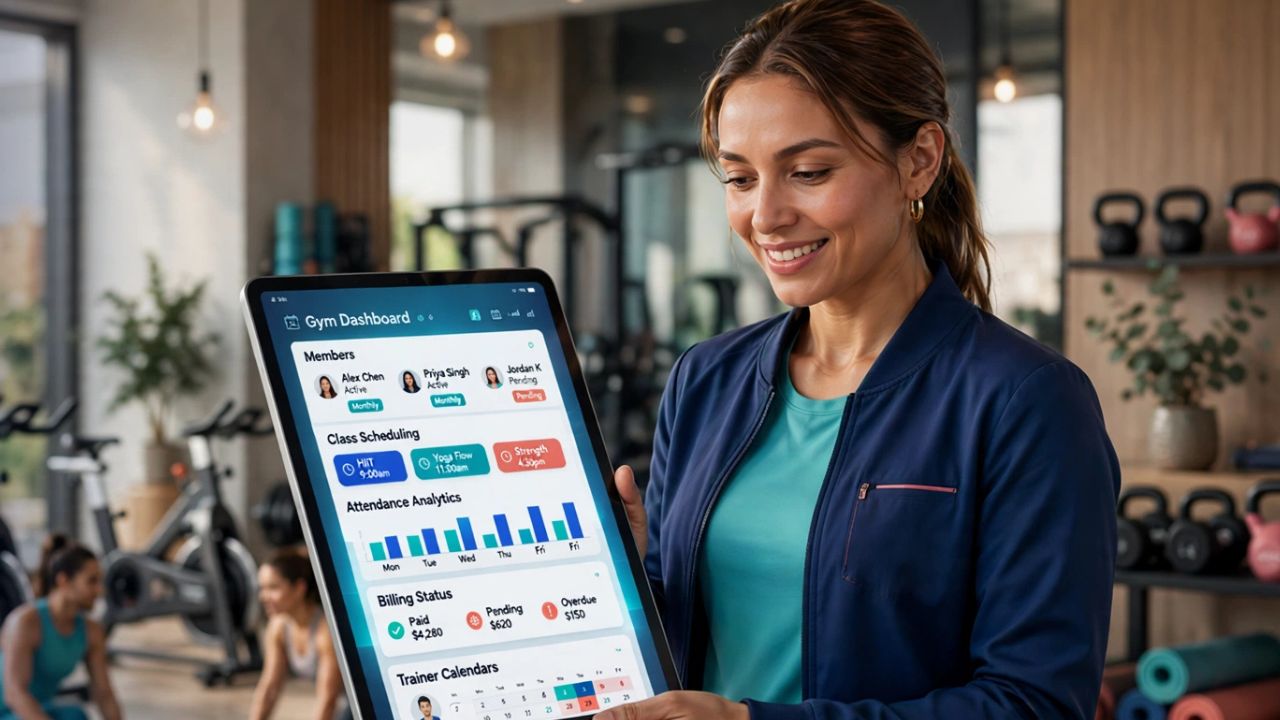
10 Best Gym Management Software for Fitness Studios
7 Legal Technologies Helping Injury Firms Manage Digital Evidence
How to Set Up Two-Factor Authentication on Google
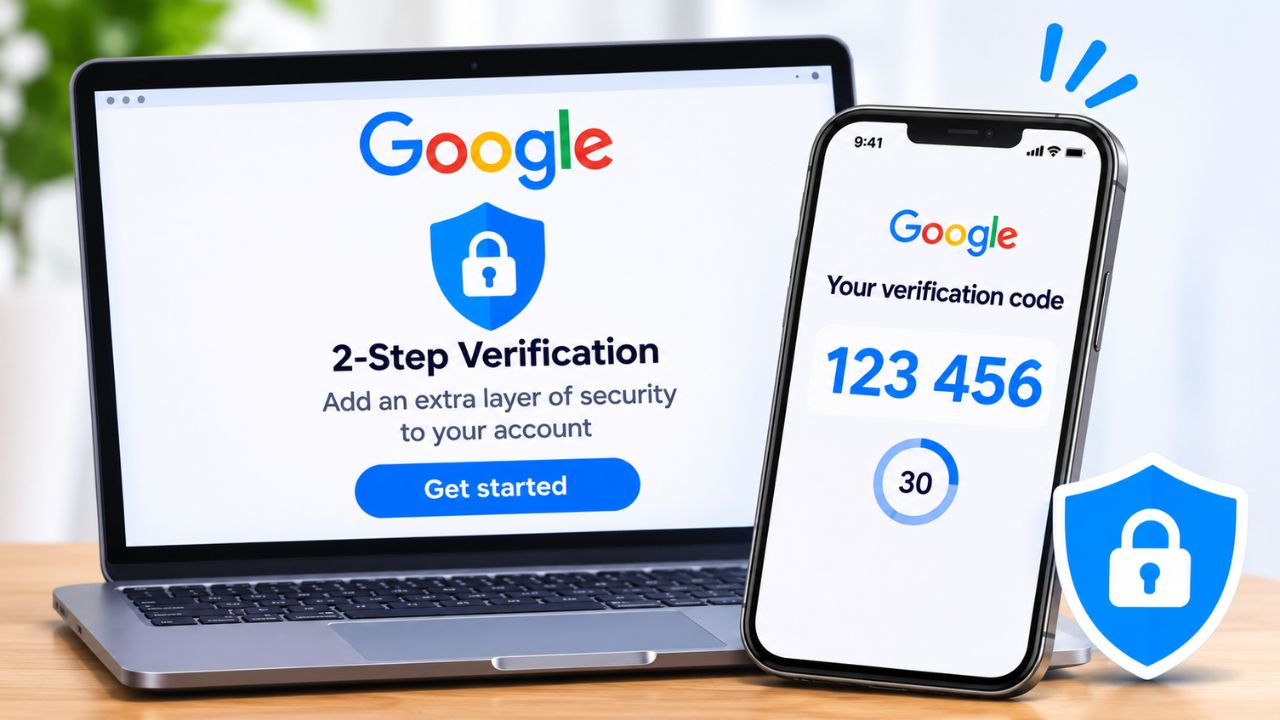
How to Set Up Two-Factor Authentication on Your Google Account

Technology & AI

7 Legal Technologies Helping Injury Firms Manage Digital Evidence
How to Set Up Two-Factor Authentication on Google
How to Set Up Two-Factor Authentication on Your Google Account
Subscription Gadgets that need an offline fallback
8 Subscription Gadgets That Need an Offline Fallback
Daycare Management Software
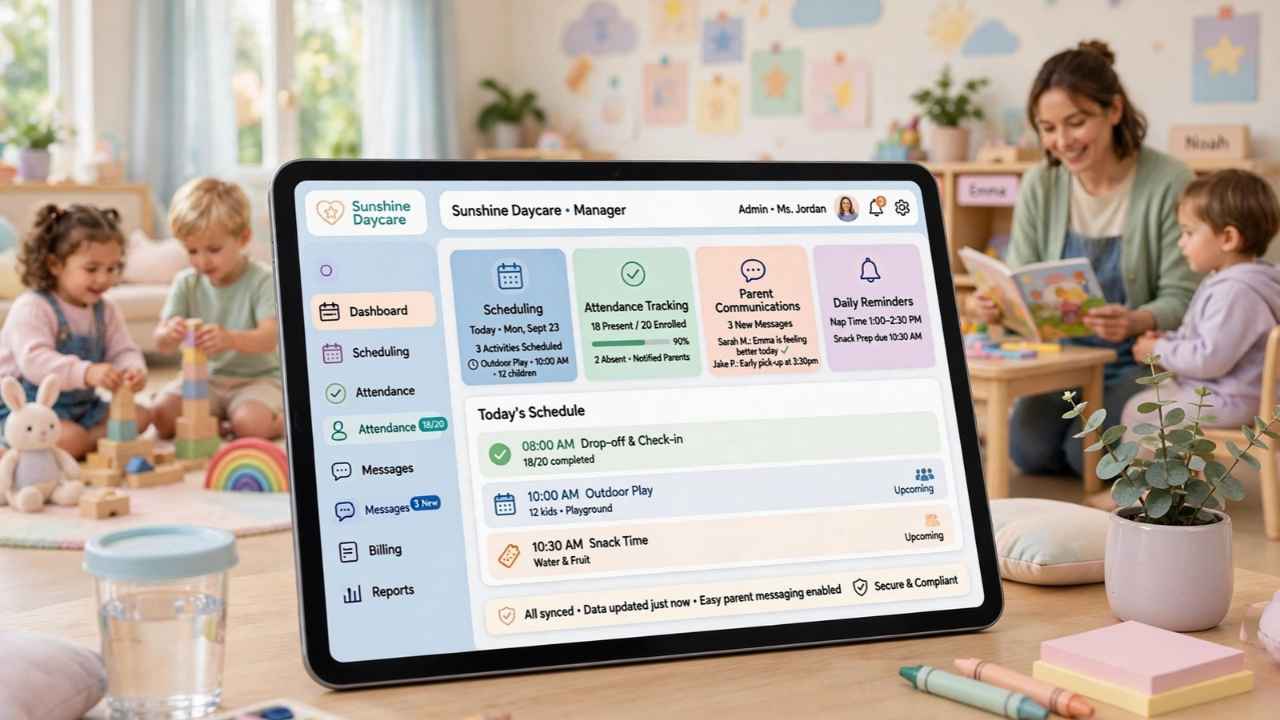
10 Best Daycare Management Software With Prices and Everything
Apps to Document a Car Accident Scene and Your Injuries
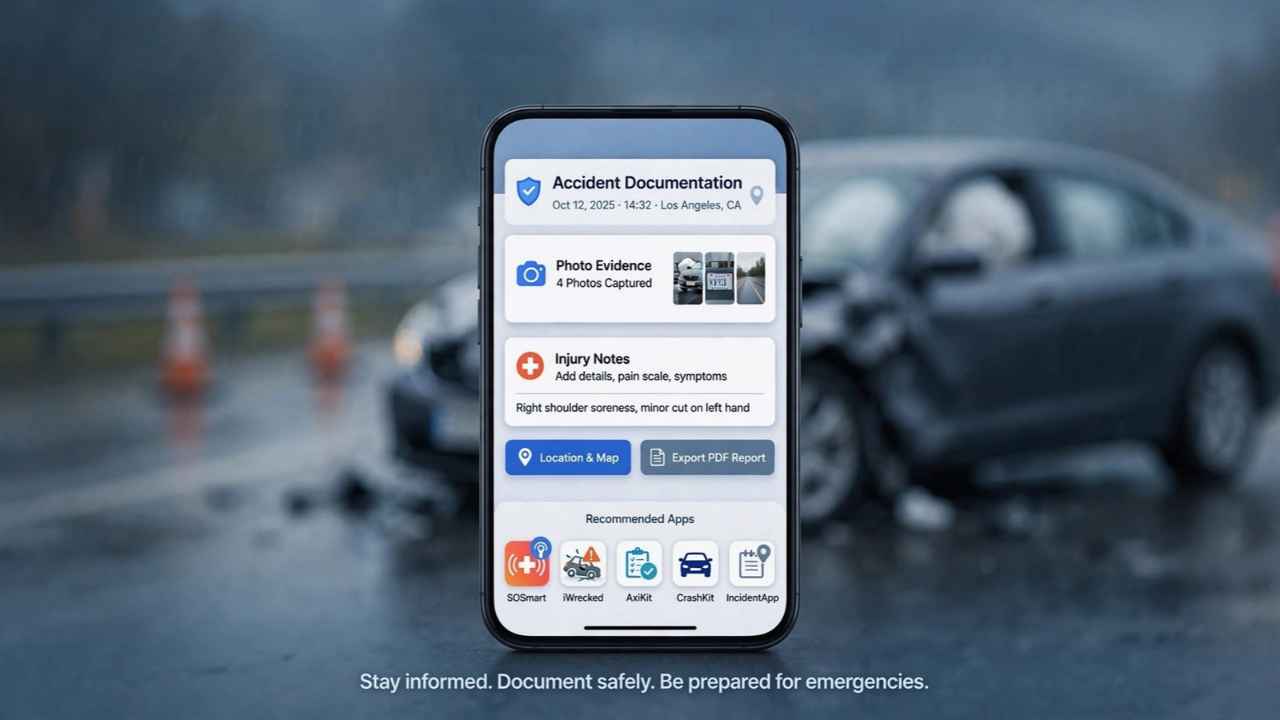
15 Best Apps to Document a Car Accident Scene and Your Injuries

GAMING

Ergonomic Gaming Setup 8 Upgrades for Better Comfort
8 Ergonomic Upgrades for a Healthier Gaming Setup
Gaming Accessibility Technology
10 Accessibility Technologies Making Gaming More Inclusive
Discord Bots for Gaming Communities
10 Best Discord Bots for Gaming Communities
Video Games and Mental Health Benefits, Limits and Risks
Can Video Games Support Mental Health and Emotional Well-Being?
Why Payment Convenience Matters When Choosing an Online Casino

Business & Marketing

Best Vendor Management Software for SMBs
10 Best Vendor Management Software for SMBs
Wise vs PayPal vs Payoneer
Wise vs PayPal vs Payoneer for Receiving International Payments
Business Loan Marketplaces for Comparing Offers
9 Best Business Loan Marketplaces for Comparing Offers
Breaking Into Advertising A Narrower Door, Still Open
The Door Into Advertising Is Narrower: It Isn’t Closed
Business Plan Software for Startups
10 Best Business Plan Software for Startups

EdTech & E-Learning

math games for early learners
The Mystery of Numbers: Gamified Math Adventures for Early Learners
Online Learning Career Skills
7 Ways Online Learning Helps Adults Develop Career Skills
Formative Assessment in Learning Apps
What Is Formative Assessment in Learning Apps? A Practical Guide
Learning streaks
How Learning Streaks Motivate And When They Backfire
parent-teacher communication apps
10 Best Parent-Teacher Communication Apps

Software & Apps

Best Vendor Management Software for SMBs
10 Best Vendor Management Software for SMBs
Gym Management Software for Fitness Studios
10 Best Gym Management Software for Fitness Studios
How to Set Up Two-Factor Authentication on Google
How to Set Up Two-Factor Authentication on Your Google Account
Options Trading Platforms for Beginners
10 Best Options Trading Platforms for Beginners
Daycare Management Software
10 Best Daycare Management Software With Prices and Everything