

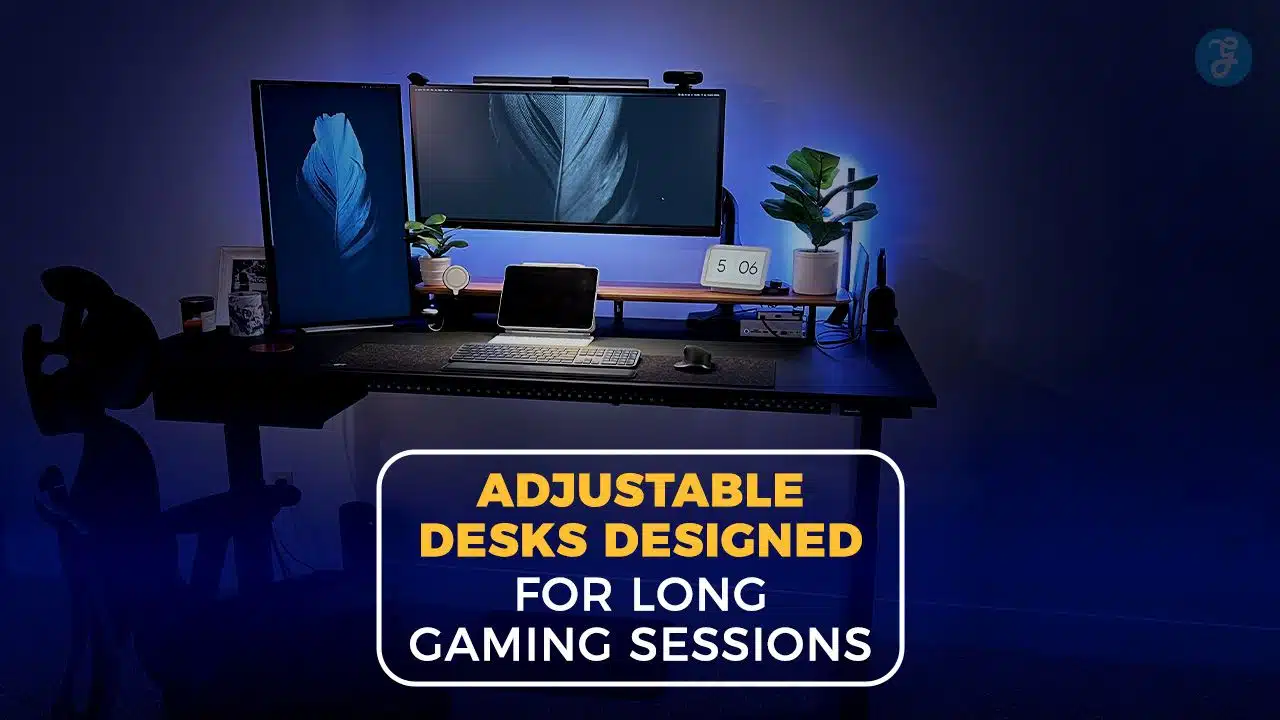
Long sessions at a computer can leave your back tight and your wrists sore. An electric height adjustable desk helps you switch positions fast, so your body gets a break without pausing the action. The five picks below blend smart cable management, steady frames, and memory presets to keep your gaming setup comfortable and focused. Stick around if you want a desk that supports long play without slowing you down.
Key Takeaways
- Electric adjustable desks with dual motors and memory presets keep height changes quick, quiet, and consistent for long gaming sessions.
- Strong frames and high weight capacity, often up to 310 to 330 pounds, support multiple monitors and heavy gear without wobble.
- Thoughtful cable management systems hide cords, reduce hazards, and make swapping gaming peripherals easier during intense matches.
- Ergonomic setups with adjustable height reduce common discomfort, which many gamers report after marathon play.
- Wide desktops paired with stable lifts let you run multi-monitor layouts while moving between sitting and standing positions smoothly.
What makes the Autonomous SmartDesk Core ideal for gaming?
Think of it as a dependable lift for your command center. The Autonomous SmartDesk Core uses dual motors, which means two separate motors move the desk up and down for even lifting and extra strength. It supports up to 310 pounds, so a full tower, two or three displays, and speakers are no problem.
Height adjusts from 29.4 to 48 inches with simple controls. Memory presets save your favorite positions, so you can switch from sitting to standing in seconds. The frame uses SPCC steel, a cold rolled steel known for durability; tops come in MDF, which is a dense fiberboard, or a bamboo top that is tough and easy to clean.
Noise stays around 40 to 45 dB, which is about as quiet as a library, so game audio and team chat stay clear. Setup takes roughly 15 minutes. Finish options include Black, Walnut, White Oak, Bamboo, and classic White, so it blends with your style whether you use a MacBook Air or a big RTX Super rig.
Why choose the Eureka Ergonomic Gaming Desk for long sessions?
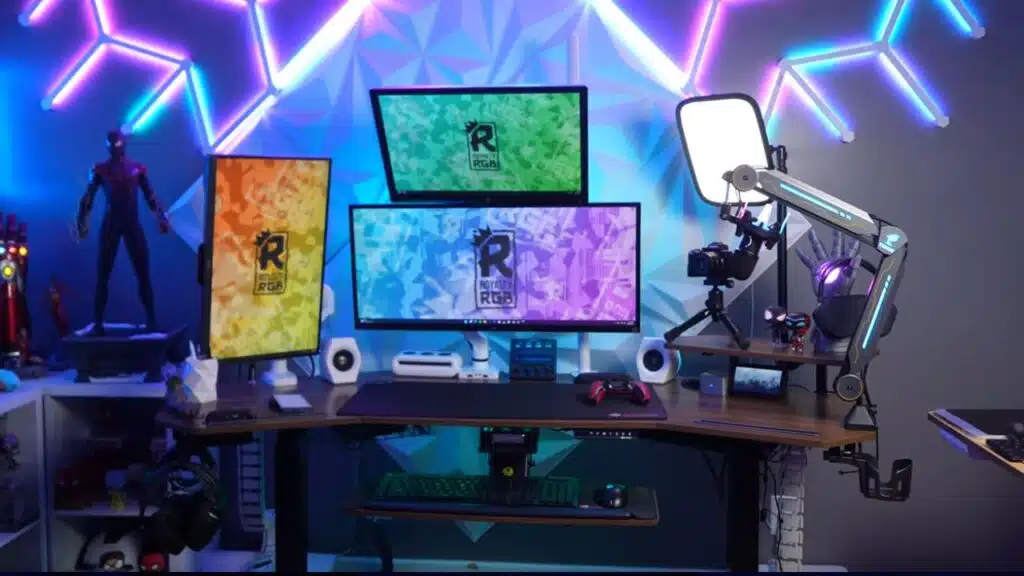
If you like a strong base, this desk brings muscle. Dual motors and an X-frame hold up to 330 pounds, keeping your layout steady when the action spikes. It moves at about 1.5 inches per second, so you can switch positions between rounds without missing a callout.
The surface depth is 31.5 inches, which gives you space for a wide mouse pad, two displays, and a mic or controller cradle. The built-in cable management system routes cords out of sight, and the controller mounts keep gear in one spot. Memory presets let you jump to your ideal height with one tap. Anti-collision tech detects obstacles and stops the lift to help protect your hardware if a chair or headphone hook gets in the way.
What features does the FlexiSpot Gaming Desk offer gamers?
FlexiSpot desks focus on smooth lifting and sturdy construction. Models such as the E7Q use four motors with a carbon steel frame for balanced movement and high stability. That means less shake when you type, click, or adjust monitor arms. The E7 Pro costs $749.99 and runs on dual motors with easy memory presets, so you can save heights for different games or users.
Choose from reversible bamboo or chipboard tops to match your room and values. The Premium Standing Desk, also known as E7 Pro, lifts fast and handles heavier loads than many computer desks at this price. Wide desktops make room for large mouse pads, streaming gear, and a cup holder. A cable management tray helps keep cords tidy, which makes your station look clean and cuts setup time when you swap parts.
Payment plans are available if you prefer to spread out the cost. For busy households or shared rooms, quick adjustments help everyone stay comfortable and focused.
How does the Secretlab MAGNUS Pro Sit-to-Stand Desk enhance gaming?
This desk blends power with polish. Motorized height adjustment gives you quick control over sitting and standing, which helps you stay comfortable through long matches. Dual motors provide smooth lift, and the weight capacity supports multiple displays plus heavy speakers or a large desktop tower.
Memory presets save your favorite heights for fast switching. An integrated cable management system hides wires behind metal covers and trays, so your gaming station looks clean from every angle. Built-in USB ports power small devices, and RGB lighting adds a glow you can tune to your theme. The frame feels solid under pressure, so the desk does not wobble when the gameplay gets intense.
What benefits does the Arozzi Arena Gaming Desk provide?
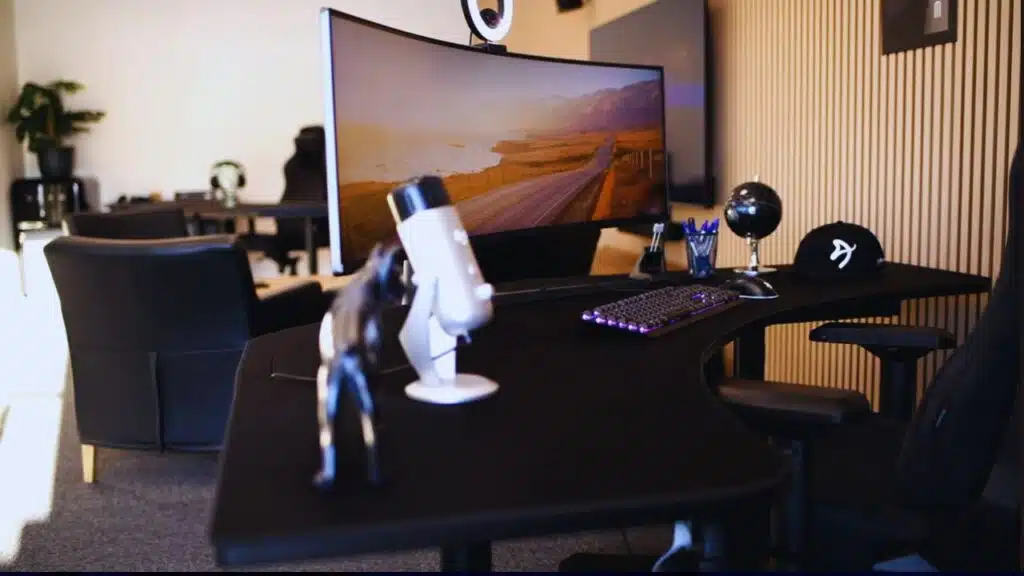
If you love a huge mousepad, this one covers the full surface and is washable and water resistant. Spills happen, so you can wipe it and keep playing. The $399.99 model offers an ultrawide curved shape that fits two or three monitors with space to spare, which is handy for simulators or racing setups.
Adjustable feet help settle the desk on uneven floors. Every version includes smart cable management to reduce clutter and tangled cables around your keyboard tray or monitor stand. Want height control too? The $699.99 version adds electric lift, so you can change positions with a press of a button.
The large surface holds monitor arms, speakers, and even a snack plate if you are brave. Sturdy construction supports heavy gear like GeForce GTX cards, multiple screens, or a thick microphone boom without bending or squeaking.
Key features to consider in adjustable gaming desks
How does the height adjustment mechanism affect comfort?
A reliable lift system matters for comfort. Electric height adjustable desks move smoothly, so you can go from sitting to standing without breaking focus. Desks with dual motors often rise faster, sometimes up to 2.3 inches per second. Memory presets save your best heights for aim training, streaming, or editing, which keeps your posture steady over time.
Proper screen height puts the top of the display near eye level and reduces neck strain. Good wrist position keeps arms at about a 90 degree bend, which helps during long mouse movements. Anti-collision sensors stop the desk if it hits an obstacle, like your chair or a headphone hook, which protects both the frame and your gear.
Why is stability and weight capacity important for gaming desks?
A shaky desk makes precise aim harder and can damage parts over time. Heavy builds with two or three monitors, a streaming cam, and a large tower need a frame that does not flex. Look for industrial grade steel, thicker legs, and cross support. Many solid desks handle 310 pounds or more, which covers most rigs.
Stable legs without exposed holes reduce sway under fast motion. Triple motor systems on L shaped models can add extra stability for very wide setups. Certifications like ANSI or BIFMA show the desk passed industry tests for strength and safety. High weight capacity protects your investment and keeps your command center steady during height changes.
How do surface area and cable management improve your setup?
Extra surface depth, such as 31.5 inches or more, leaves room for a large mouse pad, speakers, and a mic arm without crowding. Long tops, like 70 inches, support triple displays or an ultrawide panel. A full-surface mouse pad helps you track smoothly without lifting your hand in the middle of a fight.
A cable management system, with trays, grommet holes, and under-desk baskets, keeps cords in order. Clean routing prevents snags, protects ports, and speeds up upgrades. It also makes your gaming setup look sharp on camera if you stream or share photos.
Advantages of adjustable desks for gamers
How do adjustable desks improve ergonomics during gaming?
Ergonomics means setting up your space to fit your body. An adjustable height desk lets you move screens to eye level and rest elbows at a comfortable bend. That small change reduces neck and wrist stress. Save heights with memory presets, so you always return to the same positions for work, play, or editing.
Switching between sitting and standing positions wakes up your legs and back. A bamboo top feels smooth on your wrists, and it is tough enough for clamps and monitor arms. Hidden cable routes also keep movement clear around your chair wheels and feet.
In what ways do adjustable desks reduce strain in long sessions?
Long play can tighten muscles and slow focus. Changing desk height shifts pressure spots, which can ease common aches many gamers report. Better arm angles and neutral neck position reduce strain when you use a keyboard tray or a tall monitor stand.
Quick presets make it easy to move before stiffness sets in. Standing can improve blood flow and help you stay alert for multi-hour sessions. An anti-fatigue mat adds cushioning for your feet if you stand a lot. If pain lingers or worsens, consider checking in with a healthcare professional.
How can adjustable desks offer flexibility for different gaming setups?
Dual motors help desks lift heavier gear, so you can swap layouts without worry. Presets let you change from a racing wheel to a flight stick, then back to a mouse and keyboard, with a single tap. That is useful when friends visit or when you stream different games.
L shaped or ultrawide desks add space for capture cards, lights, and multiple displays. Surface options like chipboard or bamboo let you match style and budget. Built-in mounts and trays keep cable runs tidy, and higher weight limits support larger monitors without wobble. RGB lighting can add mood, but the real win is comfort and control.
How can you set up your adjustable gaming desk effectively?
A few small tweaks can upgrade comfort and focus. Use this checklist to dial in your space step by step.
- Raise the desk so the top quarter of each monitor is near eye level; use monitor arms if needed.
- Angle your keyboard slightly downward, about negative five degrees, to reduce wrist strain during long play.
- Place an anti-static mat for electronics on the floor and an anti-fatigue mat under your feet for standing comfort.
- Route cords through a cable management system or secure them with Velcro straps to protect your USB ports and power plugs.
- Keep drinks in a side holder or on a stable shelf; keep liquids away from your mouse pad and switches.
- Use memory presets to switch between sitting and standing, so you do not lose focus during matches.
- Add support brackets under very heavy items, such as water cooling units or extra-large monitors, to protect the frame.
- Check the frame and level once a month; tiny adjustments prevent sagging and keep lifts smooth.
- Install a headphone hook, add LED strips or RGB lighting for mood, and place small accessories where you reach them without stretching.
Takeaways
An adjustable desk can turn a basic setup into a confident, tidy command center. Smooth height changes, smart cable management, and memory presets support comfort during long gaming sessions. Pick the features that match your gear and space, like monitor arms or a bamboo top, then set heights that protect your posture. The result is simple, better gaming performance and a station you will enjoy using every day.
FAQs
1. What makes an adjustable gaming desk better for long gaming sessions?
An adjustable desk lets you switch between sitting and standing positions, which helps with posture improvement during marathon gaming. Many models come with electric height adjustment, memory presets, and sturdy construction to support your entire command center.
2. How do cable management systems help my gaming setup?
A good cable management system keeps wires from your gaming peripherals organized and out of sight. This means fewer tangles under your bamboo top or around the monitor stand, making your whole station look cleaner while boosting focus.
3. Are there desks that include USB ports or headphone hooks?
Yes, several ergonomic desks feature built-in USB ports for charging devices right at your fingertips. Some even add a handy headphone hook so you never lose track of your headset in the heat of battle.
4. Can these desks handle heavy monitors and gear?
Most quality adjustable desks offer high weight capacity to hold multiple screens, monitor arms, keyboard trays, and other accessories without wobbling mid-gameplay.
5. Do any of these desks have RGB lighting for extra flair?
Absolutely; some electric height adjustable models light up like a spaceship thanks to customizable RGB lighting options that can match the mood of any game night.
6. Will using an ergonomic desk really improve my gaming performance?
Switching between sitting and standing helps fight fatigue during long sessions at your station; it also encourages better posture over time which can boost comfort and keep you sharp when every second counts in competitive play.




























