

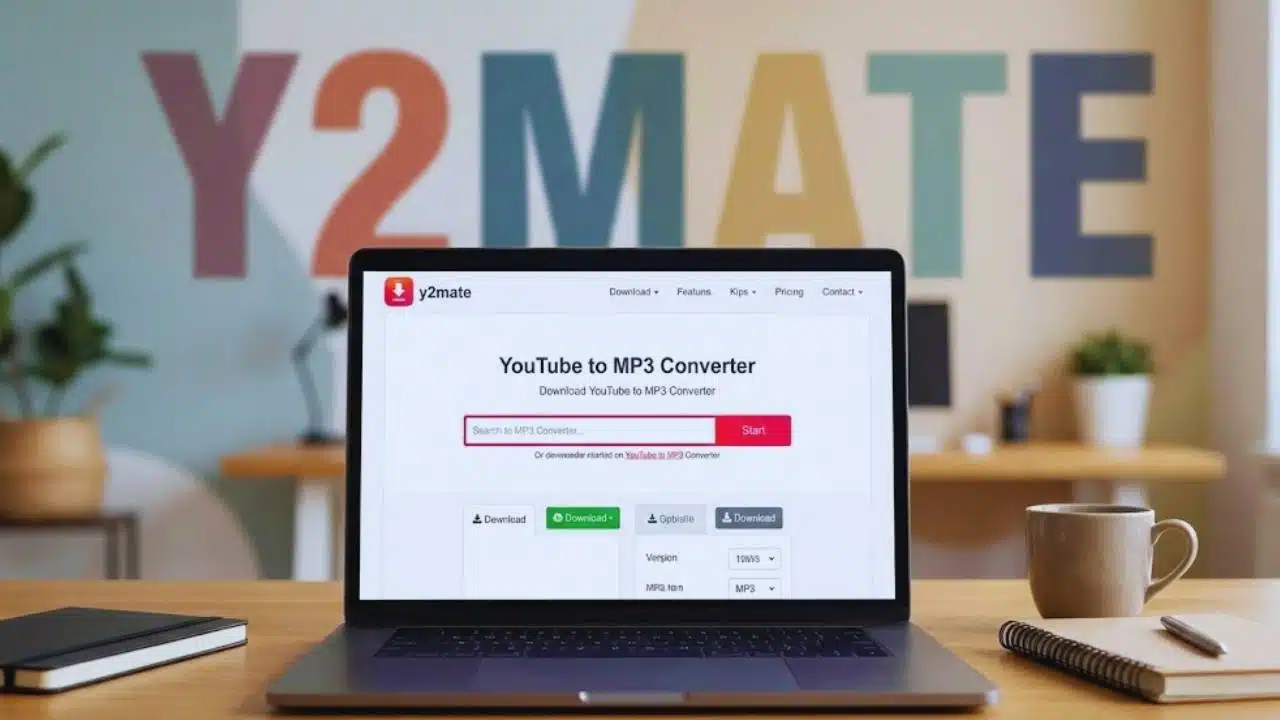
Do you want to listen to your favorite YouTube songs offline? Finding a quick way to turn videos into MP3 files can be hard. Many tools are slow or filled with ads that waste your time.
You need a simple solution that works fast.
Y2mate YouTube to MP3 is a free online tool that helps you download audio from videos. It works without any sign-up or software installation. You can convert videos to high-quality MP3 files in just a few clicks.
This guide will show you exactly how to use Y2mate to download music from YouTube. We’ll walk through each step with clear instructions. Get ready to enjoy your favorite songs anywhere, anytime.
Key Takeaways
- Y2mate converts YouTube videos to MP3 files for free with no sign-up or software needed.
- You can choose from five audio quality options (64kbps to 320kbps) based on your needs.
- The tool works on all devices and browsers, making it easy to download music anywhere.
- Y2mate supports videos from other platforms like Facebook, TikTok, and Instagram too.
- A stable internet connection helps prevent failed downloads and ensures smooth conversions.
Benefits of Using Y2Mate for YouTube to MP3 Conversion
Y2Mate offers a fast, simple way to turn YouTube videos into MP3 files. You can save time with its quick downloads and enjoy your audio files without any tech skills.
How Fast Are Y2Mate Downloads?
Y2Mate delivers quick downloads thanks to its high-speed encoding system. Most MP3 conversions start right away, with the file ready in seconds. Your actual download speed depends on your internet connection and the size of the YouTube video.
Larger videos or those with higher resolution (like 2K, 4K, or 8K) may take a bit longer to process.
Users love that Y2Mate can handle unlimited file sizes with no daily download caps. The service keeps high quality output up to 320kbps for audio files. You can also queue multiple clips for download, perfect for when you’re traveling or in areas with poor internet.
For the fastest results, try converting videos one at a time rather than using batch processing.
What Makes Y2Mate Easy to Use?
Y2Mate stands out with its no-fuss approach to YouTube conversions. You don’t need to make an account or install any software on your device. The clean interface works for both tech experts and beginners.
Everything happens right in your browser with a simple process: copy URL, paste it, pick your format, and download. The built-in search tool lets you find videos without having the exact URL ready.
This saves time when you want to grab audio from a video you saw earlier.
The one-click conversion feature makes the whole process quick and smooth. All tools are right on the homepage, so you won’t waste time hunting through menus. After downloading, you can sort your files by title, artist, and even add cover art.
This helps keep your music library neat and easy to browse. The service runs on any device with a web browser, giving you freedom to convert videos wherever you are.
Is Y2Mate Free and Unlimited?
Y2Mate offers a 100% free service with zero costs or subscription fees. You won’t face any hidden charges, payment requests, or credit card details when using this tool. The platform gives you unlimited access to convert and download files without daily limits.
This makes it perfect for both casual users and pros like teachers or content creators who need regular downloads.
Users worldwide can enjoy all Y2Mate features without paying a dime. There are no file size limits, no trial periods, and no registration needed to start using the service. Every feature is included in the free package, so you don’t have to worry about missing out on premium options.
The service stays free no matter how many videos you need to convert.
Steps to Convert YouTube Videos to MP3 with Y2Mate
Converting YouTube videos to MP3 with Y2Mate takes just a few simple steps. You’ll learn how to grab a video URL, paste it into Y2Mate, select your audio quality, and download your MP3 file in minutes.
How Do I Copy a YouTube Video URL?
Copying a YouTube video URL is simple and fast. First, go to the YouTube video you want to convert to MP3. Look at the address bar at the top of your browser where you’ll see the full link.
Click once in this bar to highlight the entire URL. Right-click on the highlighted text and select “Copy” from the menu, or press Ctrl+C (Command+C on Mac). The URL is now saved to your clipboard and ready to paste into Y2Mate.
You can copy URLs from many sites besides YouTube. Y2Mate works with Facebook, TikTok, Instagram, Dailymotion, and Youku videos too. You don’t need to log in or create an account to copy and convert these links.
If you can’t find the URL, Y2Mate has a built-in search that lets you find videos by typing keywords in the search box.
How Do I Paste the URL into Y2Mate?
Pasting your URL into Y2Mate is quick and simple. The homepage has a big search box right in the center. Just copy your YouTube video link, click on the search box, and paste it there.
You can also type keywords to find videos directly. After you paste the URL, Y2Mate will load your video right away. No need to log in or take extra steps. The system works fast to show you the video you want to convert.
Y2Mate makes the process even faster with the “sos” shortcut for quicker access. The tool accepts links from YouTube and other sites too. Want to convert many videos? You can paste multiple URLs one after another for batch processing.
Once your URL is in, you’ll see options to pick your format and quality. The whole process is built to be fast and easy for anyone to use.
How Do I Choose MP3 Format and Quality?
Y2mate lets you pick from several MP3 quality options before download. You’ll see a dropdown menu with choices like 64kbps (smallest files, good for lectures), 128kbps (works well for speech), 192kbps (solid for daily listening), 256kbps (great for music), and 320kbps (best for music lovers).
Your choice affects both file size and sound quality. Lower bitrates create smaller files that save space but might sound less clear.
The quality you need depends on how you’ll use the audio. For audiobooks or podcasts, 128kbps works fine. Music fans should pick 256kbps or 320kbps for better sound. Y2mate keeps the audio clear even at higher settings.
The system works with all major media players and editing tools like Adobe Premiere Pro and Final Cut Pro, so your files will play anywhere.
How Do I Download the Converted MP3 File?
Grabbing your MP3 file from Y2mate is super easy. Once the site finishes turning your YouTube video into an MP3, you’ll see a clear download link. Just click this link once, and your file starts saving right away.
No need to sign up or install any programs on your computer or phone. The download links work right away and don’t expire quickly, so you can get your files when you need them.
Your MP3 files can be saved on desktops, tablets, and smartphones with no problems. After downloading, you can add titles, artists, and cover art to keep things neat. The best part? You can download as many files as you want with no daily limits or size caps.
Put your new MP3s in folders or add them to playlists for easy offline listening anytime.
Key Features of Y2Mate
Y2Mate offers many key features that make it a top choice for YouTube to MP3 conversion. These features help users get high-quality audio files with just a few clicks.
What MP3 Bit Rates Does Y2Mate Support?
Y2Mate gives you five MP3 bit rate choices for your music files: 64kbps, 128kbps, 192kbps, 256kbps, and 320kbps. Each option serves different needs. The 64kbps setting creates the smallest files, perfect for audiobooks or lectures where sound quality isn’t the main concern.
For most casual listening, 128kbps offers a good balance between file size and sound quality. Music fans might prefer 192kbps for daily listening or 256kbps for better sound detail.
The highest setting, 320kbps, delivers top-notch audio quality for people who want to hear every note clearly.
You can pick your bit rate from a simple dropdown menu before downloading. Your choice affects both file size and download speed. Lower bit rates download faster but don’t sound as good.
Higher bit rates take longer to download but sound much better. The MP3 files from Y2Mate work with all major media players and editing programs, so you won’t have trouble playing them on your devices.
This mix of quality options makes Y2Mate a flexible tool for all your audio needs.
Is Y2Mate Compatible with My Device and Browser?
Y2Mate works on almost any device you own. You can use it on your desktop computer, tablet, or smartphone without problems. The service runs on all major browsers like Chrome, Firefox, Safari, Microsoft Edge, Opera, Vivaldi, and Brave.
No matter if you have Android, iOS, Windows, or macOS, Y2Mate will work for you. The best part? You don’t need to install any apps or software. Everything happens right in your web browser with the same speed and quality across all devices.
This makes Y2Mate very user-friendly since you can access all its features from any device, anywhere, as many times as you want.
Tips for a Smooth Download Experience
Getting your MP3 files from Y2Mate can hit some snags, but we’ve got fixes. A stable internet link and a few smart moves will make your downloads run like clockwork.
How Can I Fix Failed Downloads?
Failed downloads on Y2Mate can be fixed with a few simple steps. First, check your internet connection and make sure it’s stable. A weak or spotty connection often causes downloads to fail.
Next, try clearing your browser cache, which might be full of old data that blocks new downloads. If that doesn’t work, refresh the page or try using a different web browser.
Most errors happen because of network problems or browser issues. Make sure the video URL is correct and not for a restricted video. You can also try picking a different MP3 format or bit rate if one isn’t working.
For stubborn problems, restart the whole download process from the beginning. If nothing helps, reach out to Y2Mate support for help with your specific error.
How Do I Ensure a Stable Internet Connection?
Your internet connection plays a big role in how well Y2mate works. A wired connection gives the best results for fast, smooth downloads. If you use Wi-Fi, stay close to your router for a stronger signal.
Large files need faster internet speeds, so avoid downloading many big files at once if your connection is slow. Try to pause other internet activities like streaming or gaming while downloading your MP3 files.
Mobile data often works less well than home Wi-Fi for downloads. You can check your network speed on sites like Speedtest.net to spot any problems.
Poor connection stability can cause failed downloads or errors. If this happens, try moving closer to your router or switching to a different time of day when fewer people use the network.
File transfer works best when there’s less internet congestion in your area. Some internet providers use data throttling after you reach certain limits, which can slow down your download speed.
For the best results with Y2mate, always make sure your connection is stable before starting any MP3 conversions.
What Else Should I Know About Y2Mate Downloader?
Y2Mate works with more than just YouTube videos. You can grab content from Facebook, TikTok, Instagram, Dailymotion, and Youku too. The service supports many file types like MP4 for all devices, WEBM for open standards, AVI and WMV for older systems, and M4V for Apple products.
Safety is a top concern for Y2Mate, which uses strong encryption to protect your data.
Legal use matters with Y2Mate. Only download content you own or have permission to use. This respects copyright laws and YouTube’s rules. The platform answers common questions about costs, formats, fixes, safety, and device support.
For better file management, create folders, add song details, and make playlists for offline listening. All contact info and copyright details appear on the Y2Mate website.
Takeaways
Y2mate makes YouTube to MP3 downloads quick and simple for anyone. You can grab your favorite songs in just a few clicks without paying a cent. The tool works on phones, tablets, and computers with no sign-up needed.
Remember to check your internet connection if you face any issues. Try Y2mate today for fast, free music downloads that you can enjoy anywhere, anytime.
For more detailed information on using Y2Mate for quick and easy YouTube MP3 conversions, visit our comprehensive guide here.
FAQs
1. What is Y2mate YouTube to MP3?
Y2mate is a free online tool that lets you convert YouTube videos to MP3 audio files. It works fast and doesn’t need any special software on your computer.
2. How do I use Y2mate to download YouTube audio?
First, copy the YouTube video link you want to convert. Next, paste this link into the Y2mate website search box. Then click the “Convert” button and wait for the process to finish. Last, click the “Download” button to save your MP3 file.
3. Is using Y2mate YouTube to MP3 legal?
The legality depends on the content you’re downloading. Personal use of non-copyrighted material is often okay, but downloading copyrighted music without permission may break laws. Always check the rules in your country about downloading online content.
4. Can I use Y2mate on my phone?
Yes, Y2mate works on mobile phones. The steps are the same as on a computer. Just open your browser, go to the Y2mate website, and follow the quick download process to get your MP3 files.




























