

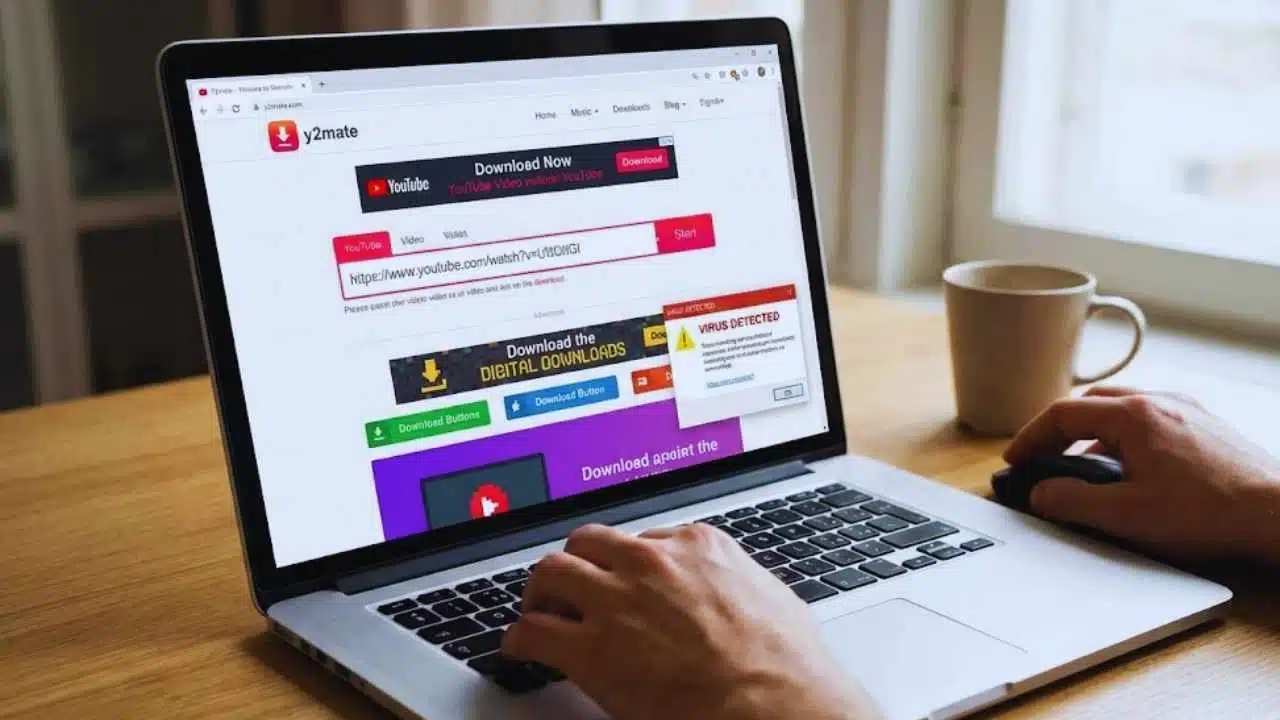
Do you want to save your favorite YouTube videos but don’t know how? Maybe you need music from a video for your project, or you want to watch videos offline. Finding a good tool that works fast without costing money can be hard.
Y2mate YouTube downloader is a free online tool that helps solve these problems.
Y2mate works right in your web browser. You don’t need to install any software or create an account to use it. This makes downloading videos quick and simple for anyone. With Y2mate, you can save videos in different formats like MP4 for videos or MP3 for just the audio.
This guide will show you how to use Y2mate step by step. You’ll learn how to paste video links, pick the right format, and save files to your device. We’ll also cover what makes Y2mate better than other options.
Ready for easy video downloads?
Key Takeaways
- Y2mate is a free YouTube downloader that works right in your web browser with no sign-ups or software needed.
- To use Y2mate, just copy a YouTube link, paste it on the website, pick your format (MP4 or MP3), and click download.
- You can choose different video quality options from 360p to 1080p HD, or grab just the audio as an MP3 file.
- The tool works on phones, tablets, and computers with all major browsers like Chrome, Firefox, and Safari.
- Downloads happen in seconds with no daily limits, making Y2mate perfect for saving videos to watch offline.
What Is Y2Mate and How It Works
Y2Mate is a free online tool that lets you download videos from YouTube without any cost. This simple website works by grabbing video data from YouTube servers and converting it to downloadable files in formats like MP4 and MP3.
What is Y2Mate and how does it download videos for free?
Y2mate works as a free online YouTube downloader that lets you grab videos right from your browser. This handy tool saves videos in MP3 or MP4 format without asking you to install programs or create accounts.
You simply copy a YouTube video link, paste it into the Y2mate website, and click to download. The whole process takes just seconds, and you never pay a penny.
The tool connects directly to YouTube’s servers and pulls the video file for you. It breaks the connection between watching online and saving locally. Many users pick Y2mate because it’s fast, free, and works on most devices.
The service keeps video quality high while making downloads quick and simple.
Do I need to register or install software to use Y2Mate?
You don’t need to register or install anything to use Y2mate. This free online YouTube downloader works right in your browser without any setup. Just visit the Y2mate website, paste your video link, and start downloading.
There are no accounts to create, no forms to fill out, and no software taking up space on your device.
Y2mate keeps things simple and hassle-free for quick video downloads. Many other downloaders ask for your email or make you download their program first, but Y2mate skips all that.
This makes it perfect for fast downloads when you want to save YouTube videos or music without any extra steps or costs.
How to Download YouTube Videos with Y2Mate
Downloading videos from YouTube with Y2Mate is quick and simple. You’ll find the process easy to follow with just a few clicks needed to save your favorite videos.
How do I paste a YouTube link or search with keywords on Y2Mate?
Pasting a YouTube link on Y2mate is quick and simple. Just copy the URL of any YouTube video you want to download. Go to the Y2mate website and look for the search box at the top of the page.
Paste your link into this box and click the “Start” button. Y2mate will process your link right away. You can also search directly with keywords if you don’t have a specific link. Type what you’re looking for in the search box, and Y2mate will show you matching YouTube videos to choose from.
Y2mate makes finding videos easy without any sign-ups or software installs. The search function works with both exact video links and general keywords about topics that interest you.
This free tool lets you quickly locate videos before converting them to MP4 or MP3 formats. The whole process takes just seconds, making Y2mate a fast way to find and prepare videos for download.
How can I choose the best format for my download (MP4 or MP3)?
Y2mate makes it easy to pick the right format for your needs. MP4 is perfect if you want to watch the video later, while MP3 is best for just listening to the audio. After you paste your YouTube link, Y2mate shows all format options.
You’ll see different MP4 quality choices from 360p to HD 1080p. For music or podcasts, the MP3 option saves space on your device.
The format choice depends on how you plan to use the file. High-quality MP4 works great for watching videos on bigger screens. Lower quality MP4 saves space on phones or tablets. MP3 files are smaller and work with most music players.
Y2mate is free and doesn’t need any sign-ups, so you can try different formats to see what works best for you.
What are the steps to click Download and save my video?
Saving your video with Y2mate is quick and simple. After you paste your YouTube link, you’ll see a list of format options. Click the “Download” button next to your chosen format. A new download button will appear, often with a green background.
Click this button, and your browser will start the download right away. Your video will save to your default downloads folder unless you pick a different spot. The whole process takes just seconds to complete.
You don’t need to create an account or install any programs to save videos with Y2mate. The tool works directly in your web browser and keeps your video quality intact. If you want to download many videos, you can repeat these steps as often as you need.
Y2mate is free to use and works with most common browsers like Chrome, Firefox, and Safari.
Supported Formats and Resolutions
Y2Mate supports many video and audio formats to fit your needs. You can choose from different resolutions like 360p, 720p, or even 1080p HD for the best quality.
Which video and audio formats does Y2Mate support?
Y2mate supports a wide range of video and audio formats for your downloading needs. You can get videos in MP4 format with different quality options from 360p to 1080p HD. This gives you choices based on your storage space and viewing needs.
For music lovers, Y2mate offers MP3 audio downloads in various bitrates. The tool handles most common formats found on YouTube and other video sites. All these format options appear on the download page after you paste your video link.
The free service makes it easy to pick exactly what works best for your device without installing extra software.
What video resolutions can I download from Y2Mate?
Y2mate offers many video resolution options for your downloads. You can grab videos in standard quality like 360p or 480p if you need smaller file sizes. For better viewing, pick HD options such as 720p or 1080p that look great on most screens.
Some videos even let you download in ultra-high 4K quality when available from the source. This range of choices helps you balance between file size and video clarity based on your needs.
The free service gives you these resolution options without making you pay or sign up for an account. You simply paste your YouTube link, pick the quality you want, and start your download right away.
This makes Y2mate perfect for saving videos to watch later on any device, from phones to computers.
Benefits of Using Y2Mate
Y2Mate offers many perks that make it a top choice for YouTube downloads. You’ll enjoy quick downloads with no limits, plus high-quality video and audio that works on all your devices.
How fast are downloads and are there any limits?
Y2mate delivers super fast downloads that won’t keep you waiting. Most videos download in just seconds, depending on your internet speed and the file size. The service doesn’t put caps on how many videos you can grab each day, making it perfect for when you need lots of content.
Users love that they can download as many videos as they want without hitting any frustrating limits or paywalls.
This free tool handles both small clips and longer videos with ease. Your downloads stay high-quality too, so you don’t trade speed for video clarity. The whole process works right in your browser without slowing down your computer or making you install extra programs.
This makes Y2mate a quick, simple option for anyone who needs YouTube videos saved to their device.
Does Y2Mate maintain high-quality video and audio?
Y2mate keeps your videos looking crisp and clear. You can pick from many quality options, so your downloads match what you watched online. The free service doesn’t cut corners on quality, letting you enjoy HD videos without paying a dime.
Many users love that their MP4 files play perfectly on all devices, with no fuzzy pictures or bad sound.
The audio quality stays strong too, especially for music lovers who grab MP3 files. Y2mate makes sure your songs sound great through headphones or speakers. This matters a lot if you want to listen offline or make playlists from YouTube tracks.
The tool works hard to keep both video and sound just as good as the original source.
Is Y2Mate compatible with all devices and browsers?
Y2mate works on almost all devices and browsers you might use. You can access it from your phone, tablet, laptop, or desktop computer without any trouble. The tool runs right in your web browser, so you don’t need to install anything extra on your device.
This makes Y2mate a great choice for people who want to download videos no matter what device they’re using. Many users love that they can grab their favorite YouTube videos from any browser like Chrome, Firefox, Safari, or Edge with the same simple steps.
The free service stays the same across all platforms, giving you fast downloads without any fuss.
How to Use Y2mate for YouTube MP3 Downloads
Y2mate makes it easy to turn YouTube videos into MP3 files for your music collection, with simple steps that let you download your favorite songs in seconds.
How do I convert and download YouTube videos as MP3s using Y2Mate?
Y2mate makes MP3 downloads from YouTube super easy. First, copy the YouTube video link you want to convert. Then paste this URL into the search box on the Y2mate website. Click the search button, and Y2mate will show you all format options.
Look for the MP3 section and pick your audio quality. Most people choose 320kbps for the best sound. After selecting your format, click the “Download” button next to it. Your MP3 file will start downloading right away to your device.
This free tool works on all browsers without any sign-up or extra software needed.
Converting videos to MP3 with Y2mate is perfect for music lovers. The whole process takes just seconds from start to finish. Y2mate keeps the audio quality high while making the file size smaller.
You can grab your favorite songs, podcasts, or lectures and listen to them offline anytime. The service is completely free, with no hidden costs or limits on how many files you can download.
Takeaways
Y2mate makes YouTube video downloads quick and simple. You can grab videos in MP4 or MP3 format without signing up or installing any software. The tool works on most devices and keeps your downloads high-quality.
Try Y2mate today for your video and music needs. You’ll love how easy it is to save your favorite content for offline viewing.
FAQs
1. What is Y2mate YouTube Downloader and how does it work?
Y2mate is a free online tool that lets you download videos from YouTube. It works by converting YouTube video links into downloadable files that you can save on your device. You simply copy a YouTube URL, paste it into Y2mate, and choose your preferred format and quality.
2. Is Y2mate YouTube Downloader safe to use?
Y2mate is generally safe for downloading videos, but you should be careful about pop-up ads on the site. The service itself doesn’t require any software installation, which reduces risks to your computer. Always use a good ad blocker when visiting the site.
3. What video formats can I download using Y2mate?
Y2mate offers various video formats including MP4, M4V, and 3GP. You can also extract just the audio in MP3 format if you only want the sound. The tool provides different quality options from low to high definition based on what you need.
4. Can I use Y2mate on my phone?
Yes, Y2mate works on mobile devices. The website is mobile-friendly and can be accessed through your phone’s browser. This makes it easy to grab videos while on the go without needing extra apps.




























