Listen to the Podcast:
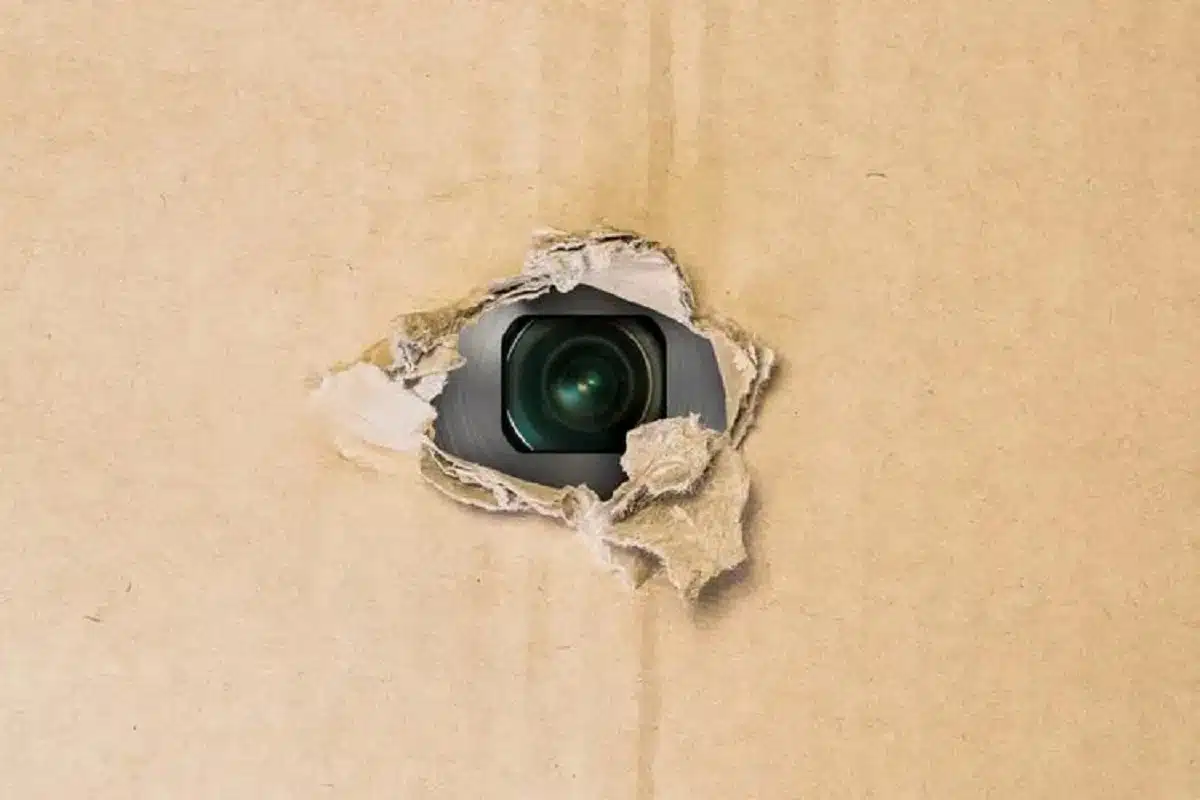
Do not wish to be recorded without your consent? You wouldn’t believe it, but your smartphone has a secret trick that enables it to easily detect concealed cameras. Here, we will instruct you.
People are becoming increasingly concerned about their privacy in the digital realm. It is common practice to take precautions to safeguard personal information and avoid sharing information that could compromise security. When capturing images or videos of other people for posting on social networks, it is crucial to obtain their consent beforehand. On occasion, however, we may be recorded without permission in a location with concealed cameras, which can constitute an invasion of privacy. What methods exist for detecting these cameras? Following this, we will demonstrate a smartphone hack.
It is essential to note that, despite the fact that this is a practical solution, few Android and iPhone users are aware of it. Consequently, pay close attention, as it may save you from trouble.
How to Detect Hidden Cameras with Your Phone?
Using infrared light technology, surveillance cameras are equipped with a night vision feature that enables them to capture images in dark rooms. You must rely on the ToF sensor of your phone’s camera to detect it.
To detect a concealed recorder, you must examine your phone’s rear and front lenses. Thus, the ToF sensor will assist you in precisely locating the infrared-emitting device that is concealed.
Therefore, turn off all the lights and point your phone at the environment as if you were recording. If an infrared appears on your screen, you have successfully located the device.
For added security, you can choose to record with the floodlight on and then inspect the walls, outlets, and any other suspicious-looking objects. The same logic applies: the concealed camera will produce a reflection on your smartphone.
Why is WhatsApp Temporarily Suspending Some Accounts?
WhatsApp is without a doubt the most popular messaging platform in our daily lives. In addition to being a useful tool for communicating with friends and family, many users also employ it to complete work-related duties or to manage their businesses. Therefore, it can be quite aggravating to encounter the “temporarily suspended” message in the Meta app. In this situation, it is essential to comprehend the problem’s root cause and possible solutions in order to effectively address it.
If you have received a message within WhatsApp stating that your account has been “temporarily suspended,” you may be using an unofficial version of the application rather than the official one. This situation typically arises when users install prohibited variants of WhatsApp, such as WhatsApp Gold or WhatsApp Plus, which are referred to as MODs.
Not only is the use of unauthorized WhatsApp versions grounds for account suspension but so is the extraction of data. Data mining entails acquiring information automatically or manually, both in specific quantities and in large quantities, for unauthorized purposes. This includes the acquisition of application user data such as phone numbers, profile pictures, and status updates, which is rigorously prohibited by the rules of the messaging service.
Is it safe to charge your phone using the USB connector that some airplane seats have?
According to Movilzona, a technology-focused website, the USB ports that some airplane seats have can be extremely useful in an emergency, such as when your mobile phone battery is about to die. However, it is not advised to use them, as some may be damaged due to the high volume of users.
Using a defective USB port to charge your smartphone can be hazardous to its battery, according to the post. Therefore, if you’re going on a very long trip, you should always pack a power bank (external battery) in your carry-on that can recharge your device not once, but multiple times.
To expedite the process and reduce the amount of time you must go without your cherished cell phone, experts advise turning off the device while it is charging, although you can also activate its airplane mode. Thus, you will no longer have to wait several hours for your cell phone’s battery to fully charge.