How to Create a Blog Post for your Shopify Store

Blog Post Shopify Store

When it comes to blogging, most users talk about using WordPress to create text notes. And few people will remember the name Shopify. And all because users have not yet had time to get to know the capabilities of this platform and its wide functionality for blogging.

Using this service will bring many benefits and advantages to users. It comes with a powerful set of features that are geared towards blogging. To understand how shopify store development services can help a business owner, you need to familiarize yourself with blogging and texting first.

Features of using Shopify for blogging

Shopify is an easy-to-use digital commerce platform. Here you can quickly and easily create a personal blog, which will increase traffic to the trading platform and increase customer confidence in the product offered on it. To get acquainted with this opportunity and the peculiarities of its introduction into work in online business, consider the algorithm for creating a blog for beginners:

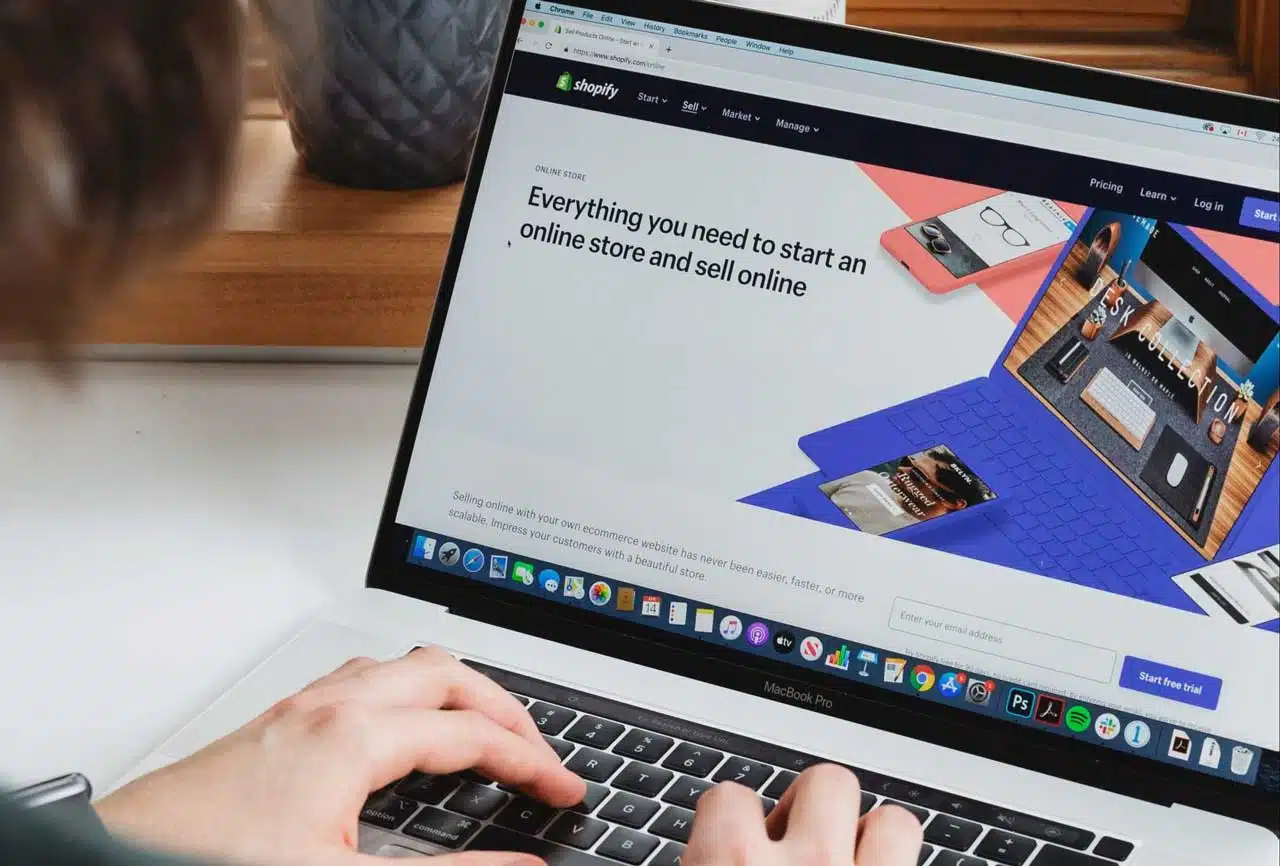
  1. You need to go to the official website of the software and click on the offer “Start a free trial”.
  2. After that, you need to enter your email address, your password, and store name.
  3. Below the form, a button “Create your store” will be displayed, you need to click on it.
  4. Then you will have to wait for the information to be verified. When these processes are complete, the user is given access to the home page, which provides basic information about the owner’s business. It is recommended to provide as much data as possible. If you don’t need to fill out anything, you can skip this step and go directly to the second point.
  5. You need to go to the mail and follow the link that will be sent by the platform.
  6. Click on “Completion of registration”, after which the user will be returned to the admin panel.
  7. Here, the platform owner will be able to fill the site with goods, indicate offered services, customize the theme, and add a custom domain.

To improve store security and protect confidential information, it is recommended that you create a completely new password, rather than the one used for other accounts. You can also change your password regularly.

Rules for adding a blog to a Shopify store

First you need to find the control panel. Then click on the line “Online store” and go to the button “Blog posts”. Now click on “Create a blog”. Now you can go to the main part:

  1. Fill the site with content and design it beautifully. To do this, you can choose one of the proposed styles. Next, you need to keep your post.
  2. The platform has an editor that contains a wide range of tools to create modern posts with bells and whistles and cool designs.
  3. Now you need to add your note to your own navigation system.
  4. To do this, the user clicks on the button above the navigation menu.
  5. After that click on the line “Add menu item”.
  6. A pop-up window will appear and you can enter the name of your blog, and then specify the type of link in the line of the same name, which will appear in the drop-down menu.
  7. Now you need to copy the link and add it to your blog through the “Blogs” line.

The procedure ends with confirmation by clicking the “Add” button. After that, you should save the result and the work will be completed.

Should you use Shopify for blogging in your online store?

Today, most users choose popular platforms like WordPress and Blogger, although there are other solutions that are simpler to manage and have many advantages. This is exactly what the Shopify platform belongs to. It is able to offer the owner of a commercial site powerful functionality with which you can blog and improve interaction with consumers, increasing their level of trust.

Check out the software outsource company website for other business-friendly offers.


Subscribe to Our Newsletter

Related Articles

Top Trending

China winning global economic race
America First, China Steady: How Beijing Is Quietly Winning The Global Economic Race
Interoperability How Cross-Chain Bridges Became Safe(r)
Interoperability: How Cross-Chain Bridges Became Safe(r)
Rise Of Eco-Cards
The Rise of "Eco-Cards": Can Credit Spend Offset Carbon? Greener Spending Awaits!
Bamboo Vs. Timber
Bamboo Vs. Timber: Which Sustainable Material Should You Choose
Repair Cafes The Right to Repair Movement in Action
Repair Cafes: The Right To Repair Movement In Action

Fintech & Finance

Interoperability How Cross-Chain Bridges Became Safe(r)
Interoperability: How Cross-Chain Bridges Became Safe(r)
Ethics of Algorithmic Lending
The Ethics of Algorithmic Lending Explained: Avoiding Bias in AI Banking
How to Earn Passive Income Without Trading
How to Earn Passive Income Without Trading in a Volatile Market
high yield savings accounts in January 2026
Top 5 High-Yield Savings Accounts (HYSA) for January 2026
What Is Teen Banking
What Is Teen Banking: The Race To Capture The Gen Alpha Market [The Next Big Thing]

Sustainability & Living

Rise Of Eco-Cards
The Rise of "Eco-Cards": Can Credit Spend Offset Carbon? Greener Spending Awaits!
Bamboo Vs. Timber
Bamboo Vs. Timber: Which Sustainable Material Should You Choose
Repair Cafes The Right to Repair Movement in Action
Repair Cafes: The Right To Repair Movement In Action
Geothermal Energy
Geothermal Energy: The Sleeping Giant of Renewables and The Future of Clean Power
What Is The Sharing Economy
What Is The Sharing Economy: Borrowing Tools Instead Of Buying [Save Big]

GAMING

Upgrade and Switch Weapons in Monster Hunter Wilds
Upgrade And Switch Weapons In Monster Hunter Wilds
Top-Rated Gaming Monitors with 144Hz Refresh Rate or Higher
10 Top-Rated Gaming Monitors with 144Hz Refresh Rate or Higher [2026 Picks]
Monster Hunter Wilds Capture Guide
Monster Hunter Wilds Capture Guide: Traps And Tranqs Explained
Monster Hunter Wilds Affinity
Monster Hunter Wilds Affinity Explained: Critical Chance And Negative Crits
Akuma Layered Armor
How to Get the Akuma Layered Armor in Monster Hunter Wilds

Business & Marketing

Hidden Costs Of Cloud Scaling
The Hidden Costs of Cloud Scaling: Avoiding "Bill Shock" [Protect Your Budget]
How to Make Profits With Digital Drop-Servicing
How to Make Profits With Digital Drop-Servicing: A Guide to Earn Big in 2026
15 Best AI Productivity Tools for Remote Teams in 2026
Side Hustles to Avoid
5 Popular Side Hustles That Are A Complete Waste of Time in 2026
Digital Drop-Servicing is the King of 2026
Forget Dropshipping: Why "Digital Drop-Servicing" Is The King Of 2026

Technology & AI

Repair Cafes The Right to Repair Movement in Action
Repair Cafes: The Right To Repair Movement In Action
Hidden Costs Of Cloud Scaling
The Hidden Costs of Cloud Scaling: Avoiding "Bill Shock" [Protect Your Budget]
Top-Rated Gaming Monitors with 144Hz Refresh Rate or Higher
10 Top-Rated Gaming Monitors with 144Hz Refresh Rate or Higher [2026 Picks]
best low code platforms
10 Best Low-Code Platforms to Build Apps Without a Developer
12 Best Cloud Storage Solutions for Small Businesses (10GB to 10TB)
12 Best Cloud Storage Solutions for Small Businesses [10GB to 10TB]

Fitness & Wellness

science-backed sleep tracking apps
Free vs. Paid Sleep Tracking Apps: Top 10 Science-Backed Options Ranked by Accuracy
Mental Health First Aid for Managers
Mental Health First Aid: A Mandatory Skill for 2026 Managers
The Quiet Wellness Movement Reclaiming Mental Focus in the Hyper-Digital Era
The “Quiet Wellness” Movement: Reclaiming Mental Focus in the Hyper-Digital Era
Cognitive Optimization
Brain Health is the New Weight Loss: The Rise of Cognitive Optimization
The Analogue January Trend Why Gen Z is Ditching Screens for 30 Days
The "Analogue January" Trend: Why Gen Z is Ditching Screens for 30 Days