

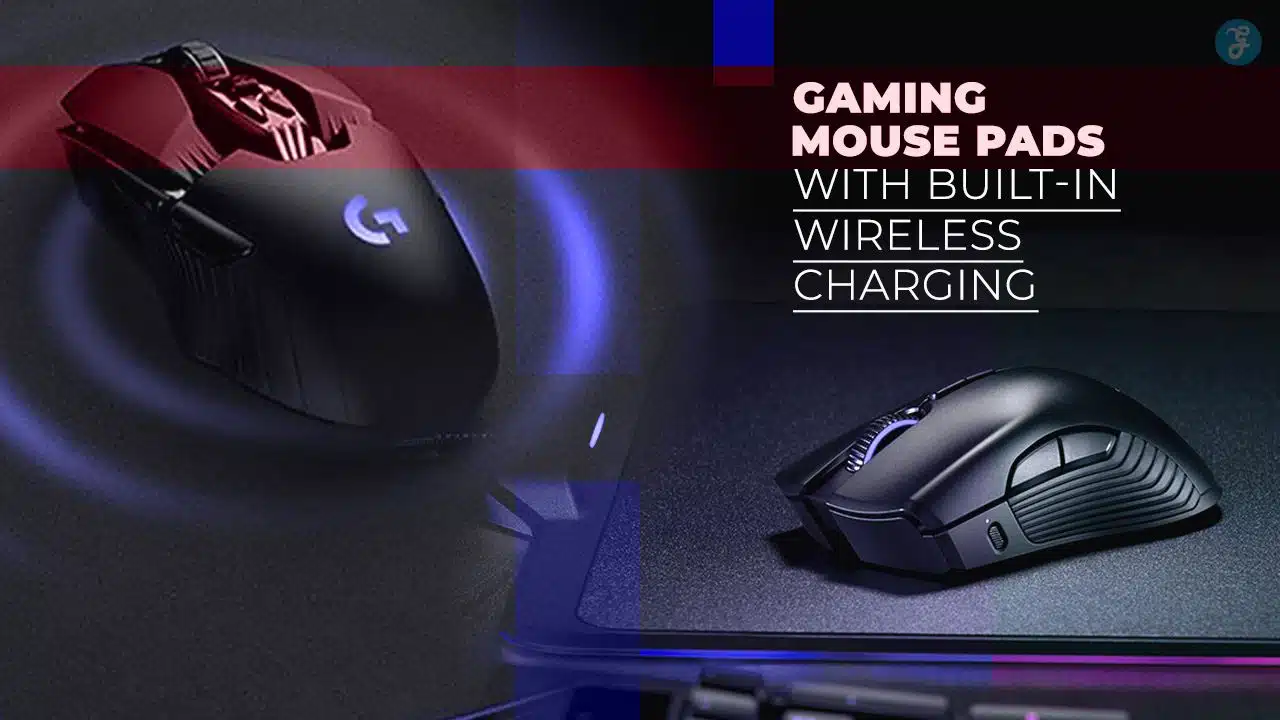
Cables can litter your desk and a dead mouse shuts down your game. You dig for a charging puck just to keep pace. You crave a clean setup and constant power.
Logitech G POWERPLAY uses Qi tech to juice your wireless mouse and even an iPhone 8 or Galaxy S7. We share 5 top RGB gaming mouse pads with wireless charging, and we compare charge speed, pad size, and phone docks.
Read on.
Key Takeaways
- All five mouse pads use Qi wireless charging to power mice and phones. Most deliver 5 W to 10 W, and one model offers up to 15 W for fast phone charging.
- The Logitech G POWERPLAY pad holds a removable puck under its micro-textured cloth. It fuels G502 Hero, G703, G903 mice and even charges an iPhone 8 or Galaxy S7.
- The GIM RGB pad measures 12 × 10 inches and lights up in 10 zones with 16.8 million colors. It runs 10 W of Qi power via a USB Micro-B link.
- TopMade XXL spans 35.4 × 15.7 inches to fit a full keyboard, mouse, and phone. Its hidden coil gives steady 5 W Qi charging and grips desks with a rubber base.
- Some pads add strong magnets or built-in phone holders to snap pucks in place. These designs cut cable clutter and keep power steady during intense play.
Logitech G POWERPLAY Wireless Charging Mouse Pad
Logitech’s POWERPLAY mat uses a charging puck beneath its cloth top to beam Qi juice to your mouse. It plugs into a USB 3.0 port and powers G502 Hero and Hyperflux models so you game without pause.
What features make the Logitech G POWERPLAY stand out?
This pad uses a Qi wireless charging coil under a micro-textured cloth. It gives constant power to your mouse. A small charging puck sits under the mouse to send energy. You feel no dips in charge during play.
The pad links via USB 3.0 to your PC. It uses Lightspeed wireless to slash lag. It works with G703, G903 and similar mice.
It fits like a top-tier desk accessory. A firm stitched edge holds its shape. You can add a spare puck to charge Qi-ready phones too. Drop a phone on the side zone for quick power.
This wireless charging mouse pad cuts cable clutter. It suits many gaming peripherals.
How does the wireless charging work on the Logitech G POWERPLAY?
Logitech G POWERPLAY is a wireless charging mouse pad that runs a built-in Qi system under its pad. A removable charging puck snaps under compatible pointing devices like G703 or G502.
The puck latches onto the device’s removal plate. Base material sends power via an induction loop to the puck. You can game without plug-in cables as you play.
It uses a USB type A cord to link to your rig or a wall outlet. That surface senses the puck and kicks on Qi wireless charging in seconds. You gain endless runtime for gaming peripherals such as Razer Naga or Hyperflux V2.
Its surface also provides stable pointer tracking.
GIM RGB Wireless Charging Gaming Mouse Pad
This GIM mat sports rainbow lights that dance to your gameplay, lighting up your desk like a mini festival. It uses Qi coils, so your wireless mouse—and even your iPhone—stay charged as you battle through late-night raids.
What are the key specifications of the GIM RGB Wireless Charging Mouse Pad?
Mat spans 12 by 10 inches and slots neatly among desk accessories. A 10-watt Qi field powers phones or charging pucks on this wireless charging mouse pad. USB Micro-B link sends power from PC or wall adapter.
Edge lights shine in 16.8 million hues across 10 zones, syncing with your rgb gaming mouse pad effects. Soft weave stops fray and lets laser mice glide smoothly. Users get a wireless charging mouse pad that works with Galaxy S7 Edge, Apple iPhones, Android phones like P20 Pro or Nexus models.
How does the RGB lighting enhance the gaming experience?
Polychrome LEDs on an rgb gaming mouse pad fill the desk with life. Lights sync with in-game events, like red pulses on damage or green glows on health. This live link boosts focus, and sparks feedback on each move.
A laser mouse glow blends with the mat so you sense every flick. A charging puck taps the qi wireless charging deck to top off xs max, mate20, and galaxy s7 / s7 edge. Gamers enjoy a vivid vibe that ties gaming peripherals and desk accessories into one bright show.
TopMade Wireless Charging Mouse Pad XXL
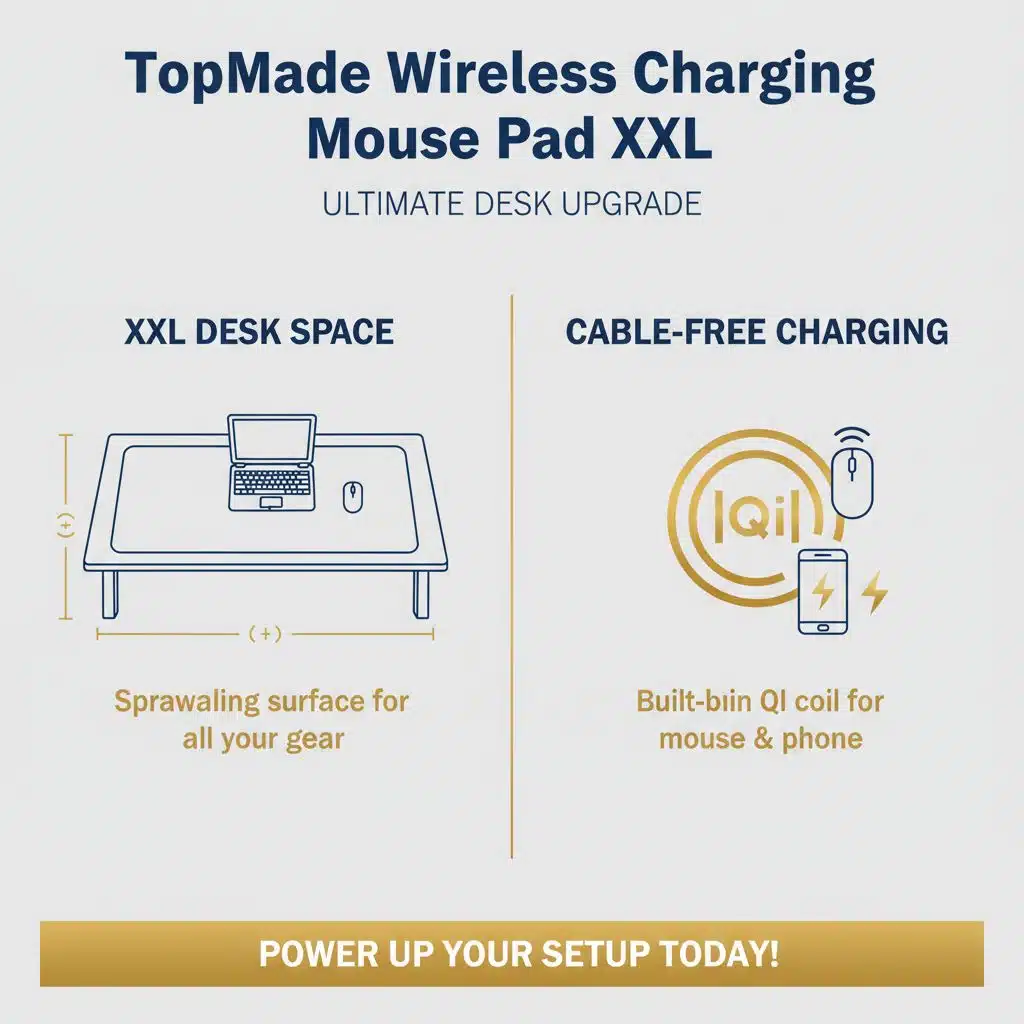
The TopMade Wireless Charging Mouse Pad XXL sprawls across your desk, it feels like a picnic for your gear. Its built-in Qi coil juices up your mouse and phone without a single cable.
Why choose the TopMade XXL mouse pad for wireless charging?
This large mat covers both keyboard and mouse with ease. It sports a smooth cloth for fast sensor tracking. A grippy rubber base anchors this desk accessory on any surface. Gamers will love the spacious surface that holds more than just a mouse.
A built-in wireless charging coil energizes any Qi-enabled phone or rechargeable mouse. The hidden charging puck delivers steady power up to 10 watts. This wireless charging mouse pad cuts cable clutter and keeps gadgets topped off.
It pulls double duty as a mouse mat and a charger.
How does the size impact usability and charging efficiency?
Large mouse pads boost comfort and power reach. The TopMade XXL spans 35.4 by 15.7 inches to hold more gear and a wide charging coil. It fits full keyboards plus mouse and phone stands.
It also cuts desk clutter by merging desk accessories.
Larger coil areas pick more magnetic field to deliver steadier qi wireless charging at five watts. You must keep the charging puck on the target ring. The pad links via USB-C port to power up seamlessly.
Magnetic Wireless Charging Mouse Pad
Strong magnets snap the charging puck to the pad. The pad gives fast Qi wireless power to your gaming mouse.
What are the benefits of a magnetic wireless charging mouse pad?
Magnetic wireless charging mouse pad sits under your Qi-enabled mouse. You dock the charging puck in a snap. This pad supplies steady power. You ditch cables and tame desk clutter.
It doubles as a desk accessory and charging hub. The device links with most qi wireless charging mice.
Powerful magnets lock your mouse in place. This grip stops slips mid-battle. That hold keeps your aim steady. Such contact boosts speed and precision. It fits with your other gaming accessories.
Gamers spot smoother moves and quick hits. It pairs well with rgb gaming mouse pad setups.
How secure is the magnetic charging connection during use?
Special magnets latch onto the charging puck on this wireless-charging mouse pad. They hold the puck tight, even during quick swipes.
Users can move the mouse freely without any power drop. It meets Qi wireless-charging standards and works with the s8 / s8+ or any laptop pc that supports Qi. This setup pairs well with the razer hyperflux v2 and other gaming accessories.
That cuts clutter and clears up space by swapping extra desk accessories.
RGB Gaming Mouse Pad with Wireless Charging and Phone Holder
That colorful desk mat juices your pointer and mobile device at once, like a wizard casting a power-up spell. Its Qi coil sits under a built-in phone stand, so you can scroll chats and chase headshots without a cord.
How does the phone holder add value to this gaming mouse pad?
A built-in phone clamp secures devices above the qi wireless charging puck. It carves out a spot so you can glance at notifications mid-game. The stable natural rubber base keeps devices from slipping.
You can charge phone, mouse, earbuds at once.
RGB lights frame the holder for a pop of color, and memory mode recalls your last scene. The splash proof surface wipes clean in seconds. A Type-C link feeds steady power to pad and phone.
It serves as a sleek wireless charging mouse pad and desk accessory for gamers.
What are the wireless charging capabilities for both mouse and phone?
It blends with your desk and gaming accessories. It powers pointer device and smartphone at once. It outputs 5W, 7.5W, 10W and 15W via Qi wireless charging. It works with many smartphones, such as iPhone and Samsung Galaxy.
It tops off earbud cases or smart watches in the marked spot. It shines under your RGB gaming mouse pad surface.
It plugs in with a Type-C port; a USB-C cable comes in the box. It spans 800mm x 300mm x 4mm to cover a wide desk area. It fits Razer HyperFlux V2 mats and other gaming peripherals.
It also links to Apple Pay using a charging puck. It ships without an adapter, but Amazon offers a bundle kit. It carries a 30-day return policy.
Key Features to Look for in a Wireless Charging Mouse Pad
Look for a Qi-compatible inductive standard and a sturdy magnetic coil that syncs with a power puck. Test the pad with a laser mouse or smartphone, feel the surface grip, and watch the power flow smooth.
What charging standards should you check for compatibility?
Your wireless charging mouse pad must match a charging standard. Qi wireless charging powers many models, like the ROG Balteus Qi Gaming Mouse Pad. Razer HyperFlux V2 requires a charging puck, it won’t work with normal inductive charging.
USB Type-C keeps power steady and feeds fast charge modes of 5W, 7.5W, 10W, or 15W.
Device lists show which gaming peripherals will charge. You will see iPhone and Samsung in rgb gaming mouse pad specs. Metal surfaces or magnetic coils may heat up, they can cause slow charging or damage.
Reading the manual saves a headache.
How important is surface material and size for gaming performance?
Hard gaming surfaces deliver smooth glides and fast tracking. Speed fans praise a micro-textured hard pad model for precise tracking. Cloth pads let players land pixel-precise swipes for sniper shots.
Hybrid tops blend speed and control on a wireless charging mouse pad.
Extended sizes reach 800mm x 300mm x 4mm to hold a keyboard, mouse, and charging puck. Big mats clear clutter on desk accessories and help keep gaming peripherals within reach. A soft rubber base stops slippage during intense rounds.
Qi wireless charging turns that surface into a power hub for mouse and phone.
Benefits of Gaming Mouse Pads with Built-in Wireless Charging
Built-in Qi wireless charging keeps your gaming mouse topped up, so your cursor never stalls mid-fight. This desk accessory hides its charging puck under a slick fabric, like a ninja under a trench coat, to cut cord chaos and free your focus for epic moves.
How does built-in wireless charging improve gaming convenience?
Wireless charging mouse pads give you endless play time. Qi wireless charging pours power through a charging puck beneath the surface. You set a Razer Hyperflux V2 mouse on the mat, it pairs without a dongle.
LED rings display battery status; green means full.
The pad also tops up phones, earbuds, and mice with dead batteries. Software dashboards let you swap mice in seconds and track power levels on a single view. Multi-device support cuts desktop clutter from other desk accessories.
You stay focused on the match, not on cables.
What ergonomic or space-saving advantages do these mouse pads offer?
Anti-slip bases lock extra-large mats in place, so mice glide smoothly and hands rest easier. Low-profile shapes act like wrist-friendly ramps for long sessions. Extra space on extended mats holds a charging puck and a phone in a slim inbox slot.
Integrating qi wireless charging on a wireless charging mouse pad cuts cable clutter on desk accessories and turns any surface into a power zone.
Splash-proof fabric wipes clean after spills from soda breaks. Tech-savvy gaming accessories, like mice and keyboards, stay powered on a wireless charging mouse pad without extra docks.
Gamers mix control or speed surfaces on rgb gaming mouse pads and compare feel to the razer hyperflux v2 setup. Consolidating wireless charging and pointer moves saves room on your desk and slashes cord mess for gaming peripherals.
Takeaways
Choose a pad with Qi tech to toss out cables. Grab one that hides a charging puck under the surface. Use a glow mat to sync RGB gaming peripherals. Fit a wide mat under both phone and wireless mouse.
Match your setup to Razer HyperFlux V2 gear and desk accessories. Feel the power as you game free of cables and clutter.
FAQs on Gaming Mouse Pads with Built-in Wireless Charging
1. What is a wireless charging mouse pad?
They are desk accessories, gaming accessories all in one. They use qi wireless charging to fuel your mouse or phone as you play.
2. How does the charging puck work?
You slot the charging puck into the pad’s built in holder. It snaps in like a Lego block, then it sends power through the qi wireless charging coil, no cables needed.
3. Why pick the razer hyperflux v2?
It’s one of the best gaming accessories, with fast charge and a smooth surface. The Hyperflux charger slides in quietly, it keeps you in the zone.
4. Can I mix other desk accessories on the pad?
Sure, you can set a phone, a wireless mouse, or a headset on that wireless charging mouse pad. It works best with qi wireless charging gear, just keep the mat flat.




























