Do you know – how to send large files for free? I am sharing here the 6 best ways to send large files. Currently, you can send all documents including books, photos, and videos digitally. This function is really very useful. You can receive whatever you want on your computer or mobile device.
For some decades from now, email has been the means by which we receive a wide variety of documents. But there will be problems with larger files. This fact raises the question: how to send large files?
Fortunately, there are a multitude of free and paid alternatives that can be your ideal ally for sending heavy documents. Some can even be used on your mobile. GoAnywhere offers a fast and reliable way to move or share your cloud file transfer.
Large files and the limitations of Emails
Almost all of us love the “Free” services that are available to use on the net. But the issue that follows is that they present us with limited service.
This principle is applied in case of free emails, where maximum storage of 10 to 15 GB is generally offered. But it is not all at the same time. You will be allowed to store by the accumulation of emails; regardless of the tray where they are located.
But the question arises, how much is the upload limit per file? A common maximum limit is 15 to 25 MB for each file uploaded. If we consider that most of the documents, which are shared daily, exceed these limits by far.
Comforting solutions to send large files by email
Several tools have been made available that can solve the inconvenience of sending files that exceed the upload limit. I refer to file compressors (WINRAR or WINZIP) or file dividers (AX).
In the case of compressors, these are useful tools capable of considerably shrinking the size of several files in a single compressed file. It allows sending a single package in a reduced size.
However, this may not be enough, and even if you have compressed your files. It still exceeds the allowed threshold.
When it is not possible to compress to an acceptable size, you can divide the file into several smaller pieces. WINRAR and WINZIP compressors manage to perform this operation as well as specialized programs for this purpose like AX.
You can choose the size of the pieces by dividing the file. Then you will mail the large file into several pieces. Whoever receives the email with the pieces will only have to download and re-join them using the same program. The problem arises when the file is too large, as the number of pieces would be too large.
This method was used for many years although it is still in force, with the arrival of large cloud storage. These have become the most viable and practical alternative to send large files to Email contacts.
How to Send Large Files: 6 Best Ways for Transferring Files
The evolution of technology has driven the management of large files. Some of these files can be:
- Multimedia files
- Software and applications
- PowerPoint Slides
- High-resolution images (PSD)
- RAW files
- Professions designs
Cloud storage has been a definitive solution that allows “sending” or sharing these files on the network. What is really done is sent a link that directs our receiver to the hosting server or cloud. The file in question is located in the cloud, which allows access to it and shares it for its management.
I present you with a list of the best sites to send large files.
- Google Drive
This is one of the best shipping tools since almost everyone has a Google account. Therefore, its use is very easy. In case, you do not have an account, then you can register from Gmail where the opening is done in a few steps. So, if you want to send a very large file by mail, all you have to do is attach it to the Google Drive cloud. Next, I will explain how to send large files through it.
- Open your email (Gmail)
- Put yourself in the compose section
- Press the Drive option
- Click on “+ New”
- You will have the option to upload a file or folder
- Search your computer for the file or folder you want to attach
- Select the “Insert” option
- Wait for the upload of your file to finish. (The time will depend on the size and your connection speed)
- When it is loaded on your virtual drive, just right-click on it and select the “Share” option
- Choose the email address to which you want to send it, add a note if you wish and finally click on “Send”
As you have noticed, sending documents through the Google Drive Cloud is very easy to use. An outstanding aspect of this application is the fact that it has encryption that protects your documents completely. It is important to note that the free version of this tool gives you 15 GB of storage. If you decide to purchase its paid version, you will get a total of 5 TB.
- Telegram
An excellent alternative to send files, which you don’t want to be compressed. Although it is a tough opponent of social network WhatsApp, its storage capacity per file of 1.5 GB without compression, positions it as an effective tool for secure large file transfer. If you want to know how to transfer files from telegram, here are some ways to do that: In order to transfer files from the telegram, tap the contact that you want to share the file with. Next, tap the menu icon in the top left corner of your telegram app then click on “File Transfer”. and by selecting the file that you want to transfer, click on send button.
Although you must have an affiliated mobile number to use this wonderful network, it is not a limitation. You can use Telegram without problems from your computer without depending on the use of a Smartphone. The total accumulation capacity of files has no limits.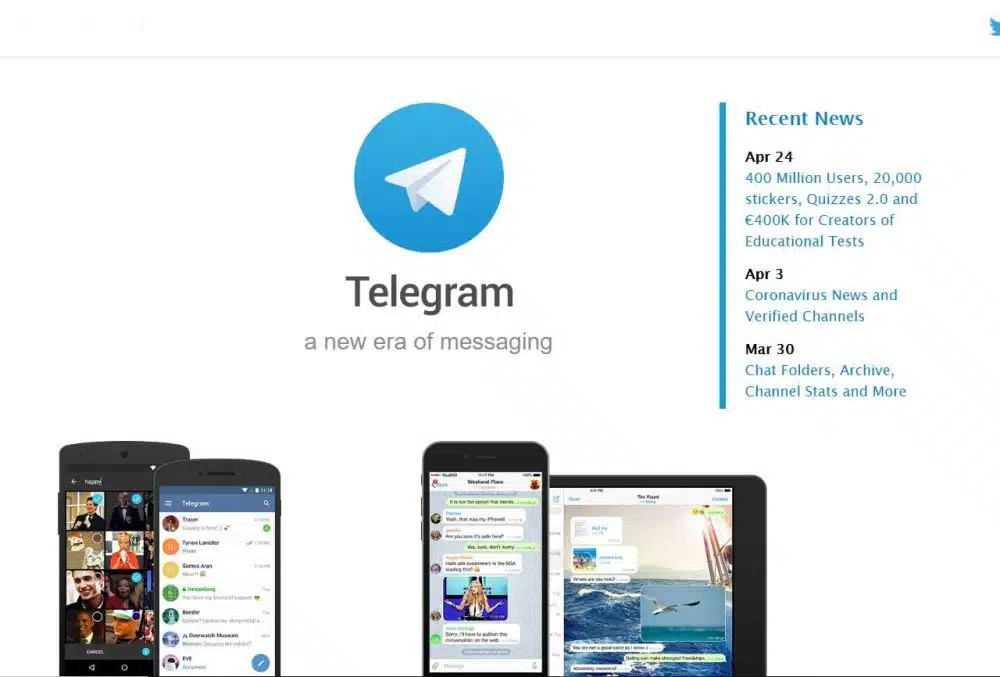
Private channel creations give you the power to apply restrictions. You are invited and join have access to files. The encryption is virtually impenetrable what insurance will keep quiet regarding confidentiality concerns.
- Transfer Now
This tool created since 2013 gives you the option to send up to 20 GB for each transfer in its Premium version. If you don’t want to pay for these services, with TransferNow you can send up to 4 GB for free. An outstanding aspect is that you can use it from any mobile device without the need for registration.
It also has a premium version in which you can send 500 files per transfer with a weight of 20GB. In addition, there are other very interesting functions. Now, you can enjoy a free trial without obligation. Thus, you can verify if this tool is what you are looking for.
- Terashare
Terashare is excellent for sending heavy files, as it combines a P2P download system with uploading from the cloud. The P2P (Peer to Peer) mode allows the recipient to access the shared file directly from the sending computer.
This feature is very innovative and peculiar, being the case that you do not want to mount the file in the cloud or, in its absence, exceed 10 GB in weight.
Obviously, it is necessary to keep the equipment turned on and an active network connection to allow access and shipping. If the file in question weighs more than 10 GB, you can activate the function by downloading from the computer to the computer. One highlight is that it gives you powerful RC4 encryption.
- Dropbox
A mass storage server that has managed to earn its place on the network. Among its benefits, it allows creating and sharing folders through links. The users can later send via Email.
Not only will you be able to create folders, but you will also have the ability to manage them as you wish, deleting, moving, or deleting them. It is fully compatible with different operating systems as it offers an installable applet.
The free version offers up to 2GB of storage and is empowered with the option of editing office documents and playing video online. In order to receive access to files hosted on it, it is not necessary to be registered.
- WeTransfer
You will list WeTransfer as one of the most widely used alternatives for sending large files for free. It is possible to send large files directly by mail or by invitation via a link.
Its Free mode allows the transfer of files of up to 2GB and it is not mandatory to register on this platform. The shared files are available for use and access for a period of 7 days. Then you will delete those.
In case, you want to get its full potential by acquiring its Plus version, this server will empower you with the possibility of sending files of 20 GB in weight and total storage of 100 GB. WeTransfer Plus offers increased data access security with password protection.