

Running a huge website can often feel like you are trying to find your way through a maze without a map. Pages get buried, users get confused, and your most important articles seem to disappear. If you have ever wondered why some of your best content barely shows up in search results or why traffic drops off, I have been there, too. Here is the good news: you can fix this. Using smart Internal Linking Strategies makes it much easier for both people and search engines to move around your site.
In this guide, I will share the exact steps to boost your SEO Search Engine Optimization, help users find what they need, and give your old posts a fresh spark.
What Are Internal Links?
Internal links are simply connections from one page on your website to another. When you click a highlighted word or phrase, it takes you to a different page on the same domain.
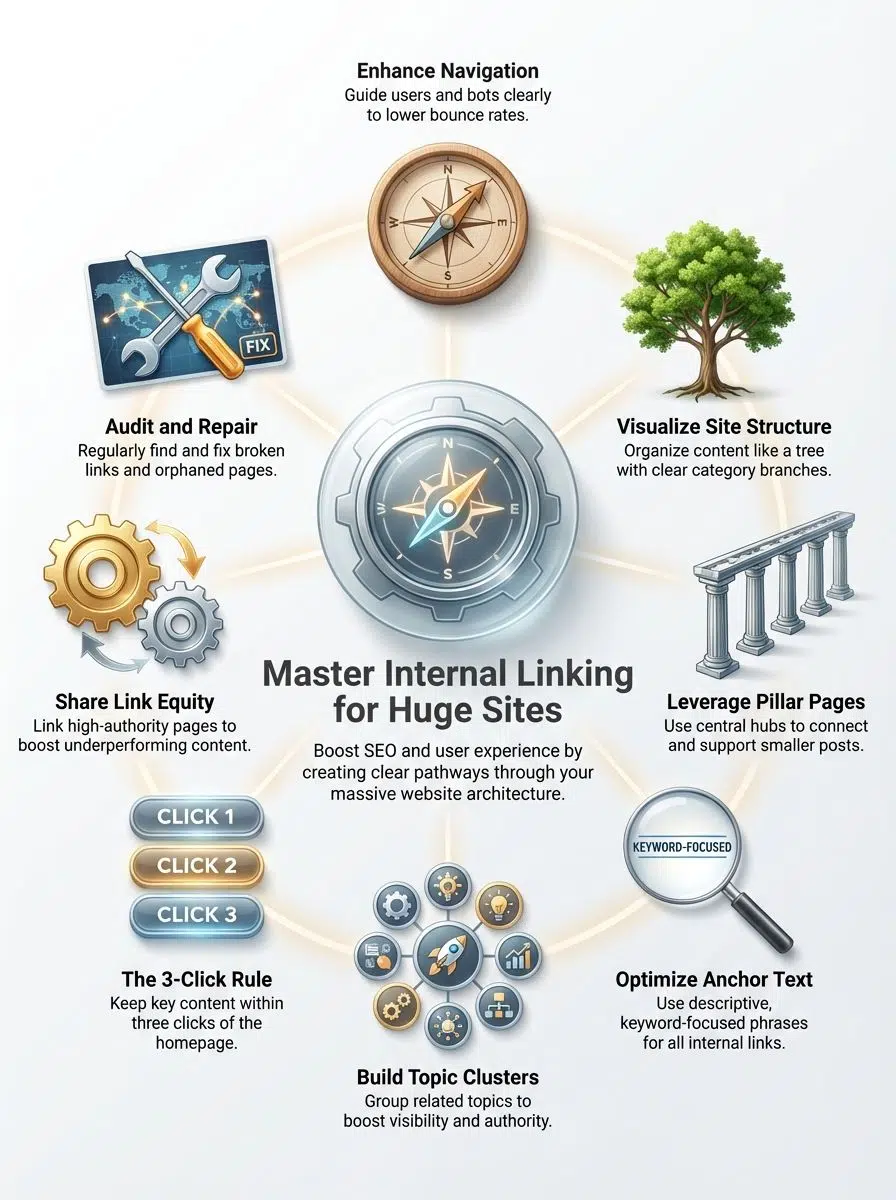
These links are the streets and highways of your digital city. They guide visitors and search engines through your content hubs, product categories, and blog posts.
“Think of internal links as the nervous system of your website. Without them, your best content is paralyzed and unreachable.”
Giant sites like Wikipedia master this by linking every key term to a relevant page. This strategy helps with Search Engine Optimization by passing authority, or “link juice,” to important sections. It also keeps visitors moving smoothly, perhaps jumping from a page on “Site Architecture” straight to “Content Hierarchy.”
Why Are Internal Links Important for Huge Sites?
For large websites, organization is everything. Without a clear structure, your best pages will gather dust in forgotten corners.
Simple links act like street signs. They help visitors find exactly what they need without frustration. If a user cannot find a path, they leave.
According to a 2025 report by the Baymard Institute, 58% of desktop sites still have “mediocre” or “poor” navigation performance. This is a massive opportunity for you. If you build clear paths, you win.
- Reduce Search Time: Users find answers in seconds, not minutes.
- Lower Bounce Rates: Engaged visitors stay longer and view more pages.
- Boost Satisfaction: A smooth experience builds trust and loyalty.
Content hubs group related information in one spot. If someone lands on an article about Search Engine Optimization, links to helpful pages on content strategy invite them to keep reading.
Help search engines understand site structure
Search engines like Google use “bots” to crawl your site. For a site with thousands of pages, these bots need a map. Internal linking strategies provide that map. By using structured links and keyword-focused anchor text, you show Google which pages are the most important.
Google’s Crawl Budget Reality:
For sites with over 10,000 pages, Google assigns a “Crawl Budget.” This is the number of pages the bot will visit in a day. If your links are messy, the bot wastes its budget on unimportant pages and misses your best content.
Link equity flows from one web page to another like water. When a high-authority page links to a new one, it shares some of its power. If only a few pages get all the links, those specific pages grow while others starve. Spreading this authority gives every page a fair shot at higher rankings.
The “Watering the Garden” Analogy:
Imagine you have a garden hose (your homepage). If you only water one plant (a single popular post), the rest of the garden dies. Smart internal linking acts like a sprinkler system, ensuring every flower gets the water it needs to grow.
Improve crawl efficiency and indexing
Spiders from search engines jump from link to link. Large sites with weak internal linking make this job tough. Important pages can get buried deep in the site structure, so bots miss them.
Smart strategies use clear paths, like topic clusters, to help these crawlers find key areas fast. You want to make sure every page connects back to a main section within three clicks.
This cuts wasted crawling time on dead ends. It boosts how often your important pages get indexed by Google, improving visibility across the whole website structure.
Types of Internal Links
Different links do different jobs. Understanding the three main types will help you build a site that is easy to use and easy to rank.
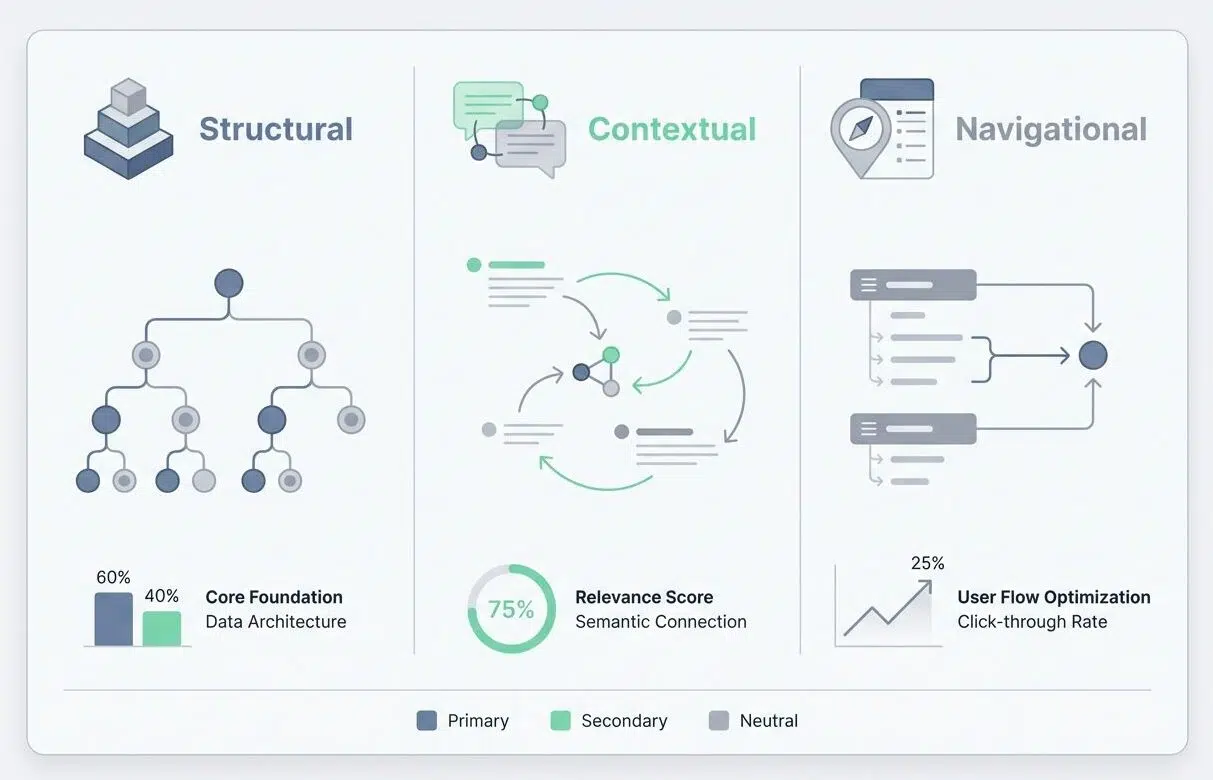
| Link Type | Primary Purpose | Best Location |
|---|---|---|
| Structural | Site navigation & hierarchy | Menus, Footers, Breadcrumbs |
| Contextual | Deepening topical relevance | Body paragraphs of articles |
| Navigational | Directing users to key areas | Sidebars, “Start Here” pages |
Structural links
Structural links connect the main parts of your site, such as homepages and category pages. They are the backbone of your layout.
A great example of this is Amazon’s “Breadcrumb” navigation (e.g., Home > Electronics > Audio > Headphones). This simple line of text tells users exactly where they are and helps search engines map the website structure quickly.
Google’s John Mueller has noted that keeping essential content within three clicks from the homepage improves discovery. Structural links work best when they mirror your site’s hierarchy, placing broad categories at the top and detailed topics below.
Contextual links
Contextual links sit inside your main content. They are powerful because they are surrounded by relevant text.
For example, if you are writing an article about SEO (Search Engine Optimization), you might link to a detailed post about website structure right in the sentence. Search engines value these links highly because the surrounding words explain exactly what the linked page is about.
Pro Tip: Don’t just link randomly. Ask yourself, “Does this link actually help the reader understand this specific sentence better?” If the answer is yes, add it.
Navigational links are your “You Are Here” maps. You find them in menus, sidebars, and footers. These links guide people from main pages like Home or Contact Us to important spots in just one click. They shape your navigation structure and ensure no page gets lost.
Search engines follow these paths to understand the broad layout of your site. A well-organized menu speeds up content discovery and spreads link juice across all key areas of your huge website.
How to Build an Effective Internal Linking Strategy
You want your big site to shine. Nailing your internal linking can make every corner of your website easier for people and search engines to find.
Plan your site structure
Start with a clear map. Picture your site like a pyramid.
- Top Level: Homepage (The trunk).
- Middle Level: Main Categories (The branches).
- Bottom Level: Individual Posts and Products (The leaves).
This “Pyramid Structure” helps search engines follow crawl paths easily. It also makes it simple for users to find what they need without guessing.
Identify pillar pages and supporting pages
Pillar pages are your comprehensive guides. They cover broad topics such as Search Engine Optimization or “Digital Marketing.”
Supporting pages branch off from these pillars. For example, if you have a pillar page about “Content Hubs,” your supporting pages could explain “Internal Links” or “Crawl Paths.”
Real-World Win:
Marketing giant HubSpot used this “Topic Cluster” model to organize its thousands of posts. By linking all related supporting pages back to a single pillar, they dominated search results for broad, competitive terms.
Use keyword-focused anchor texts
Anchor text is the clickable text in a link. It tells search engines what the destination page is about. Avoid vague words like “click here.” Instead, use descriptive phrases like “learn more about website navigation” or “see our content strategy guide.”
Warning: Keep it Natural. Don’t force exact keywords every time. If you link to a page using the exact phrase “best running shoes” 50 times, it looks suspicious to Google. Mix it up with natural variations like “our favorite sneakers” or “top-rated footwear.”
Group related topics into content hubs. This makes your site stronger by showing Google you are an expert on a specific subject.
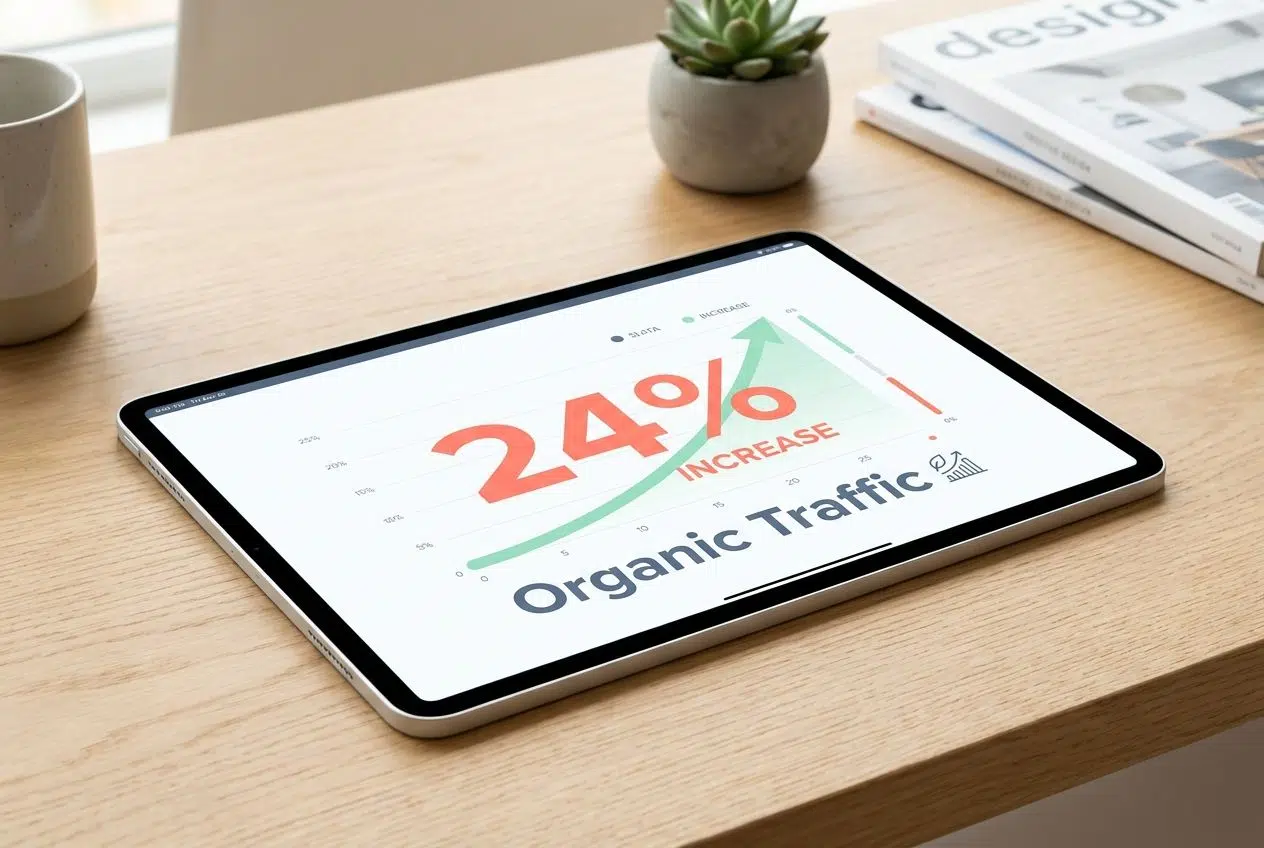
For example, a main page about SEO should connect to guides on crawl paths and link audits. This way, users find what they need easily while boosting the whole link structure.
A 2025 case study by World Reach SEO showed that implementing this type of cluster strategy led to a 24% increase in organic traffic for an e-commerce brand. Strong clusters help push link juice across large websites where single pages can get lost.
Add links to new and popular posts
Fresh content keeps your website lively. By linking to new posts, you help readers find the latest information fast.
The “Freshness” Trick:
Use a “Related Posts” widget or tool like YARPP (Yet Another Related Posts Plugin). These tools automatically display relevant links at the bottom of your articles, ensuring that even your newest content gets immediate visibility.
Placing a few smart links in each article boosts page authority for newer pages, making it easier for people and bots to explore deeper content.
Advanced Internal Linking Techniques
Big websites can use smart linking to give weaker pages a leg up. You will spot strong results fast if you build a smooth path for search engines and people alike.
High-authority pages are the rockstars of your site. They have lots of traffic and backlinks. You can use the “Robin Hood Strategy” here. Take “rich” link equity from your popular pages and give it to the “poor” pages that need a boost. Go to Google Search Console, find your top-linked pages, and add links from them to your newer, struggling articles. This simple move helps increase crawl frequency and gives new life to your less visible posts.
Keep crawl depth at three clicks or less
If it takes more than three clicks from your homepage to reach important content, you might as well hide that page in a maze.
Search engine bots often stop crawling after a few clicks. This is known as the “Crawl Depth” limit. To fix this, adopt a “Flat Site Architecture.”
- Audit: Check which pages are 4+ clicks deep.
- Move: Link to them from higher-level category pages.
- Result: Users find products faster, and Google indexes them sooner.
Fix orphaned pages and broken links
Orphaned pages sit alone without any internal links. A 2026 report by ClickRank AI calls these pages “invisible assets” because they offer zero SEO value despite having good content.
You should link each page back to your site’s Content Hubs or pillar pages. This action boosts Content Discovery immediately.
Broken links are just as bad. They send users to dead ends (404 errors). Use a link audit tool once a month to spot these. Fix them by updating old URLs or removing bad links so you guide visitors where they want to go.
Tools for Streamlining Internal Linking
You can use handy tools that make linking easier and faster. Here are the top picks for handling huge sites.
Internal link auditing tools
For enterprise-level sites, you need heavy-duty scanners. Lumar (formerly DeepCrawl) and Screaming Frog are the industry standards.

Screaming Frog offers a powerful “Crawl Visualization” feature. It generates a tree graph of your entire site, visually showing you exactly where the broken paths and isolated islands are. These programs spot broken links, orphaned pages, and loops instantly.
By knowing which content hubs need more attention, site owners can boost user experience and increase SEO (Search Engine Optimization) benefits.
Plugins for automated internal linking
If you use WordPress, plugins can save you hours of manual work.
Link Whisper is the top tool for this. It uses artificial intelligence to scan your draft as you write and suggests relevant internal links in real-time. It can even add links to old posts automatically.
Rank Math also offers similar suggestions. These tools help boost important pillar pages and connect related articles without you having to remember every URL on your site. Site owners see higher crawl efficiency and smoother website navigation for visitors.
The Bottom Line
You have learned how strong internal linking keeps big sites easy to use. It helps search engines find your best content. By planning your structure and connecting related pages, you boost both user experience and SEO. Even small changes, like fixing broken links, make a huge difference.
Are you ready to map out link paths that lead visitors straight to what they need? Start building smart connections today.






















