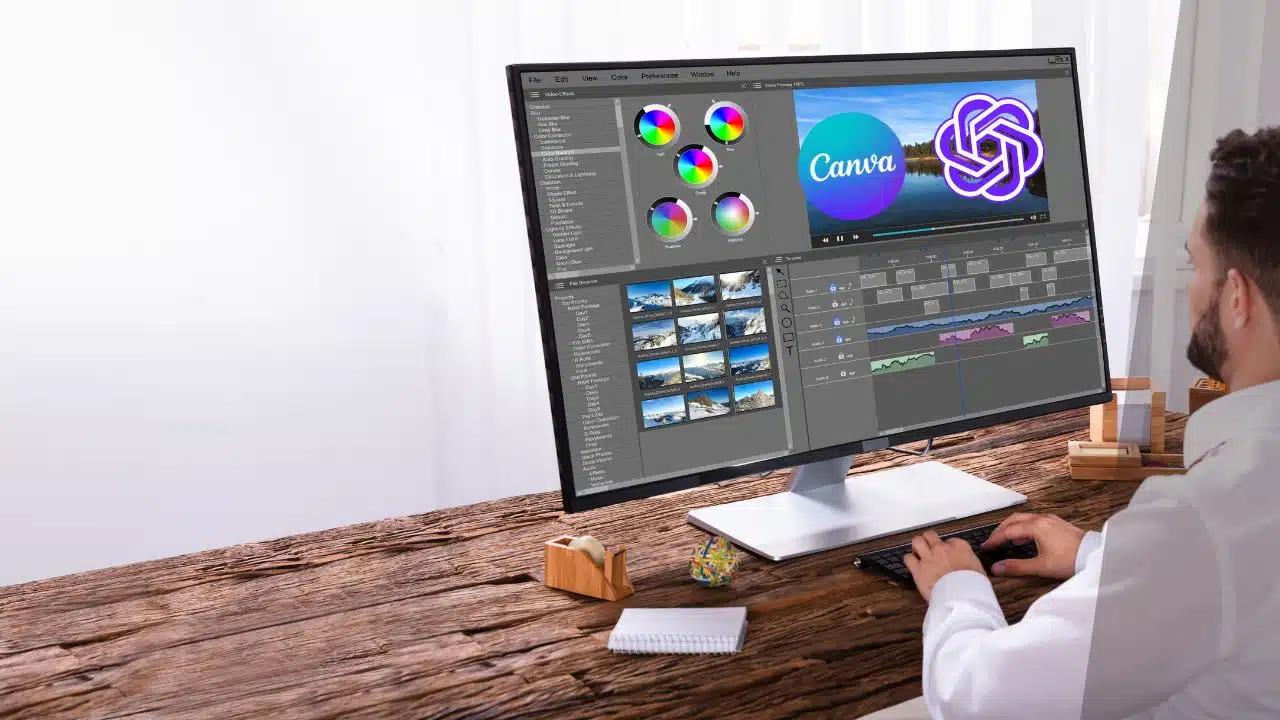
OpenAI has introduced a Canva plugin for its well-received chatbot, ChatGPT, as a strategic step to venture into the expansive and dynamically changing realm of social marketing.
The objective behind this move is to further simplify the creation of visuals like logos, banners, and various other graphical elements for businesses and entrepreneurs.
This new integration has the potential to enhance the visual content generation process by providing users with a more efficient and user-friendly method for digital design.
Prior to the introduction of this plugin, incorporating Canva with ChatGPT was a rather intricate procedure, demanding users to engage in a fair amount of manual work. However, with the unveiling of the new plugin, the process of generating fresh visuals has been simplified to just a few clicks, potentially leading to increased user interaction with the platform.
To make use of this functionality, users simply need to launch ChatGPT in their web browser and navigate to the ‘Plugin Store’ within the plugin section. It’s a straightforward process to install the Canva plugin from there.
Once the Canva plugin is successfully installed, users can navigate to ChatGPT’s main window and locate the ‘Canva’ option within the plugin section.
Within the chatbot’s prompt box, users can articulate their visual requirements by providing prompts like, “I am an AI enthusiast active on Twitter. Create a banner for my account.” This input will trigger the generation of a list of visuals, giving users the freedom to select their preferred option, further edit it using Canva’s tools, and then conveniently download it for their specific needs.
It’s important to note that this integration is currently exclusive to ChatGPT Plus subscribers. Subscribers are billed a monthly fee of $20, granting them access to the Canva plugin along with the enhanced capabilities of the GPT-4 large language model, which excels in generating lengthy content and processing image inputs.
In the highly competitive field of artificial intelligence, OpenAI remains committed to advancing the capabilities of ChatGPT to maintain its leading position, all without publicly venturing into the training of GPT-5. These recent updates and integrations serve as a strategic response to the increasing competition posed by other formidable models like Claude AI, capable of handling extensive contextual data and parsing PDFs. Additionally, Google’s Bard is making strides in introducing its own plugin system, intensifying the competition.
OpenAI’s decision to integrate Canva with ChatGPT falls in line with its overarching strategy to enrich the chatbot’s functionality, transforming it into a versatile tool that can cater to a wide range of user requirements. It’s worth noting that prior to expanding its plugin store, OpenAI introduced a web browsing feature powered by Microsoft Bing. However, this feature had to be removed due to users discovering its potential to access paywalled content.