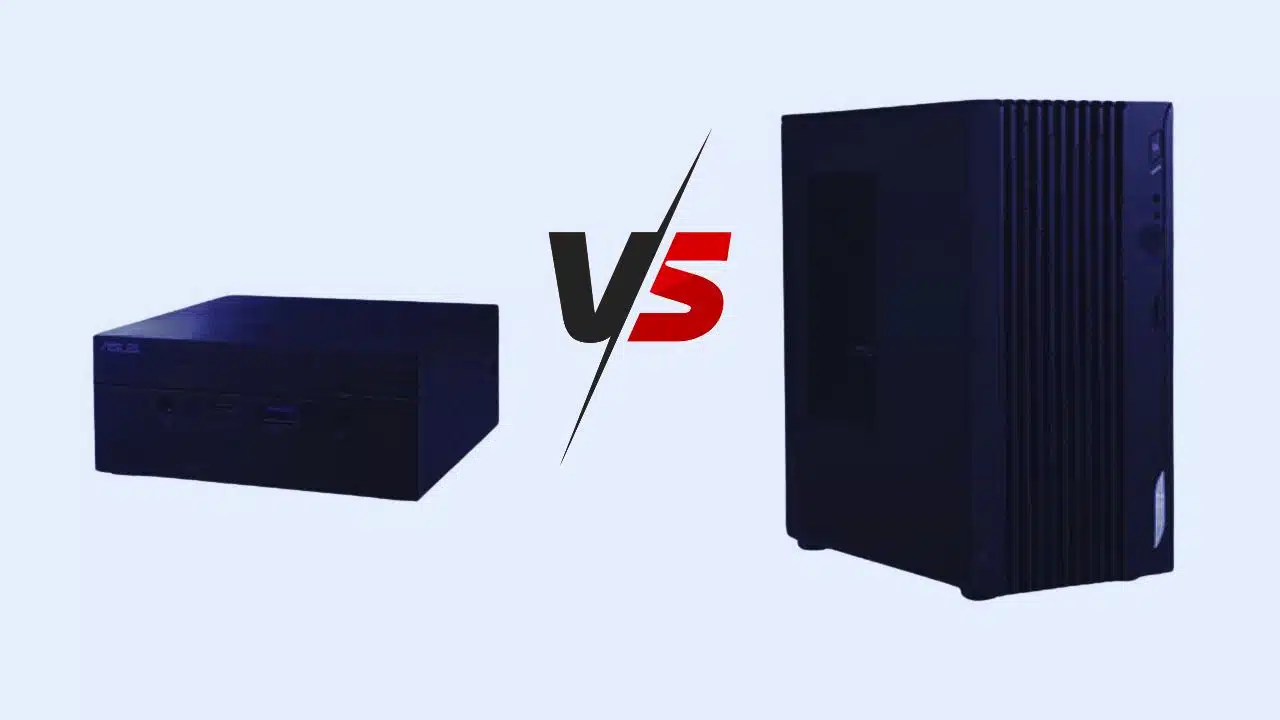
It would seem that buying a large desktop box in 2025 is unnecessary. If you go to the website of almost any store, one obvious truth will become clear: mobile computers are experiencing their heyday. If earlier they were bought only by those who really needed portability, today almost every second person has a laptop at home, and mini PCs are actively gaining popularity. But what if you take such a mini PC as your primary machine?
Power
When you look at this small box, the first thought is “it’s not powerful”. Yes, in the camp of mini PCs, the problem of laptops is quite relevant. There is no room for a sufficiently robust cooling system, so most mini PCs are built based on laptop CPUs (processors) and do not have discrete graphics (only an integrated video card). And indeed, with the exception of a couple of models, mini PCs are not gaming devices at all.
However, the performance of the mobile processor, as practice shows, is more than enough even for working in complex video editors, and the GEEKOM mini PC is already capable of handling most AAA games at the level of junior discrete video cards.
In general, even relatively budget mobile processors have enough performance to NOT be considered weak. They are sufficient for most tasks, and even integrated graphics—the Achilles heel of small PCs —can now produce quite comfortable FPS in games. The fact that mini-PCs are very weak is a myth.
Even Apple, which would seem to be “overpriced”, offers a good Mac Mini on M4 at a price comparable to Windows machines – about $ 500. At the same time, it handles even heavy video editing in 4K without a proxy and is practically silent.
Advantages of Mini PC
The most significant advantage is its size, which allows you to move such a computer from one monitor to another. For example, use it at home and, if necessary, take it to work. A laptop would be more suitable for this scenario, but mini-PCs are much cheaper (almost one and a half times more affordable), and if you have separate monitors at home and at work, a mini-PC can be considered as a cheaper alternative.
Another essential advantage is energy efficiency. If a large desktop computer consumes from 100 to 500 watts, depending on the configuration and load, a mini-PC consumes from 10 to 30 watts. This is precisely why offices are now actively switching to mini-computers, simply because their fleet is much cheaper to maintain. If you have your own office and employees are still using ancient desktop PCs, it might be time to upgrade to something more modern and economical.
Disadvantages
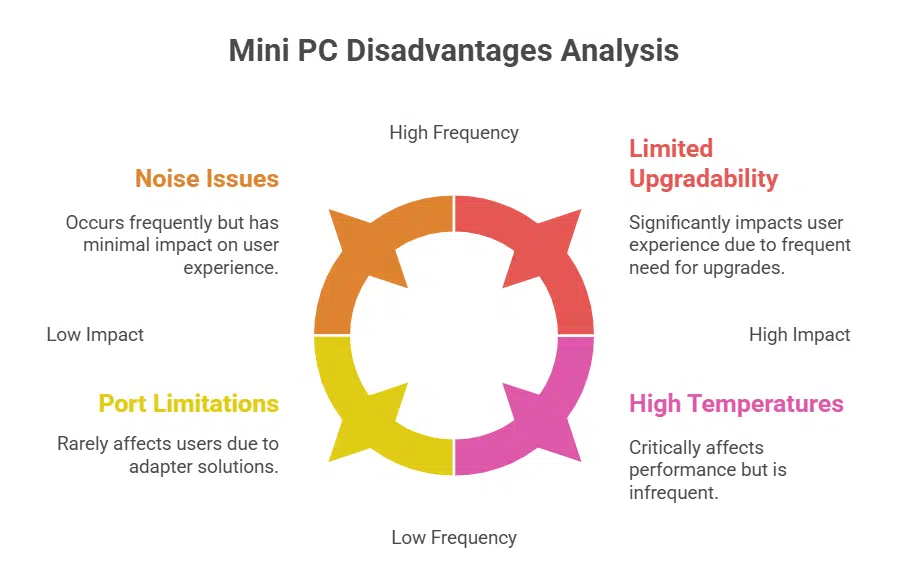
The most obvious is the impossibility of upgrading. In a desktop computer, you can replace any component, but in a mini PC, as a rule, you can only replace the SSD drive and RAM, so if it no longer meets the requirements, you can only buy a new one.
It may seem that such computers have few ports, but in the age of adapters and Thunderbolt, this is practically not a problem.
The second point is noise. And although mini computers are quieter than the average PC, they can be made silent for the human ear. Yes, you will have to overpay and take a cooling system with a large reserve, forget about overclocking and cut the voltage a little, but the result is complete silence, or rather, the noise is at the level or even lower than the background.
In a mini PC, the cooling system is similar to a laptop: a small flat radiator and a centrifugal fan. Under load, it can easily reach the “take-off” 5-6 thousand revolutions, but, alas, nothing can be done about this – upgrading the cooling system in a mini PC is not provided. However, most models will be quieter under typical load than a PC that is not initially designed for silence.
And the size also imposes a bunch of restrictions related to the layout: it is denser, and the temperatures in a mini-computer are often higher than in a desktop. As a result, a mini-PC has a significantly shorter service life than a desktop computer, and also less “endurance” – it needs to be serviced more often and the temperatures monitored.
Who Will It Suit
If your tasks include simple work, such as text editing, surfing the Internet, basic photo work, or basic video editing, and your desk space is limited, a mini PC is almost a must-have. Its performance will be more than enough for such tasks, while it is small, saving space, money, and electricity. Overall, a mini PC is excellent for:
- studying
- watching videos
- surfing the Internet
- work that doesn’t require serious power.
A mini-PC can also be used as a sort of “set-top box” for a TV. Most models can be attached to a monitor or TV, which, if you have a wireless mouse and keyboard, can literally turn you into a “couch potato.”
Conclusion
Choosing between a mini PC and a desktop PC ultimately comes down to your specific needs and preferences. A mini PC is ideal for those who prioritize space, portability, and power efficiency, making it suitable for basic tasks, media consumption, and light productivity work.
On the other hand, a desktop PC offers superior performance, expandability, and customization options, making it an ideal choice for gaming, professional workloads, and users who require high-end computing power. You can choose the option that best suits your lifestyle and computing needs by assessing your priorities and usage requirements.