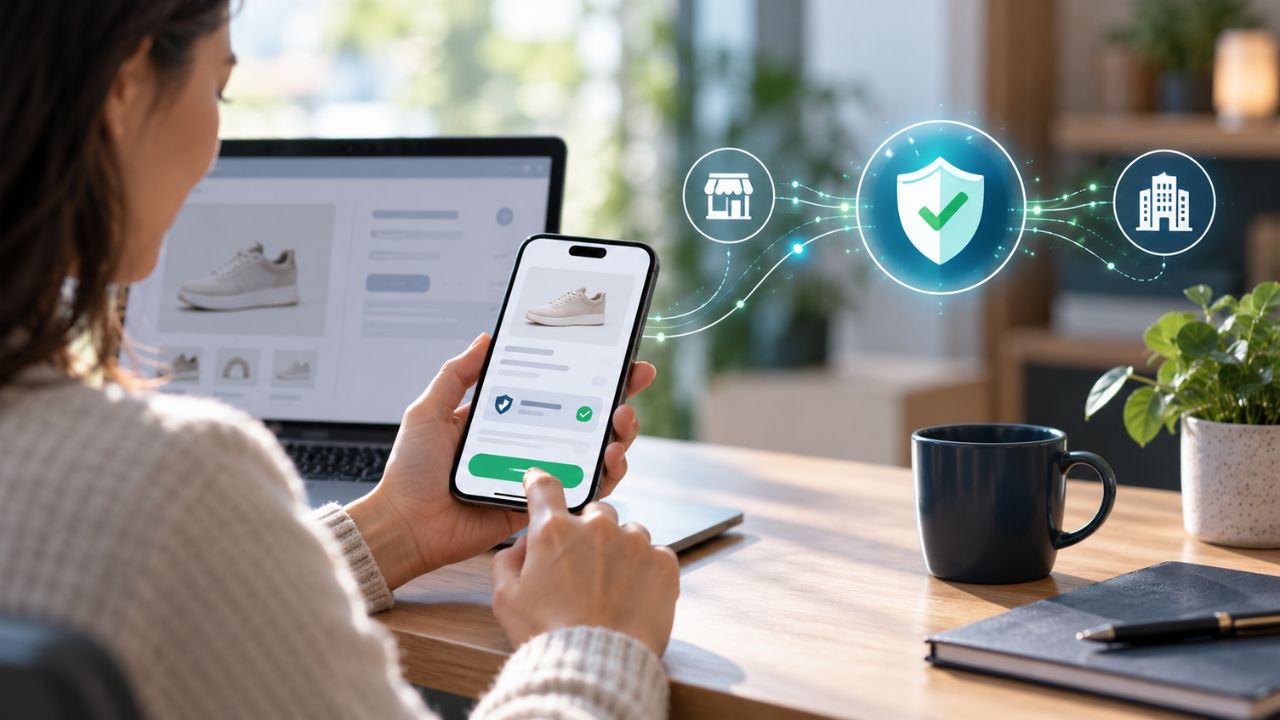
Microsoft has announced changes to a controversial feature, “Recall,” initially introduced for its new range of AI-powered PCs. The feature, designed to capture and store screenshots of users’ desktop activity, was met with significant backlash over privacy concerns. Following public outcry and regulatory scrutiny, Microsoft has decided to make the feature opt-in rather than default.
Privacy Concerns and Regulatory Scrutiny
The “Recall” feature, part of Microsoft’s Copilot+ initiative, was unveiled at the company’s developer conference in May.
It promised to enhance user convenience by providing a photographic memory-like capability, allowing access to virtually any activity on their PC, including files, photos, emails, and browsing history. However, the tool’s ability to take screenshots every few seconds raised alarms about potential misuse by hackers.
The UK’s Information Commissioner’s Office (ICO) expressed concerns and informed the BBC that it was “making inquiries” with Microsoft regarding the tool.
In response to these concerns, Pavan Davuluri, corporate vice president of Windows and Devices, announced in a blog post that Microsoft would make the feature easier for users to choose and would enhance privacy and security safeguards.
Microsoft’s Response
“We have heard a clear signal that we can make it easier for people to choose to enable Recall on their Copilot+ PC and improve privacy and security safeguards,” Davuluri stated.
The company is now implementing changes to ensure the feature is off by default and will require explicit user consent to activate.
Feature Overview and Intended Benefits
The “Recall” tool was designed to help users by creating a searchable archive of their past activities.
Executive Vice President Yusuf Medhi described the feature as using AI to provide a comprehensive memory of everything seen on the PC. This included not only typical search capabilities but also frequent screenshot captures, which could be searched to find specific past activities.
Privacy Measures and User Control
From the outset, Microsoft claimed to have built privacy into the design of Recall. Users were to have control over what the tool captured, with options to exclude specific websites or private browsing sessions in Microsoft’s Edge browser. However, following the backlash, Microsoft has introduced further measures to protect user privacy.
Enhanced Privacy Controls
1. Opt-In Feature
The Recall feature will now be opt-in during the PC setup process. Users must explicitly choose to enable the screenshot function, ensuring it is not automatically activated without their consent.
2. Authentication and Proof of Presence
To view or search through their timeline of saved activity, users will be required to use Windows’ “Hello” authentication process and provide proof of presence. This adds an extra layer of security, ensuring only authorized users can access the saved screenshots.
3. Selective Capturing
Users can opt out of capturing specific websites or prevent the tool from capturing private browsing sessions, offering more granular control over what data is stored.
Implementation Timeline
Microsoft is set to implement these updates before the official launch of Copilot+ PCs on June 18. This timeline ensures that the new privacy safeguards are in place before the devices reach consumers, addressing the concerns raised and improving user trust in the technology.
Microsoft’s decision to revise the Recall feature underscores the company’s commitment to user privacy and security.
By making the feature opt-in and enhancing control measures, Microsoft aims to alleviate concerns and provide a more secure experience for its users.
As technology continues to evolve, balancing innovation with privacy will remain a critical focus for companies like Microsoft. The updates to Recall reflect this balance, aiming to deliver convenience without compromising user security.
The information is taken from BBC and Yahoo News