

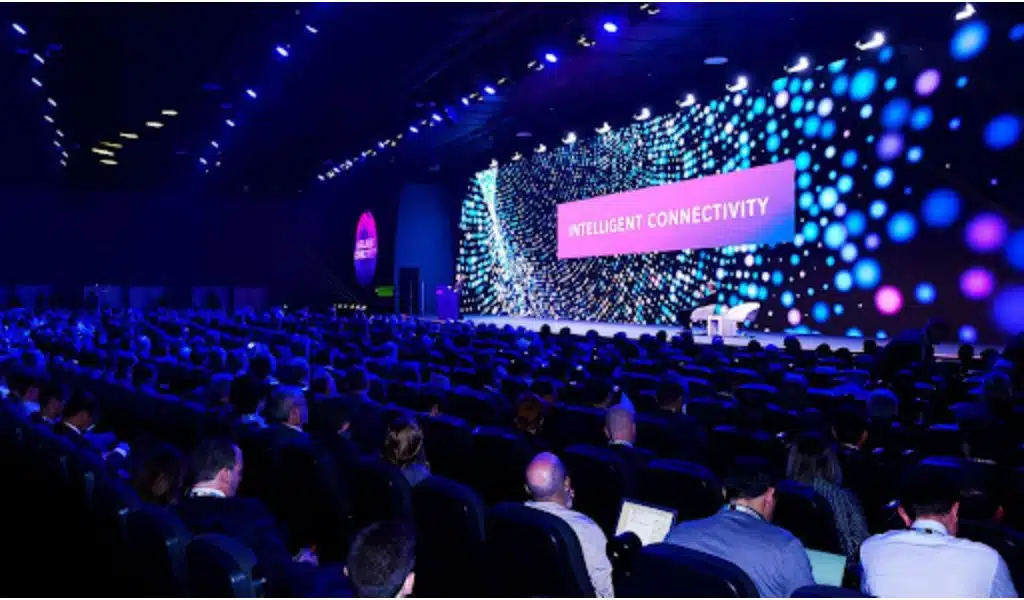
We rely on LED display panels to get a high-quality visual experience, and over the years, they have become more used and better at providing unforgettable moments; however, not all LED screens are equal, and the refresh rate or vertical scan rate is a critical factor that can significantly impact their performance.
The refresh rate refers to how quickly a display device updates a stationary image to give the impression of movement.
Simply put, the refresh rate is the number of times the screen updates its image per second. A higher refresh rate allows a smoother, more seamless viewing experience, which is particularly important for broadcasts, theaters, churches, small indoor events, and virtual productions.
This article will examine how the refresh rate affects your viewing experience, what panels to choose based on your requirements, and an evaluation of several LED screens.
What is the Refresh Rate of LED Screens?
LED panels are renowned for having exceptionally clear and high-quality displays. Their fast refresh rate, which indicates how rapidly the screen updates the image per second, is a significant contributing component. A smoother, more fluid display that displays more images per second is the result of a higher vertical scan rate.
This characteristic is crucial for fast-paced content such as video games or sports, where a high refresh rate can significantly impact their overall performance and visual quality.
A high-quality device ensures that the message will get across and be understood by the audience without any technical errors that could distract an audience.
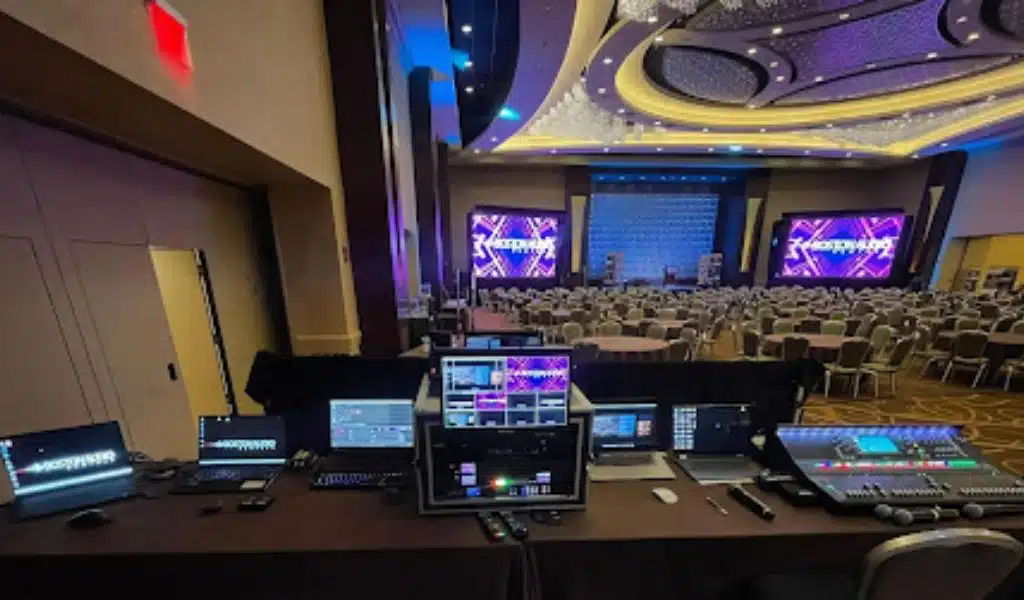
Difference Between Frame Rate and Refresh Rate in LED Display Panels
In display technology, the phrases frame rate and refresh rate are sometimes used interchangeably, but it’s important to realize that they have different meanings. Refresh rate is the frequency at which a screen updates its display each second, whereas frame rate is the number of frames or images a device can display in a second.
While both are crucial for delivering a smooth and seamless visual experience, they impact different display aspects. Frame rate affects the smoothness of the motion and the clarity of the images, while refresh rate affects the overall fluidity and responsiveness of the display.
For instance, a video game with a low frame rate will produce choppy and blurry visuals, while a low refresh rate can cause screen tearing and input lag. Therefore, it is essential to consider both when evaluating a display device’s performance and visual quality.
Vertical Scan Rates in LED Video Walls
Since LED video walls display high-quality visuals, a high vertical scan rate is crucial for a quality visual experience.
A high refresh rate ensures that the images on the screen panel are updated frequently and quickly, reducing the chances of screen tearing and input lag. Therefore, ensuring a high refresh rate is critical to display the visuals smoothly and seamlessly.
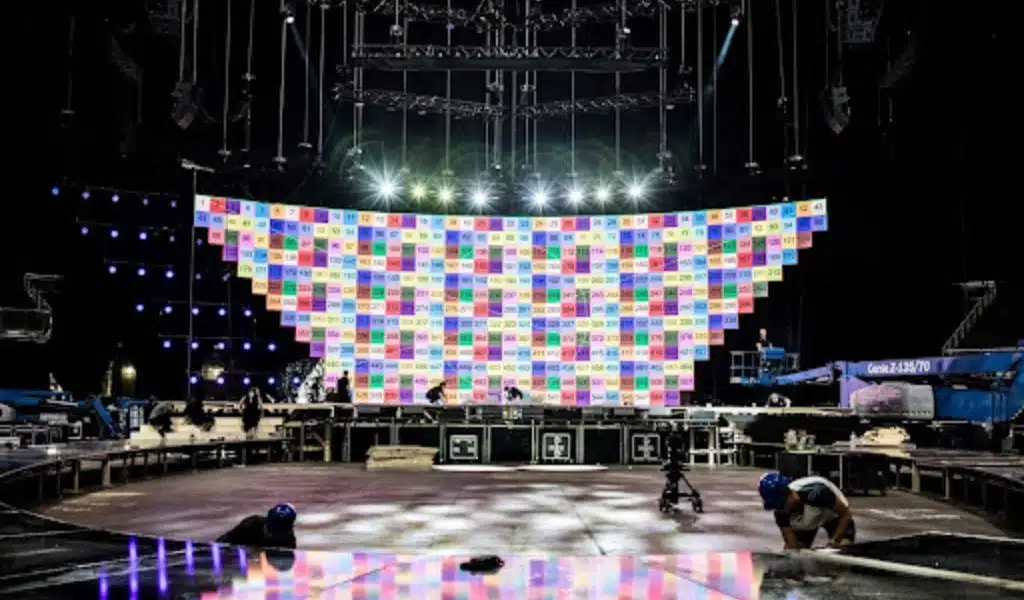
The Quality Difference Between 1920hz and 3840hz
The refresh rate is measured in Hertz (Hz), which refers to the number of times the display refreshes the image per second. In recent years, the standard refresh rate for most LED screens has been 1920Hz. However, LED video walls are now available in the market at 3840Hz. The naked eye can notice the difference between these two.
3840Hz provides a smoother and more fluid visual performance. This new technology ensures no motion blur or lag, resulting in a more immersive viewing experience.
On the other hand, 1920Hz may result in visible motion blur, lag, and image ghosting. It negatively impacts the overall quality of the visuals, making it a less satisfying viewing experience.
While a 3840Hz is undoubtedly superior, it’s important to note that it comes at a higher cost. Additionally, not all devices can support 3840Hz, so it’s essential to confirm compatibility before making a purchase.
Advantages of Choosing 3840hz Refresh Rate
While it may seem like just another number, there are several advantages to choosing this refresh rate.
First, a higher refresh rate means smoother motion on the screen. With 3840 Hz, you’ll notice that fast-paced action and movement on the screen look smoother and more fluid.
Another advantage of a higher refresh rate is reduced motion blur. Motion blur occurs when the image on the screen appears to blur or smear during fast-moving scenes. By increasing to 3840hz, you’ll see less motion blur and a more precise image overall.
In addition, it can also reduce eye strain and fatigue. When staring at a screen for too long, your eyes can become tired and strained.
Finally, a 3840hz refresh rate can also improve your overall viewing experience. You’ll notice more detail and clarity in the images on your screen.
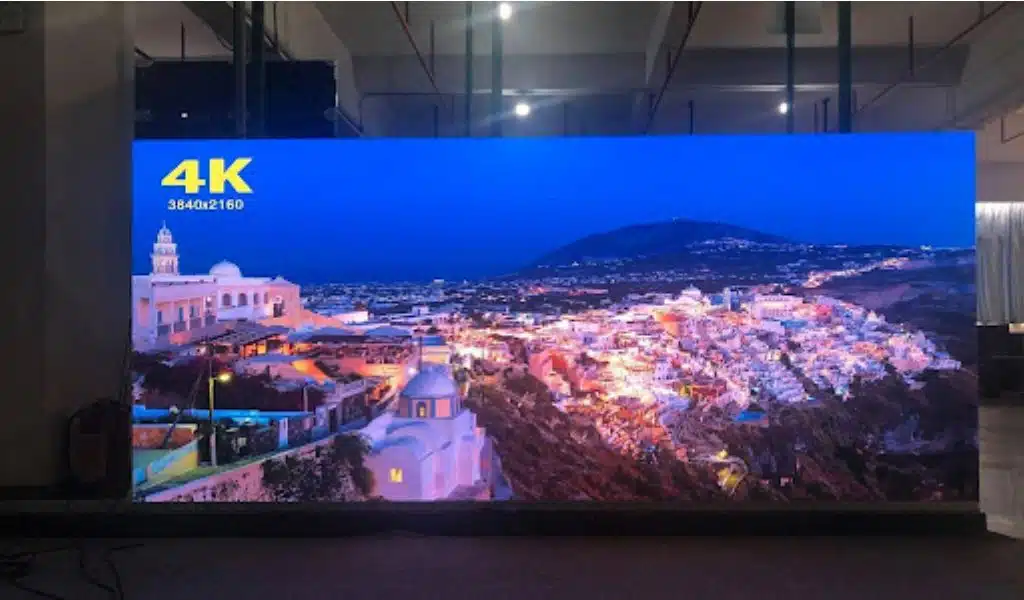
What Affects the LED Display Refresh Rate and Gray Scale?
The components of the display device directly affect the overall experience, and elements such as the LED chip are crucial. Poor-quality chips can lead to slow refresh rates and limited grayscale capabilities. The design of the LED module and the driver circuitry can also impact the refresh rate and grayscale.
To ensure optimal performance, choosing equipment with high-quality components is vital.
How to Increase the Refresh Rate?
When purchasing a new display device, consider these suggestions to get moments that you will never forget with the best visual experience:
- Check the settings on your device to see if you can adjust the refresh rate manually. Some devices allow you to increase the refresh rate to 120Hz or higher, which can make a noticeable difference.
- Use software that can optimize your device’s performance. This can include tools like driver updates, overclocking software, or system optimization programs.
- Consider upgrading to a device with higher quality.
Standards for Optimal LED Walls
Here are a few things to consider. Firstly, a refresh rate of no less than 3840hz is recommended for optimal performance for big LED screens.
Another vital factor is the size of the screen panel. This is because larger screens require more processing power to display images, and a higher refresh rate helps to reduce motion blur and improve image quality.
You should also consider the content you will display on your LED wall. A high refresh rate is essential if you plan to use it for fast-moving videos. However, a lower refresh rate may suffice if you use it primarily for static images or text.
Finally, a brand with a good reputation for quality and reliability is essential. Led Nation offers panels with a refresh rate of 3840hz and high resolution and is easily serviced from the front side. Perfect for broadcasts, theaters, churches, small indoor events, and virtual productions.
























