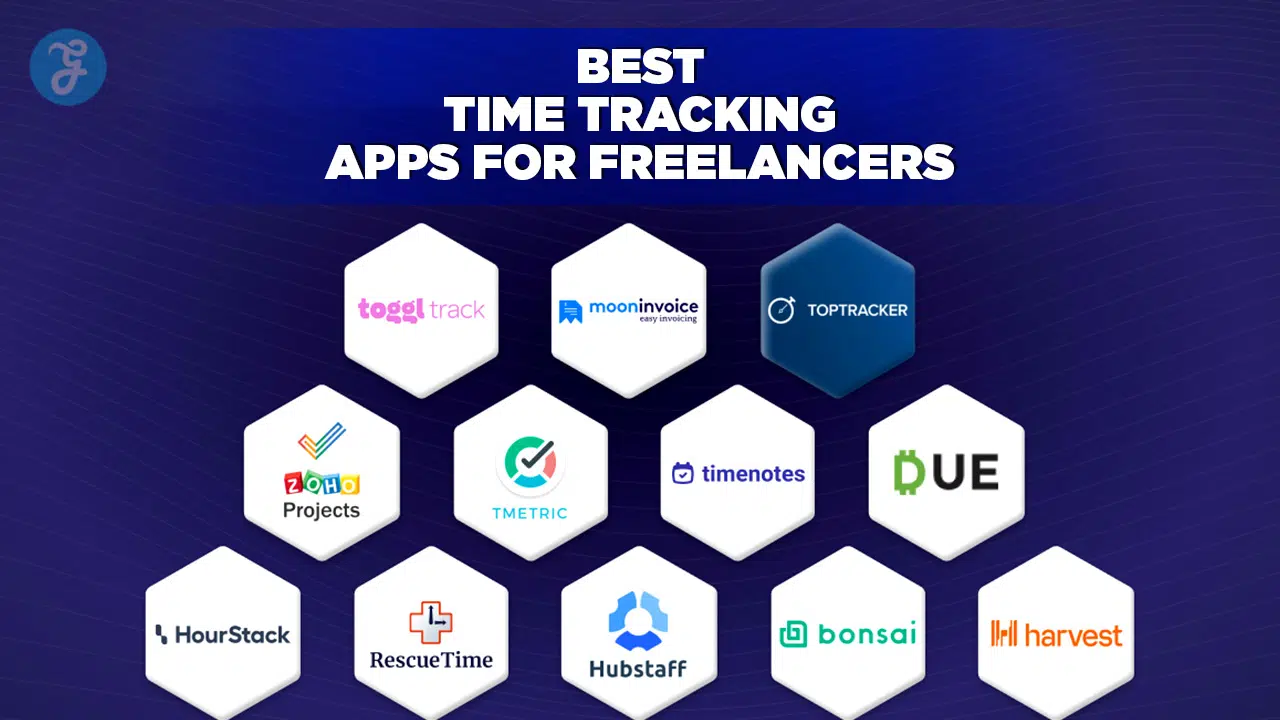
In 2026, time remains the most valuable currency for any independent professional. The best time tracking apps for freelancers 2026 have evolved beyond simple stopwatches into AI-driven productivity partners that can predict project overruns, automate complex invoicing, and even detect signs of burnout before they happen. Whether you are billing by the hour or tracking “deep work” for value-based pricing, these tools ensure that every minute of your effort is accurately captured and compensated.
The “Passive Tracking” era of 2026 is defined by zero-effort logging. Most leading platforms now use AI to categorize your activities across apps and browser tabs, removing the need to manually “start” and “stop” a timer. The best time tracking apps for freelancers 2026 mentioned in this guide are selected for their cross-device synchronization, their ability to bridge the gap between “tracking” and “billing,” and their intuitive interfaces that minimize administrative friction.
Selection Criteria For Our Top Rankings
We evaluated over thirty time-management solutions based on their “Automation Accuracy” and the robustness of their reporting engines. Our team prioritized apps that offer native integrations with popular freelance tools like Trello, Asana, and QuickBooks. The following table illustrates the weighting system we used to determine the top contenders for 2026.
| Criterion | Weighting |
| Automation & Passive Tracking | 35% |
| Invoicing & Billing Features | 25% |
| Reporting & Budget Forecasting | 20% |
| Cross-Platform Accessibility | 20% |
Analyzing The 10 Best Time Tracking Apps for Freelancers 2026
The following tools represent the elite tier of professional time management. From lightweight browser extensions to comprehensive business management suites, these selections ensure your freelance career is backed by precise data. These platforms provide the digital foundation you need for a profitable and balanced 2026.
1. Toggl Track
Toggl Track remains the “UX Champion” of 2026, known for its iconic one-click timer. In 2026, its “Auto-Tracking” feature has been refined to suggest project categories based on the documents you are currently editing. It reveal the intent behind “simplicity” by offering over 100 integrations, meaning you can start a timer directly within Gmail, Notion, or Slack. It provide a professional “no-fuss” experience that allows you to focus on the work rather than the clock.
Special Features:
-
Pomodoro Timer: Integrated directly into the app to help maintain focus and prevent fatigue.
-
Idle Detection: Notifies you if you’ve left a timer running while away from your desk.
-
Profitability Projections: Visually shows which projects are earning you the most per hour.
Things To Consider:
-
The free version is powerful, but “Billable Rates” are locked behind the $9/month starter plan.
-
Lacks a native invoicing engine, requiring a separate tool like FreshBooks.
Best For: Creative freelancers and designers who value a clean, fast interface.
2. Harvest
Harvest is the 2026 standard for freelancers who treat their work like a boutique agency. It bridges the gap between time tracking and the final paycheck by including a world-class invoicing system. In 2026, its “Budget Alerts” are highly advanced, notifying both you and your client when a project reaches 75% of its estimated hours. It simplify the bridge between “doing the work” and “getting paid” by allowing clients to pay invoices via Stripe or PayPal directly from the app.
Special Features:
-
Native Invoicing: Convert tracked hours into professional invoices in three clicks.
-
Expense Tracking: Capture receipts and attach them to specific client projects.
-
Team Capacity Planning: See at a glance if you (or your subcontractors) are overbooked.
Things To Consider:
-
The interface is highly functional but feels more “corporate” than Toggl.
-
Pricing is $10.80/month for unlimited projects; the free tier is limited to two active projects.
Best For: Freelancers who need an integrated system for tracking, expenses, and billing.
3. Clockify
Clockify has become a global favorite in 2026 due to its “Unlimited” philosophy. It is one of the only professional tools that allows for unlimited users and projects on its free plan. In 2026, it features “GPS Tracking” for field-based freelancers (like photographers or consultants) and a powerful “Visual Time Audit” that color-codes your day by project. It provides the financial foundation for growing freelance businesses that aren’t ready for high monthly fees.
Special Features:
-
Completely Free Core: Unlimited projects, users, and tracking for zero cost.
-
Kiosk Mode: Allows you to log time on a shared tablet for in-person collaborations.
-
Custom Reports: Export high-res PDFs or Excel files to share with high-end clients.
Things To Consider:
-
Advanced features like “Control Timer” and “GPS” are paid add-ons.
-
The mobile app can occasionally feel cluttered compared to dedicated mobile trackers.
Best For: Budget-conscious freelancers and those managing small teams of subcontractors.

4. Timely
Timely is the 2026 leader in “Zero-Touch” tracking. It is a fully automatic app that records everything you do on your computer—the apps you use, the sites you visit, and the time spent on calls—and groups them into projects using AI. In 2026, it is the top choice for freelancers who hate “hitting a button.” It reveal the intent behind “automation” by ensuring not a single billable second is lost to human forgetfulness.
Special Features:
-
Memory AI: Tracks your digital footprints and accurately categorizes your billable hours.
-
Privacy Controls: Your tracked data is private until you choose to “list” it as a logged hour.
-
Project Health Dashboard: Real-time visibility into project budgets and time-drains.
Things To Consider:
-
There is no “Free” version; plans start at $9/month.
-
The automatic tracking requires a few days of “training” to get your categories right.
Best For: High-earning freelancers who lose significant revenue to forgotten manual tracking.
5. Bonsai
Bonsai has successfully integrated time tracking into a “Freelance Operating System” in 2026. It is designed to handle the entire lifecycle of a project—from the proposal and contract to the final time log and payment. In 2026, its “Task-Based Tracking” allows you to track time directly against the specific milestones in your contract. It simplify the bridge between “legal agreements” and “actual effort” by keeping everything in one place.
Special Features:
-
Contract-to-Clock Integration: Automatically starts a time log when a client signs a contract.
-
Automatic Tax Calculations: Estimates your tax liability based on your billable hours and expenses.
-
Global Payment Support: Accepts payments in 180+ currencies for international clients.
Things To Consider:
-
It is a comprehensive suite; using just the time tracker might feel like overkill.
-
Pricing is higher than standalone trackers (starting at $21/month).
Best For: Serious freelancers who want one tool to manage their entire business.
6. RescueTime
RescueTime is the “Focus Coach” of 2026. Rather than focusing solely on client billing, it tracks how you spend your time to improve your focus. In 2026, it uses “Deep Work Analysis” to tell you when you are most productive during the day. It reveal the intent behind “productivity” by alerting you when you’ve spent too much time on distracting sites and suggesting a “Focus Session” to get back on track.
Special Features:
-
FocusWork Score: Measures the quality of your work, not just the quantity of hours.
-
Smart Distraction Blocking: Automatically blocks distracting sites during your peak focus hours.
-
Offline Time Logging: Easily add time for meetings or phone calls after they happen.
Things To Consider:
-
Not designed as a primary billing tool; it’s better for personal productivity.
-
The reporting is focused on categories (e.g., “Communication”) rather than specific clients.
Best For: Freelancers struggling with distractions and looking to improve their “Deep Work.”
7. Paymo
Paymo is a 2026 powerhouse for “Task-Heavy” freelancers who need to see where their time goes within a complex project structure. It combines time tracking with kanban boards and Gantt charts. In 2026, its “Active Timer” allows you to see what your collaborators are working on in real-time. It provide a professional “project management” experience for freelancers who lead complex, multi-stage campaigns.
Special Features:
-
Kanban & Gantt Views: Visualize your timeline alongside your tracked hours.
-
Client Portal: Give your clients a “live view” of the time you are spending on their project.
-
Static & Live Reports: Professional reporting that updates in real-time as you track.
Things To Consider:
-
The learning curve is steeper than basic trackers like Toggl.
-
The free plan is limited to one user and 10 projects.
Best For: Project managers and consultants running complex client workflows.

8. Timeular
Timeular is the most unique option for 2026, offering a physical 8-sided die that connects to your computer via Bluetooth. You assign a project to each side, and to track time, you simply flip the die. It is a tactile, “brain-friendly” solution for freelancers who find digital timers distracting. In 2026, the software also includes “AI Insights” that show how often you switch tasks, helping you reduce “Context Switching” fatigue.
Special Features:
-
Physical Tracker Die: The only tracker you can actually touch and flip on your desk.
-
Automated Data Visuals: Stunning charts that show your “Time Spent” vs. “Value Created.”
-
Context Switching Alerts: Warns you if you are jumping between tasks too frequently.
Things To Consider:
-
Requires an upfront investment for the physical hardware (though it works without it).
-
Primarily designed for individual use; team features are less robust.
Best For: Tactile learners and freelancers who want a physical “trigger” to start work.
9. Everhour
Everhour is the 2026 leader for “Platform Native” tracking. It is built to live inside the tools you already use, such as Asana, Trello, ClickUp, and Jira. In 2026, it is highly rated for its “Resource Planning” tool, which helps you see your availability across the next month. It simplify the bridge between “task management” and “time management” by adding a “Start Timer” button directly to your existing task cards.
Special Features:
-
Direct Embed: Appears natively inside your project management tools (no tab switching).
-
Estimate vs. Actual: Displays a live progress bar on your tasks to show how much time is left.
-
Attendance & Time-Off: Track your vacations and sick days alongside your billable hours.
Things To Consider:
-
Requires integration with another tool to be truly effective.
-
Pricing is based on a per-user model, which can be pricey for large teams of freelancers.
Best For: Power users of Asana, Trello, or Jira who want an “invisible” tracker.
10. Hubstaff
Hubstaff is the 2026 choice for “Transparency-First” collaborations. It is often used by freelancers who work on “Retainer” models or with large agencies that require verification of work. In 2026, it features optional “Activity Monitoring” (like keyboard/mouse frequency) and screenshots, though these are fully toggleable. It reveal the intent behind “accountability” by providing an undeniable record of your effort to build client trust.
Special Features:
-
Automated Payroll: Pay your subcontractors automatically based on their tracked time.
-
Activity Levels: Generates a “productivity percentage” based on movement patterns.
-
Mobile GPS: Perfect for freelancers who work at multiple client locations or job sites.
Things To Consider:
-
The “monitoring” features can feel intrusive for some; transparency settings are key.
-
The interface is more utilitarian and less “modern” than Toggl or Timely.
Best For: Freelancers working with agencies that require high levels of verification.
2026 Freelance Productivity Overview
The market has shifted toward “Intelligent Time Allocation,” where software suggests how to reorder your day for maximum output. Most leading platforms now feature “Focus Protection” modes that block distractions automatically during tracked sessions. This comparison highlights the primary strengths of the three industry leaders in the 2026 landscape.
| App Name | Primary Strength | Best For |
| Toggl Track | Simplicity & UX | Creative Freelancers |
| Harvest | All-in-One Billing | Agency-Style Freelancers |
| Clockify | Massive Scalability | Budget-Conscious Teams |
How To Choose Your Time Tracking Path
Choosing a platform depends on your “Workflow Priority”—do you want “Manual Control” or “AI Automation”? You should audit your daily habits; if you constantly forget to start a clock, Timely or RescueTime is your savior; if you want to turn hours into money instantly, Harvest or Bonsai is the way to go. This comparison matrix helps you align your 2026 productivity goals with the most appropriate digital hardware.
| Productivity Goal | Recommended App | Primary Benefit |
| Effortless Invoicing | Harvest | Direct Sync from Hours to Invoice |
| Max Focus & Deep Work | RescueTime | Distraction Blocking & Quality Scores |
| Best Free Scaling | Clockify | Unlimited Projects & Users for Free |
| Invisible AI Tracking | Timely | No Manual Start/Stop Required |
Final Thoughts
Winning the freelance game in 2026 means respecting your time as much as your talent. The best time tracking apps for freelancers 2026 mentioned here provide more than just a timestamp; they provide the data needed to raise your rates, protect your focus, and prove your value. By selecting a tool that fits your unique work style—whether it is a physical die on your desk or an invisible AI in the background—you ensure that your 2026 freelance career is as profitable as it is sustainable.