

Health concerns rarely happen during office hours. Whether it’s a sudden fever at midnight, a confusing prescription label, or just a lingering question about a new diet, the wait to see a professional can be stressful.
To bridge the gap between “Googling your symptoms” (which often leads to panic) and visiting a clinic, we’ve launched the Online Health Assistant. This AI-powered Micro-SaaS tool is designed to be your first line of defense—a smart, instant, and private way to triage your health concerns before you step out the door.
Here is how it fits into your life and exactly how to use it for the best results.
Why an AI Health Assistant is Essential Today
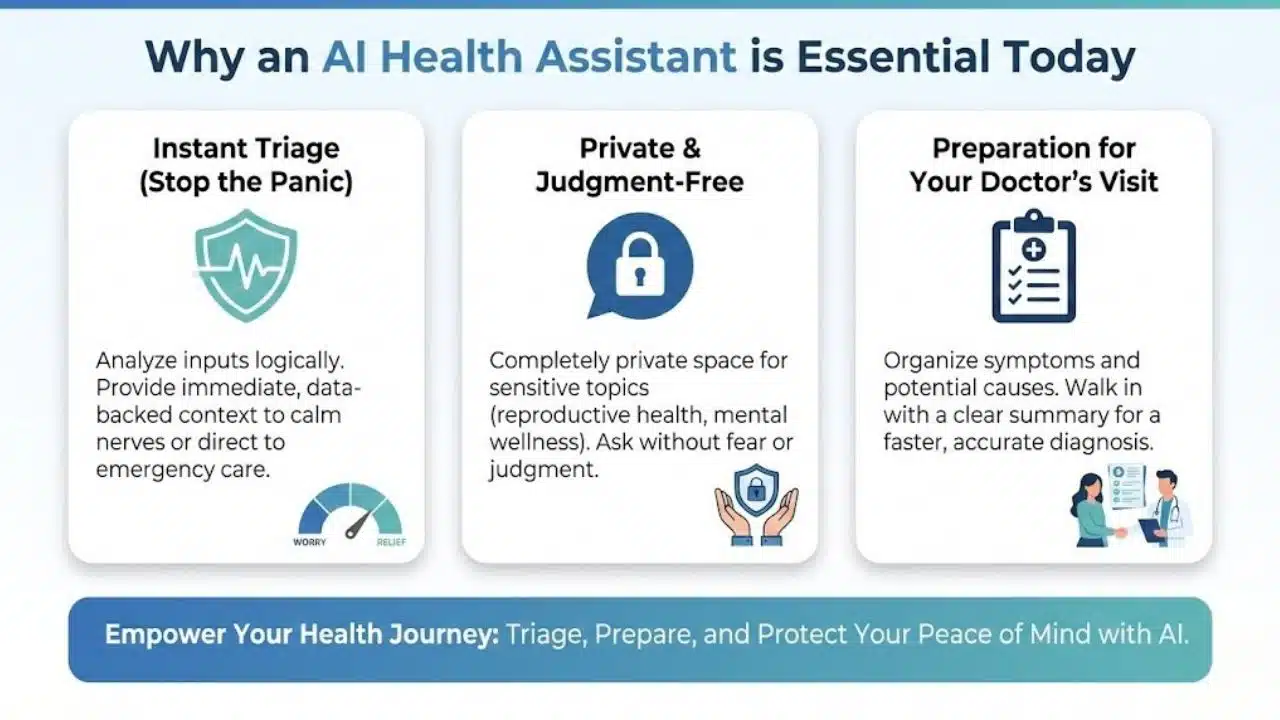
- Instant Triage (Stop the Panic) When you feel a symptom, fear often sets in. Is it indigestion or something worse? This assistant helps analyze your inputs logically, providing immediate, data-backed context that can help calm your nerves or direct you to emergency care if actually needed.
- Private & Judgment-Free Some health questions feel awkward to ask another person. Our Online Health Assistant offers a completely private space to ask about sensitive topics—from reproductive health to mental wellness—without fear of judgment.
- Preparation for Your Doctor’s Visit The tool doesn’t just give answers; it helps you prepare. By organizing your symptoms and potential causes, you can walk into your doctor’s appointment with a clear summary, saving time and ensuring you get the right diagnosis faster.
Step-by-Step Guide: How to Use the Online Health Assistant
Using this tool is as simple as sending a text, but the quality of the answer depends on how you ask. Follow these steps to get the most accurate insights.
Step 1: Access the Interface
- Navigate to the Online Health Assistant page.
- You will see a clean, simple input area (chat box or query field) designed for your questions.
Step 2: Describe Your Situation Clearly
Instead of typing just one word like “Headache,” be specific. The AI works best with context.
- Bad Example: “Stomach pain.”
- Good Example: “I have a sharp pain in my upper right stomach that started after eating a fatty meal. I also feel slightly nauseous. What could this be?”
Step 3: Include Relevant Details (Optional but Helpful)
If relevant, briefly mention:
- Duration: How long have you felt this way? (e.g., “For 2 days”)
- Triggers: Did it happen after food, exercise, or stress?
- History: Do you have existing conditions like diabetes or hypertension? (Note: The tool processes this for the current session to improve accuracy but does not store your personal health history.)
Step 4: Review the Analysis
Click Submit or Ask. Within seconds, the assistant will generate a comprehensive response that usually includes:
- Potential Causes: Common reasons for your symptoms.
- Home Remedies: Safe, non-medical steps you can take immediately (e.g., hydration, rest positions).
- Warning Signs: Specific symptoms that mean you should see a doctor immediately.
Step 5: Ask Follow-Up Questions
The conversation doesn’t have to end with one answer.
- “What foods should I avoid with this condition?”
- “Is this medication safe to take with Ibuprofen?”
- “Can you explain this medical term simply?”
Real-Life Use Cases
- The “New Parent” Check: “My baby has a rash on her stomach but no fever. Should I be worried?”
- The Medication Double-Check: “I missed a dose of my antibiotic. What should I do?”
- The Fitness Enthusiast: “My knee clicks when I squat but doesn’t hurt. Is this bad?”
Medical Disclaimer
While the Online Health Assistant is built on advanced medical data to provide high-quality health information, it is an informational tool, not a doctor. It cannot diagnose diseases, prescribe medication, or perform physical exams. Always consult a certified medical professional for official diagnosis and treatment. In case of a medical emergency, please contact local emergency services immediately.