

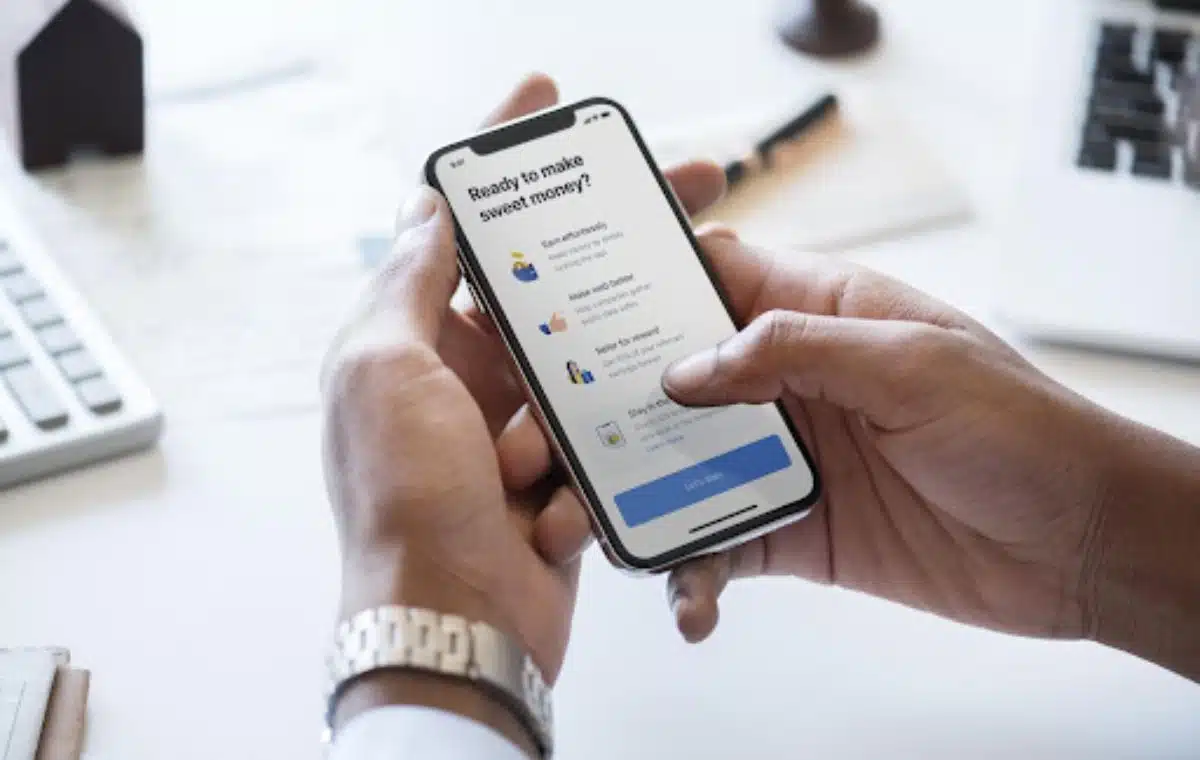
Creating and adhering to a monthly budget is essential to ensuring financial stability, and understanding how money flows into and out of your home is no less crucial, especially at the beginning of one’s financial life.
Having a solid foundation of support may aid in maintaining any habit. The most effective budgeting tool is the one that you find convenient to use on a daily basis, whether it a sophisticated software, a well-designed spreadsheet, or old-fashioned pen and paper. Let’s explore our top picks to help you find out what best suits your preferences and helps you achieve your financial goals.
1. Mint

You can connect your bank accounts to Mint so that it can generate a budget based on your previous purchases. The software organizes your spending into several buckets for things like food, utilities, and transportation. Even though Mint automates everything for you, you have considerable control over your finances by modifying the default settings or adding new categories with no effort.
Using Mint, you can easily save money for a variety of purposes. Mint will take consider your planned expenses and timeframe once you’ve created a goal. In addition to being user-friendly, Mint also provides various valuable insights. Things like your credit score, investments, and net worth are shown alongside the more conventional financial data such as income, spending, and savings targets. The best part is that Mint is 100% free.
2. YNAB/You Need a Budget

Instead of looking back at previous purchases, this software helps users prepare for the future. You may tell YNAB how much of each paycheck should go toward things like bills, savings, pension funds, and long-term plans, and it will automatically allocate the funds accordingly. You will be more deliberate when you are forced to choose how to spend your money.
YNAB requires a lot of user input because of all the many options available. The website for YNAB, which is where you can learn how to use the app, is loaded with instructional materials that will help you get over the hump of learning how to utilize the software.
3. Honeygain

Honeygain is another noteworthy app to install on your device. The application is easy to set up and basically rewards you for allowing it to use your internet connection. You can earn anywhere from a few bucks to fifty dollars or more each month, depending on how many devices you run the app on. It won’t eat up your processing power or slow down your internet.
Funds collected via Honeygain can be a great additional asset when trying to save up some extra cash. Not bad, considering all you need to do is connect to Wi-Fi or mobile data, lean back, and let the app do all the work. A high-speed internet connection is not required either.
4. GoodBudget

If you need help keeping track of your finances, you should also check out GoodBudget. It’s compatible with several platforms, so you can try it out on your Android, web browser, or iOS device. The data is synchronized amongst the various systems. You will also be able to monitor your spending and income, as well as other helpful budgeting features.
If you want to transfer your data to another device, you can export it as different file extensions such as CSV, OFX, and QFX. It’s simpler than most financial applications. However, the free version will limit your usage if you’re not willing to pay for a monthly subscription. The main downside of GoodBudget is that you have to input your transactions manually.
5. Honeydue

This app helps couples manage their finances together. The signup procedure for Honeydue is quick and painless – you simply register and send an invite to your significant other.
You can easily monitor your personal and joint budgets simultaneously. You can also restrict what your partner can view. You can share either your balance or your transaction history with the app after linking your bank account.
Honeydue’s bill reminders and in-app messaging make it easy to stay on top of your monthly expenses and other financial commitments. Honeydue also provides a joint checking account with debit cards, perfect for those who want to pool their funds to achieve a shared goal.
Conclusion
Finding the finest budgeting tool takes effort, but it’s definitely worth the hassle. We suggest experimenting with a few options first and committing to the one that you find most useful. Some people may prefer Honeydue thanks to its thoughtful design for couples. In the meantime, having Honeygain installed can earn you extra funds to save them up for a larger goal. Getting a better grip on your finances will allow you to focus on other errands and enjoy your life more without unnecessary stress or worry.























